WhatsApp Calls
Manage WhatsApp calls with AI and automation.
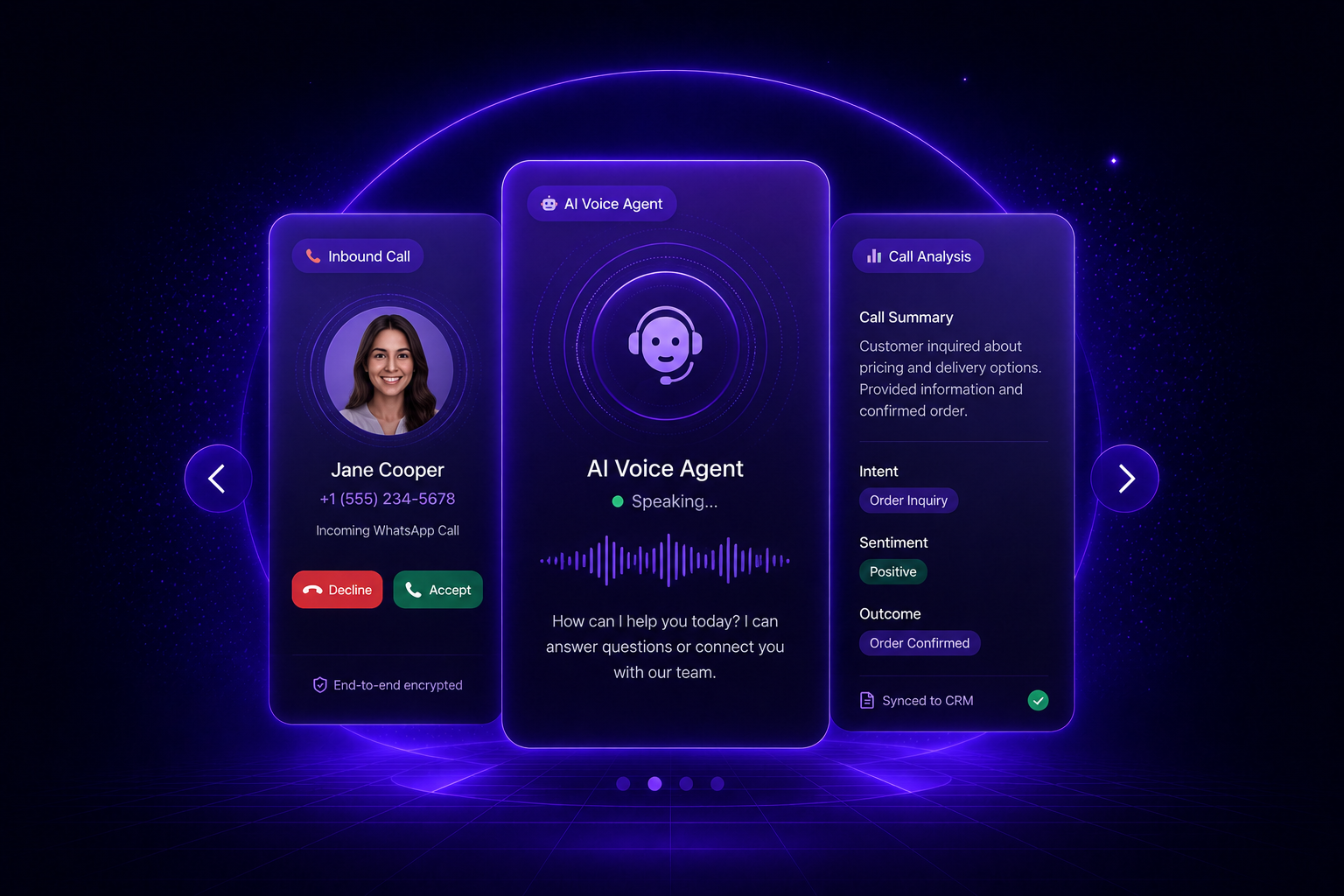
Answer incoming calls, trigger outbound calls, let AI speak with customers and turn every conversation into structured business insight.
Or start with $150 of credit, enough for a first month of Growth
What you can automate
Voice conversations connected to your workflows.
Use WhatsApp Calls to answer, route, analyze and trigger business actions from voice conversations.
-
Inbound Call Handling
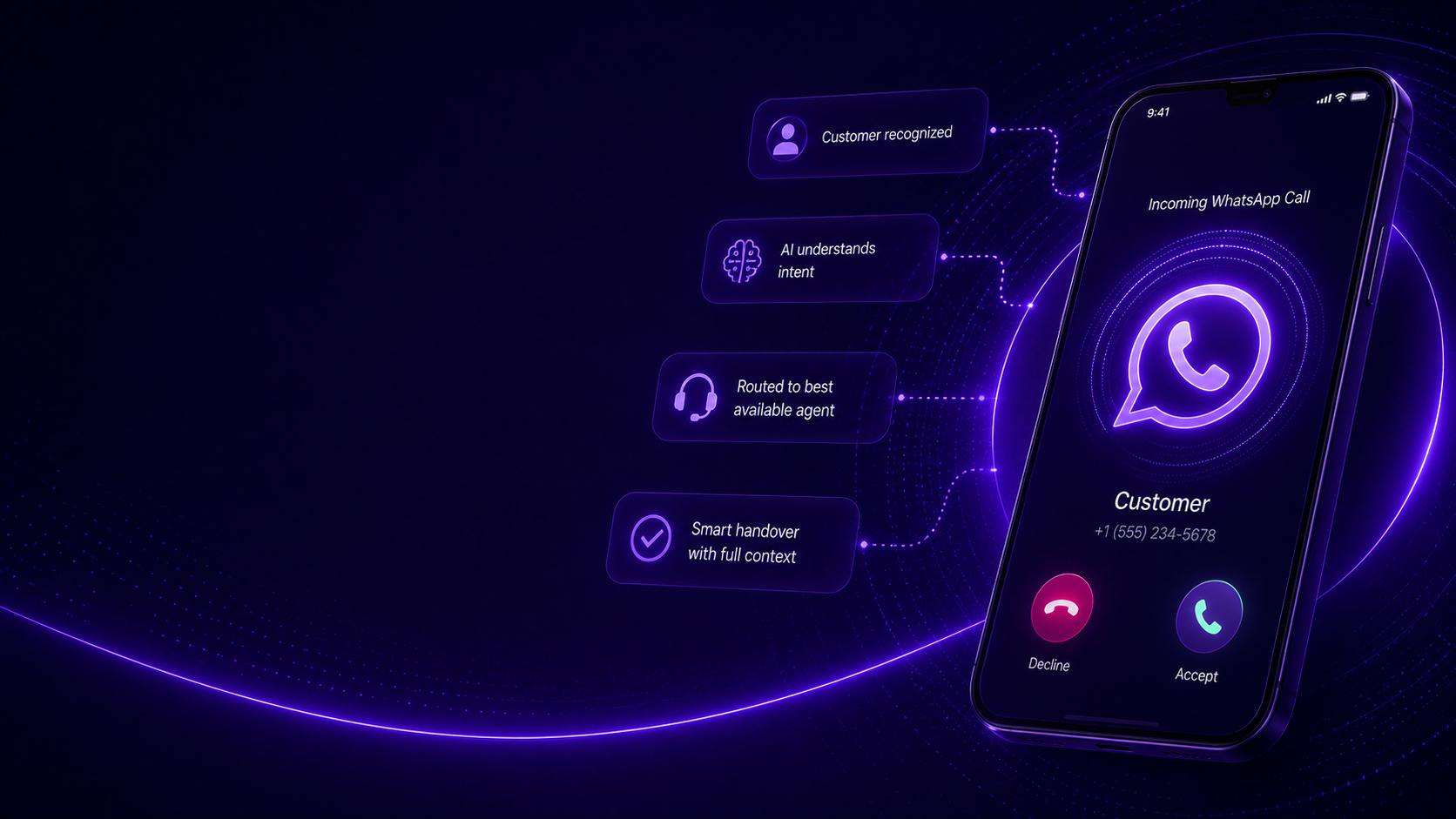
Receive WhatsApp calls, understand customer intent and route calls to AI, agents or the right business workflow.
- Call routing
- Customer context
- Smart handover
-
Outbound WhatsApp Calls
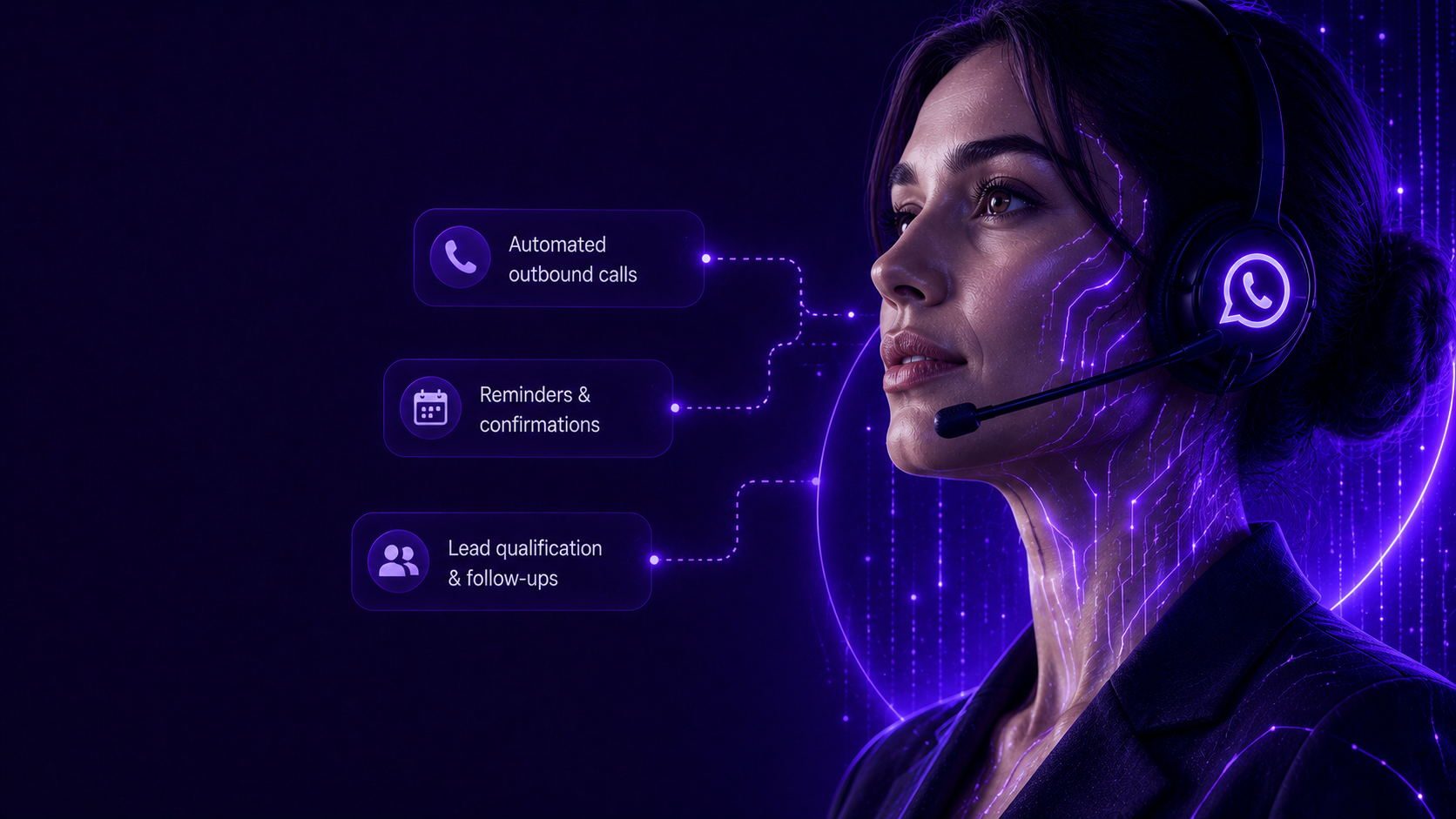
Start outgoing WhatsApp calls for reminders, confirmations, follow-ups, lead qualification or operational updates.
- Follow-up calls
- Appointment reminders
- Campaign callbacks
-
AI Voice Responses
Let AI answer common questions, collect information, summarize needs and continue the customer journey by voice.
- Voice AI answers
- Intent detection
- Human handover
-
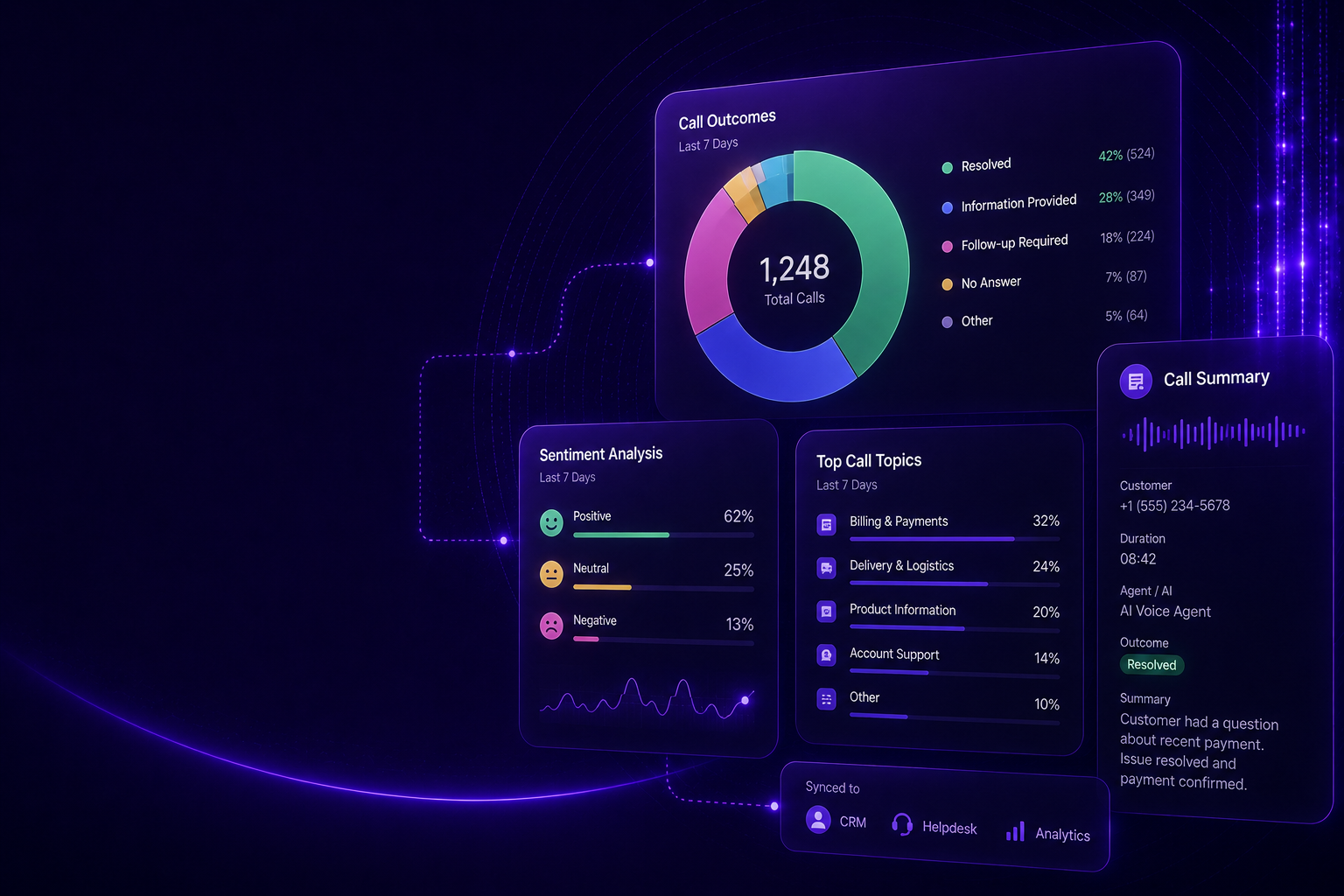
Call Analysis & Insights
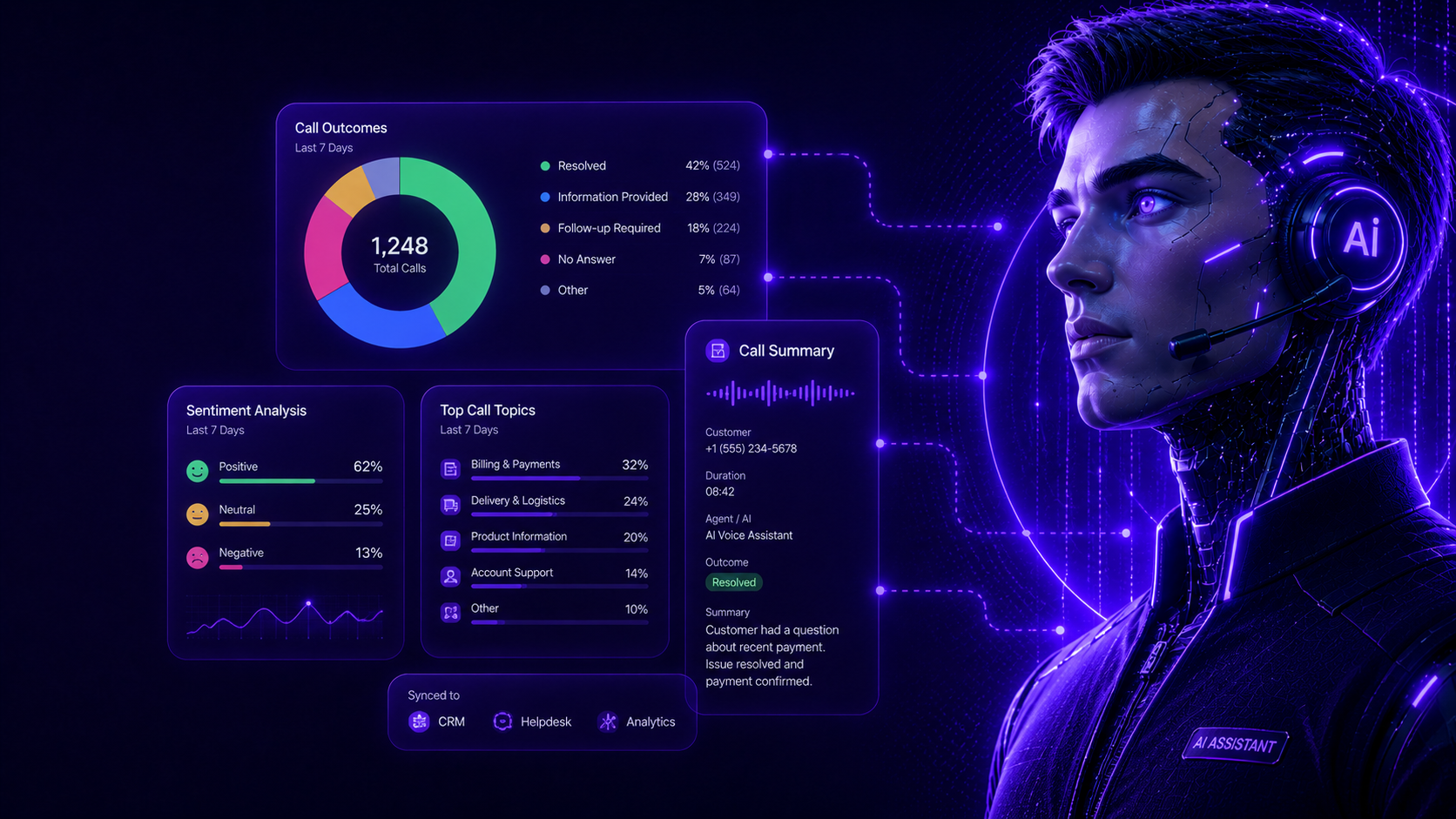
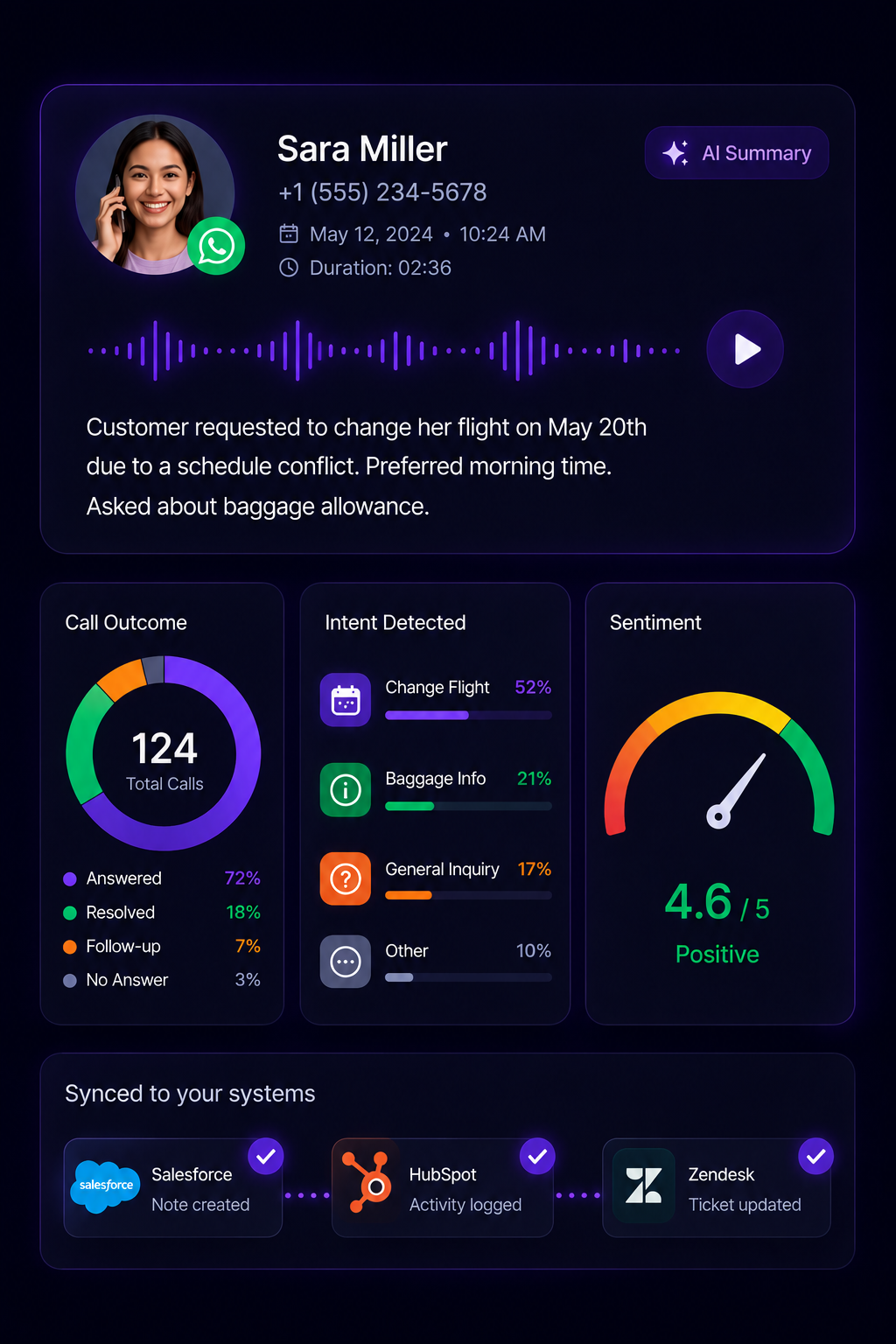
Analyze call outcomes, summarize conversations, detect topics and sync every insight with your CRM or helpdesk.
- Call summaries
- Sentiment insights
- CRM notes
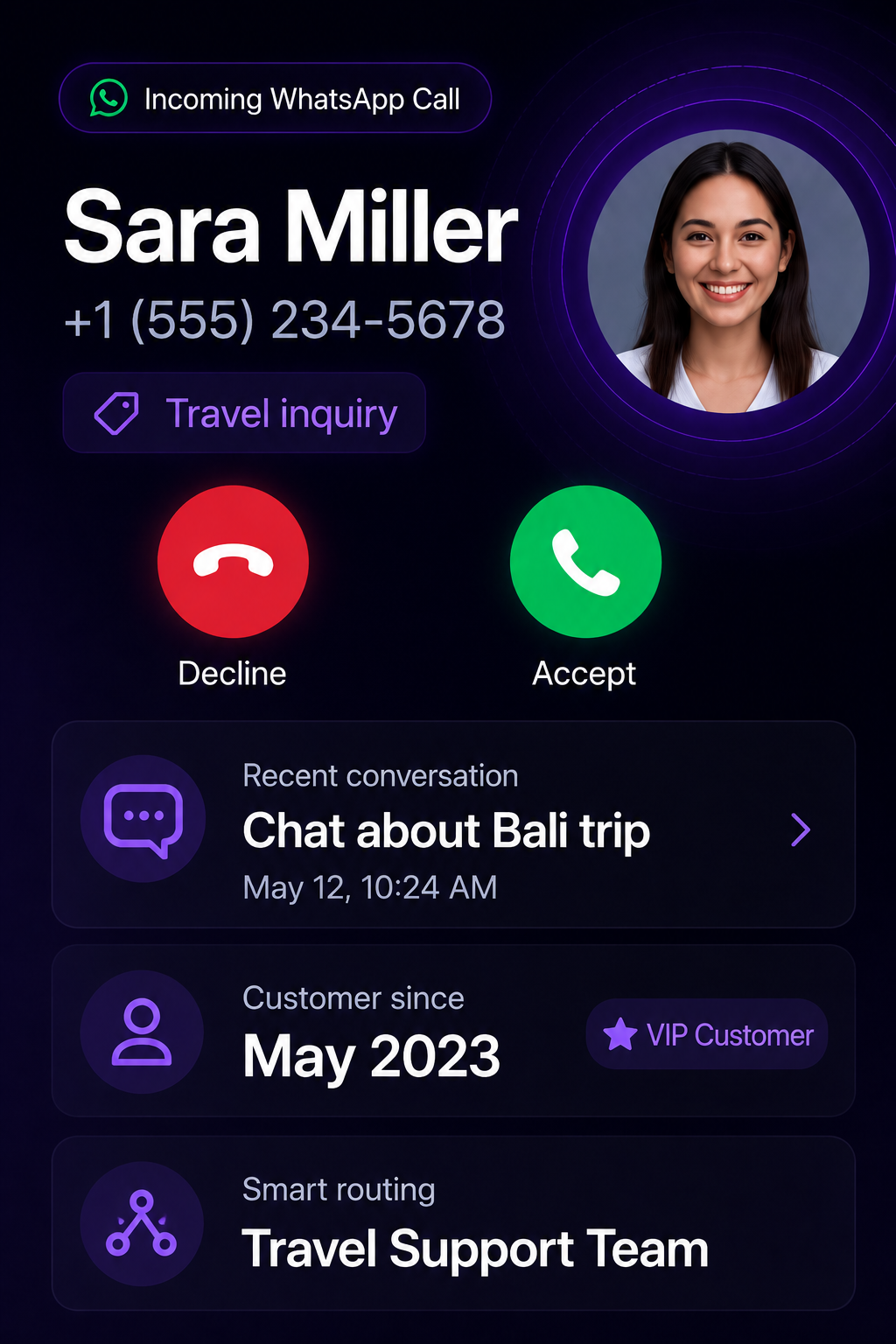
Inbound WhatsApp Calls
Answer calls with full customer context.
When customers call through WhatsApp, MonoChat can identify the customer, understand the topic and route the call to AI or the right team with conversation history attached.
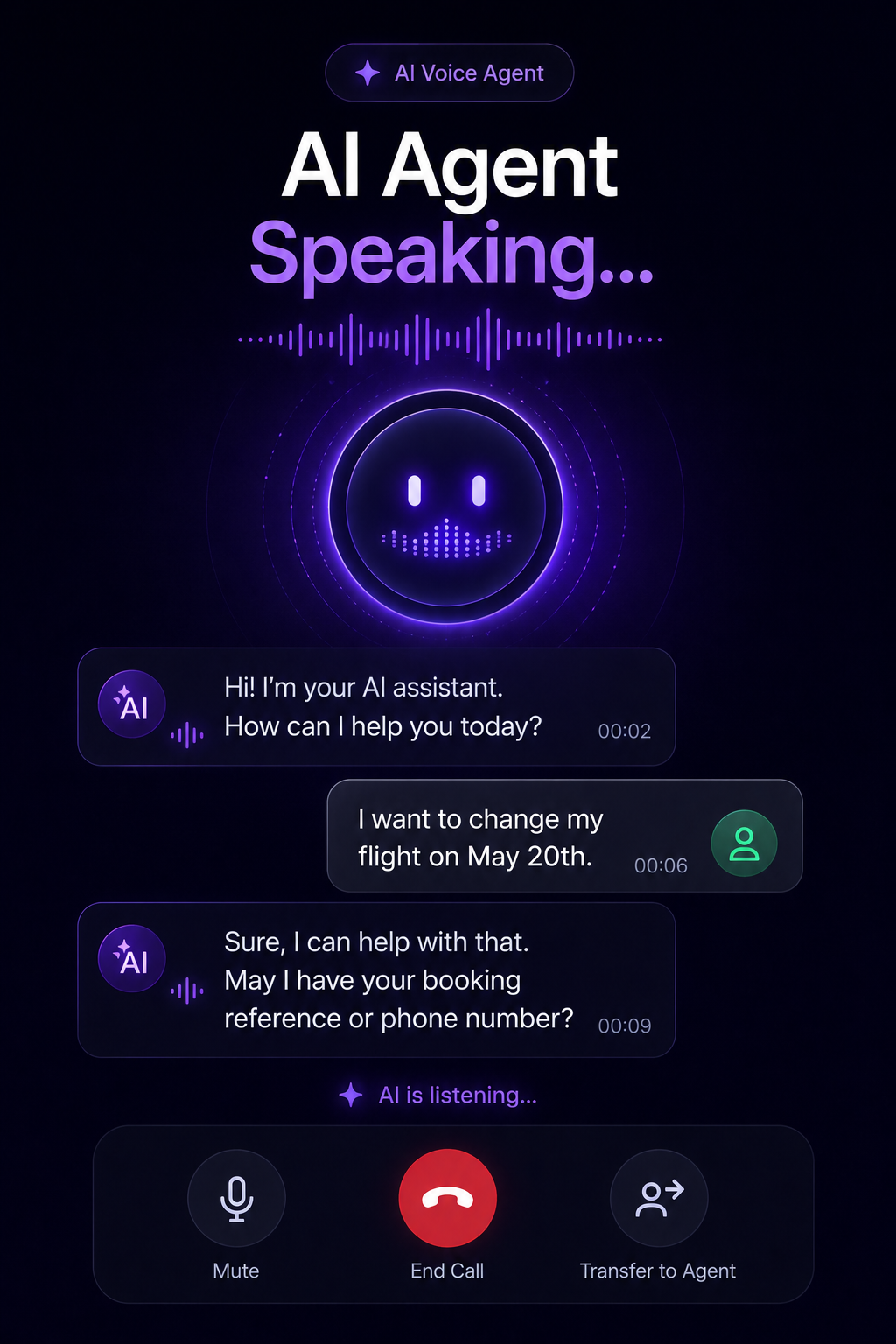
AI Voice Agent
Let AI speak with customers.
AI can answer repetitive questions, collect missing information, explain next steps and hand over to a human agent when the conversation needs personal attention.
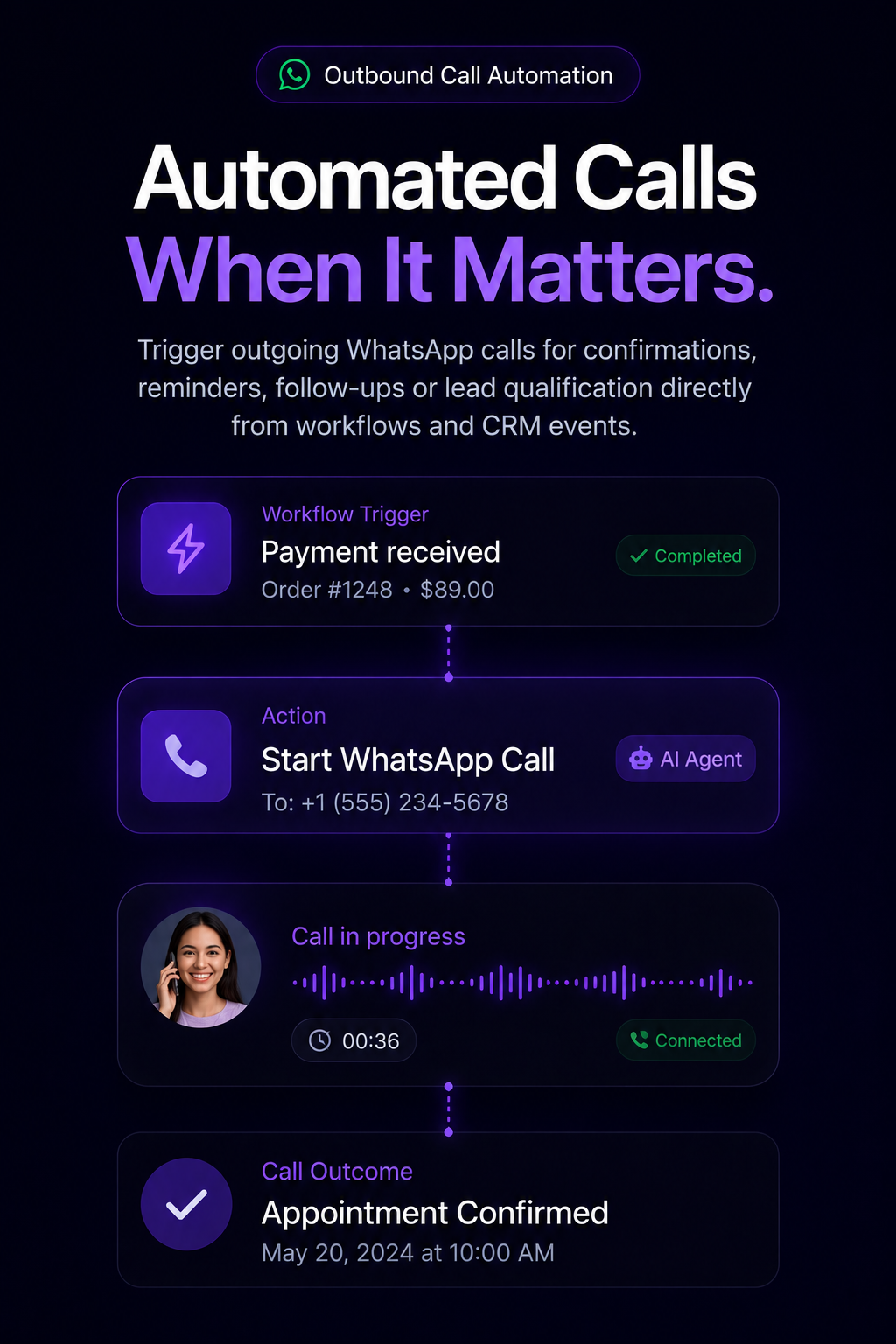
Outbound Call Automation
Call customers when action is needed.
Trigger outgoing WhatsApp calls for confirmations, reminders, follow-ups or lead qualification directly from workflows and CRM events.
Call Analysis
Turn every call into usable insight.
Summarize calls, detect intent, analyze outcomes and push structured notes into your CRM, helpdesk or internal systems automatically.
Call scenarios
Build voice journeys for every customer moment.
From inbound support to outbound reminders, each call can be handled, analyzed and connected to business actions.
-
Inbound Support Call
- Customer calls on WhatsApp
- AI understands intent
- Answers or routes call
- Creates summary + case
-
Outbound Reminder
- Workflow triggers call
- AI confirms details
- Customer responds by voice
- System updates record
-
AI Voice Agent
- Customer asks question
- AI checks knowledge/tools
- Answers instantly
- Hands over if needed
-
Post-Call Analysis
- Call ends
- AI summarizes outcome
- Tags intent + sentiment
- Syncs to CRM
Data and integrations
Every WhatsApp call becomes structured business data.
MonoChat can summarize calls, sync outcomes to your systems and trigger workflows based on voice conversations.
-
CRM
Sync call notes, outcomes, customer intent and next actions.
-
Helpdesk
Create or update tickets from WhatsApp call outcomes.
-
AI Agents
Use AI to answer, summarize and route voice conversations.
-
Workflows
Trigger calls from events, forms, reminders and CRM changes.
How WhatsApp Business calling works with MonoChat
Three steps to take and make WhatsApp calls next to your chats.
-
Connect your WhatsApp number
Connect your WhatsApp Business API number to MonoChat and turn on calling where it is available for your account.
-
Route calls to AI or agents
Decide which calls an AI voice agent answers and which go to a team. Whoever picks up sees the customer and the chat history.
-
Summarize and sync
After each call MonoChat can summarize the outcome, tag the intent and update your CRM or helpdesk.
Common WhatsApp Call use cases
AI when repetitive. Human when personal.
Let AI handle routine voice questions, then route sensitive or complex calls to the right team with full context.
Talk to us- Customer support calls
- Appointment confirmations
- Lead qualification calls
- Payment reminder calls
- Delivery or service updates
- Post-conversation follow-ups
- Call summaries for CRM
- AI-assisted call routing
FAQ
WhatsApp Business calling FAQ
How voice calls work on the WhatsApp Business API and what MonoChat adds to them.
Can a business make and receive calls on the WhatsApp Business API?
Yes. With WhatsApp Business calling, customers can call your business from the chat, and you can call customers who have given you permission. Availability depends on Meta’s rules for your account and country.
Do customers need another app or a phone line to call?
No. These are voice calls over the internet inside WhatsApp, on the same number customers already message. They tap the call button in the chat and your team or AI agent answers in MonoChat.
Do I need permission before calling a customer on WhatsApp?
Yes. For calls that your business starts, WhatsApp requires the customer to grant call permission first. Calls that the customer starts do not need it. MonoChat workflows can ask for permission in the chat before an outbound call is triggered.
Can an AI voice agent answer WhatsApp calls?
Yes. An AI voice agent can answer common questions, collect missing details and explain next steps by voice, then hand the call over to a human agent with full context when it needs personal attention.
Keep exploring
-
WhatsApp Flows
Create forms, surveys and guided journeys inside WhatsApp. -
Carousel Messages
Show products, offers and options with interactive carousel messages. -
Bulk Messaging
Send campaigns, announcements and segmented WhatsApp broadcasts. -
Template Messages
Send approved templates for notifications, reminders and follow-ups. -
WhatsApp Coexistence
Use WhatsApp Business App and API together on the same number. -
WhatsApp Chatbot
Answer customers on WhatsApp around the clock with an AI chatbot.
First month of Growth on us
Turn WhatsApp Calls Into AI-Powered Customer Journeys
Handle inbound calls, trigger outbound calls, analyze conversations and connect every voice interaction to MonoChat workflows.
One code per business • 30 days to redeem • No card needed