WhatsApp Coexistence
Use WhatsApp Business App and API together.
Keep your existing WhatsApp experience while unlocking AI agents, shared team inboxes, automation and CRM-connected workflows on the same number.
Or start with $150 of credit, enough for a first month of Growth
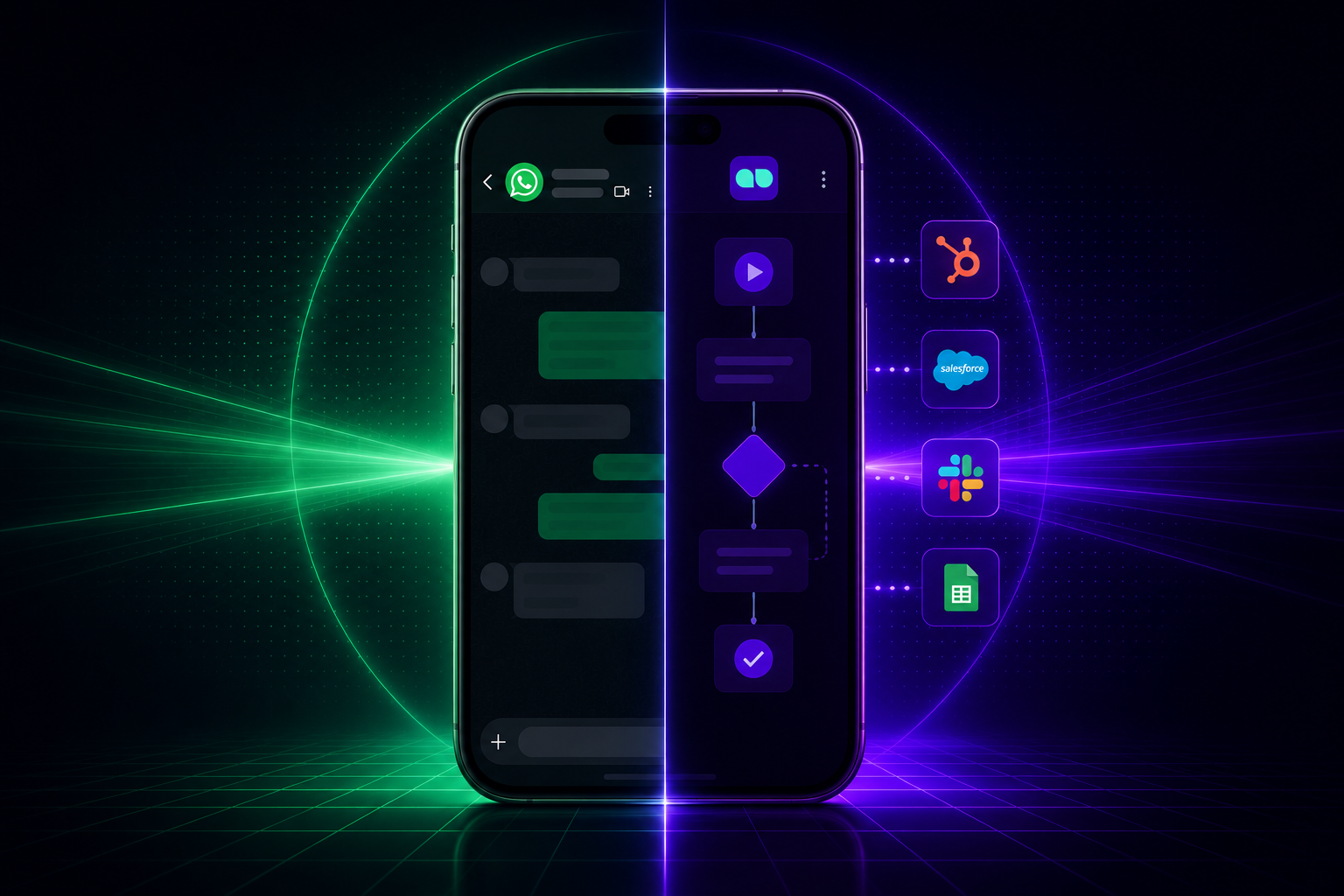
What coexistence unlocks
Keep the app. Add the power of the API.
WhatsApp Coexistence lets your business keep the familiar mobile app experience while MonoChat adds automation, AI and team operations.
-

Keep Using WhatsApp Business App
Continue using the familiar WhatsApp Business App while adding MonoChat’s team inbox, automation and AI capabilities.
- Same number experience
- Mobile app continuity
- No forced migration
-
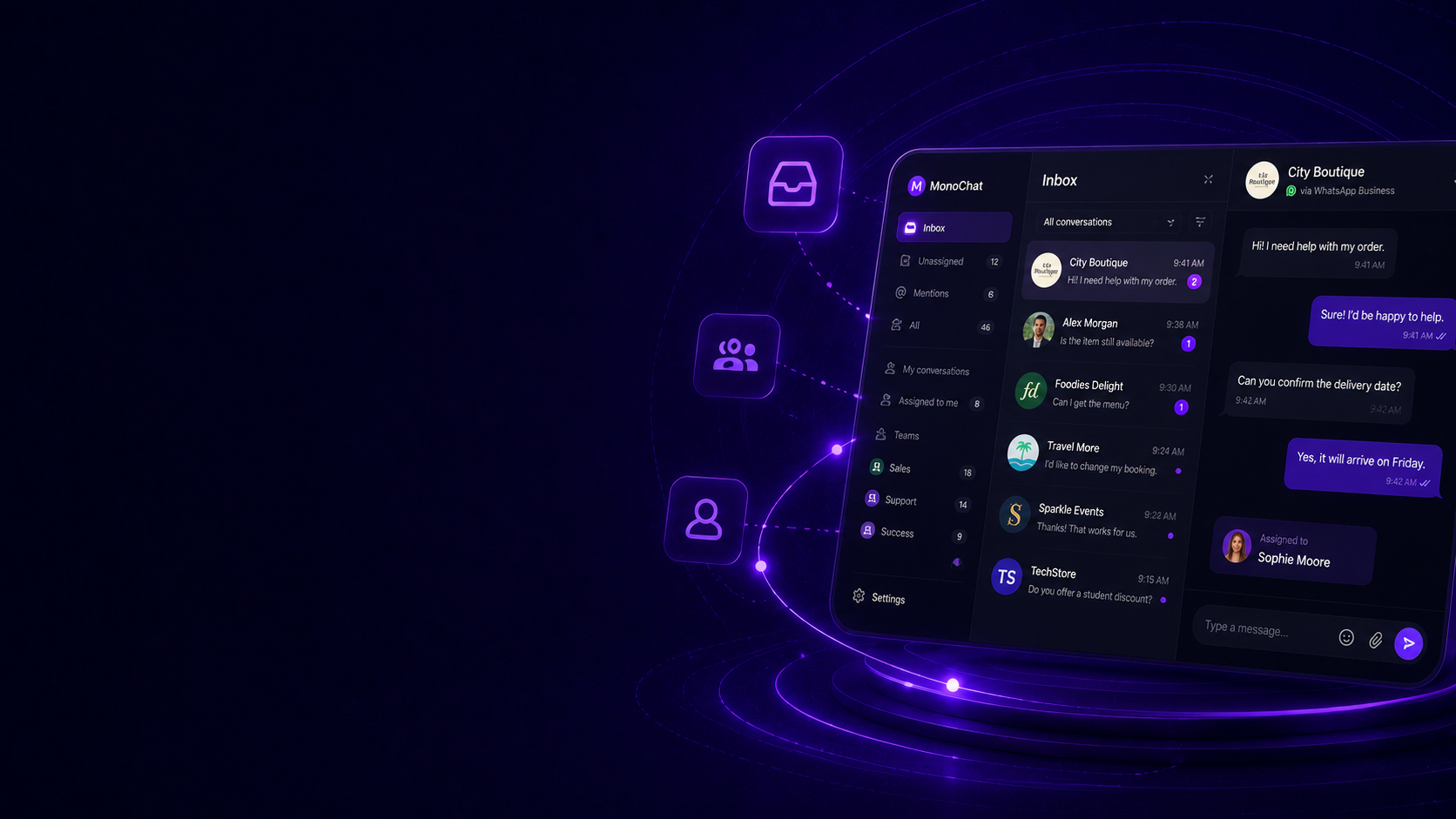
Add a Shared Team Inbox
Bring customer conversations into MonoChat so teams can collaborate, assign owners and track every interaction clearly.
- Shared visibility
- Team assignment
- Conversation ownership
-
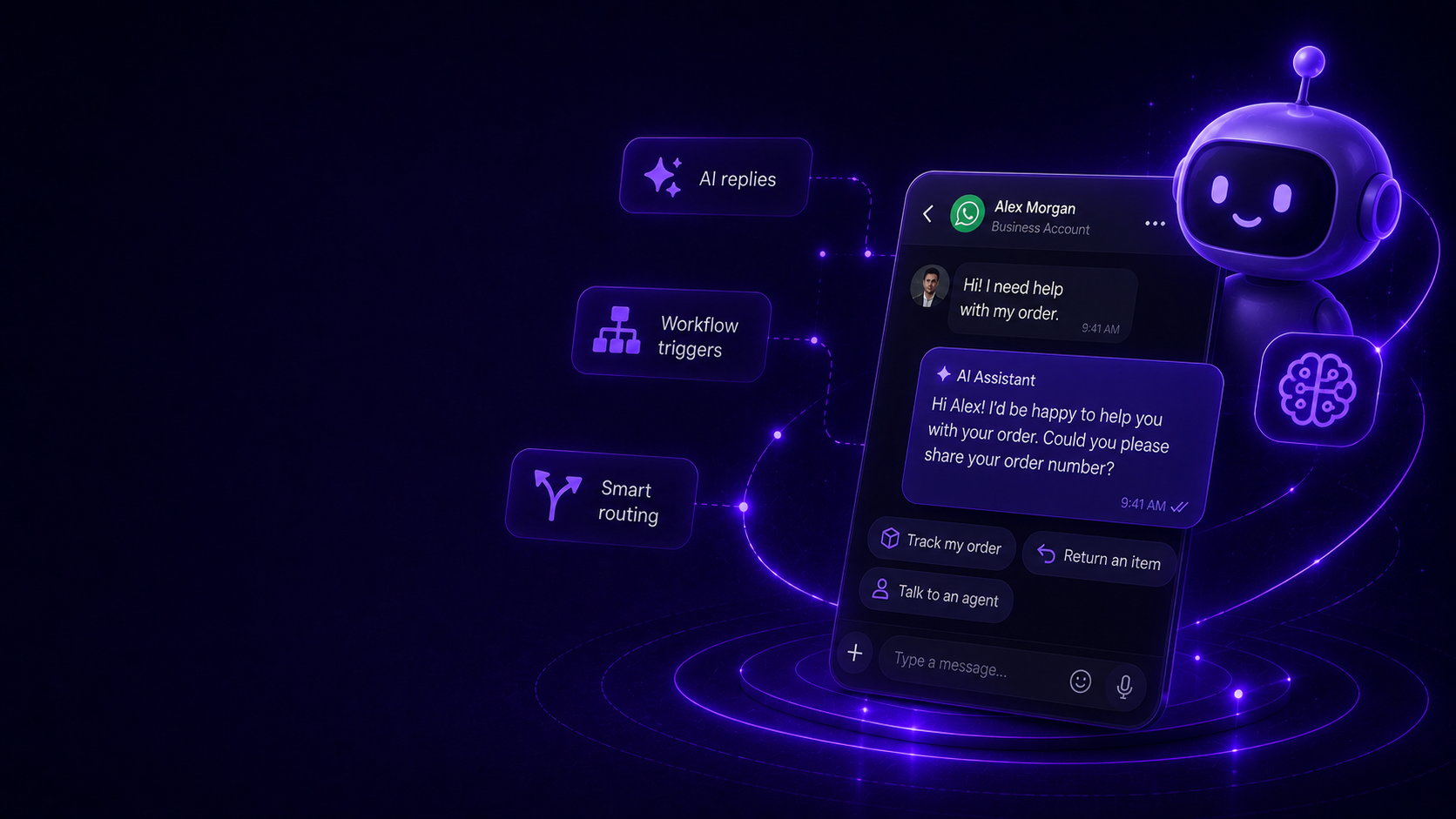
Activate AI and Automation
Use AI assistants, workflows and smart routing on top of your existing WhatsApp number without changing how customers reach you.
- AI replies
- Workflow triggers
- Smart routing
-
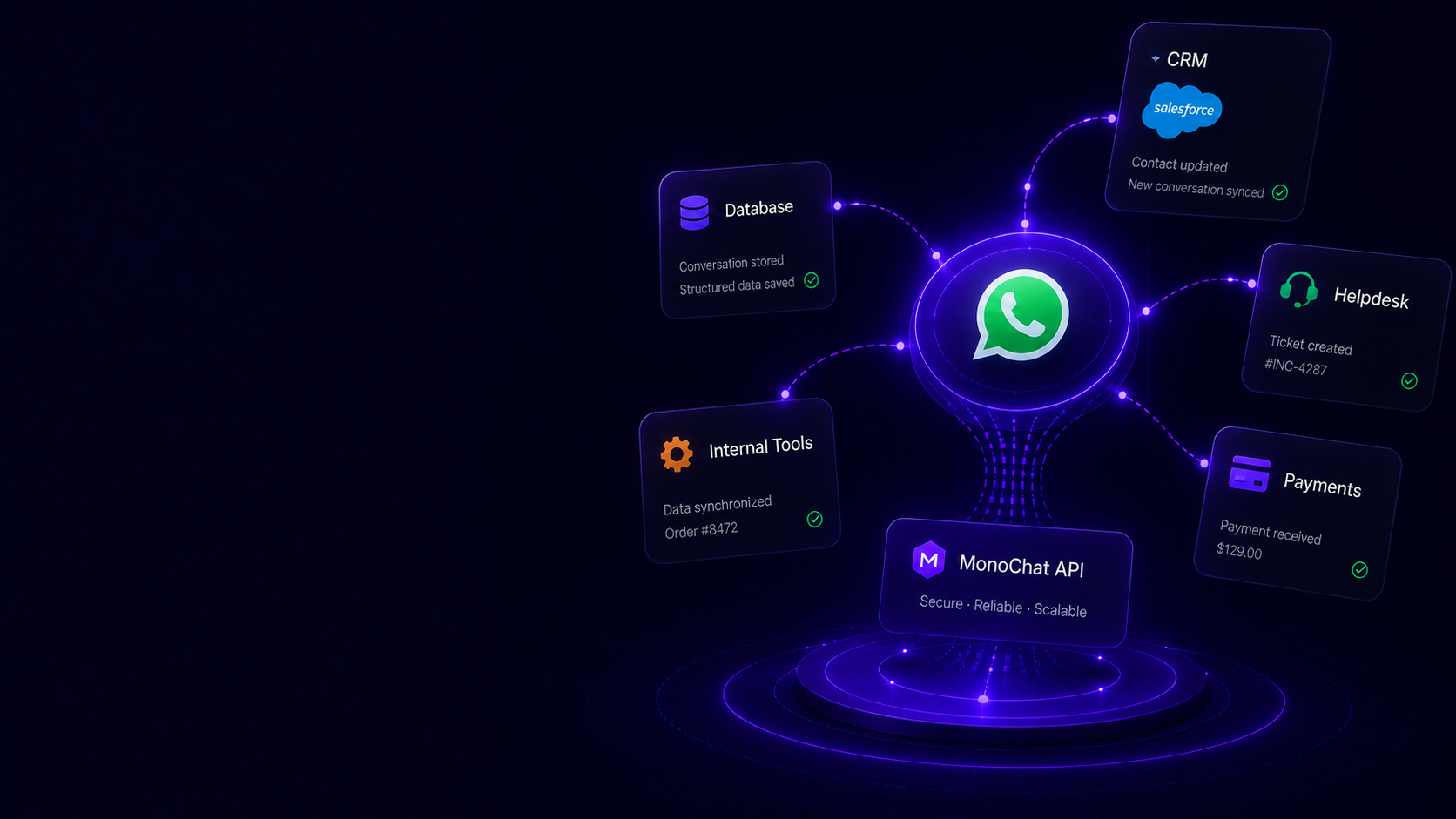
Sync Data With Your Systems
Connect WhatsApp conversations to your CRM, helpdesk, payment systems and internal tools with structured data flow.
- CRM sync
- Ticket creation
- Custom API actions
Shared WhatsApp Number
One number. Multiple ways to work.
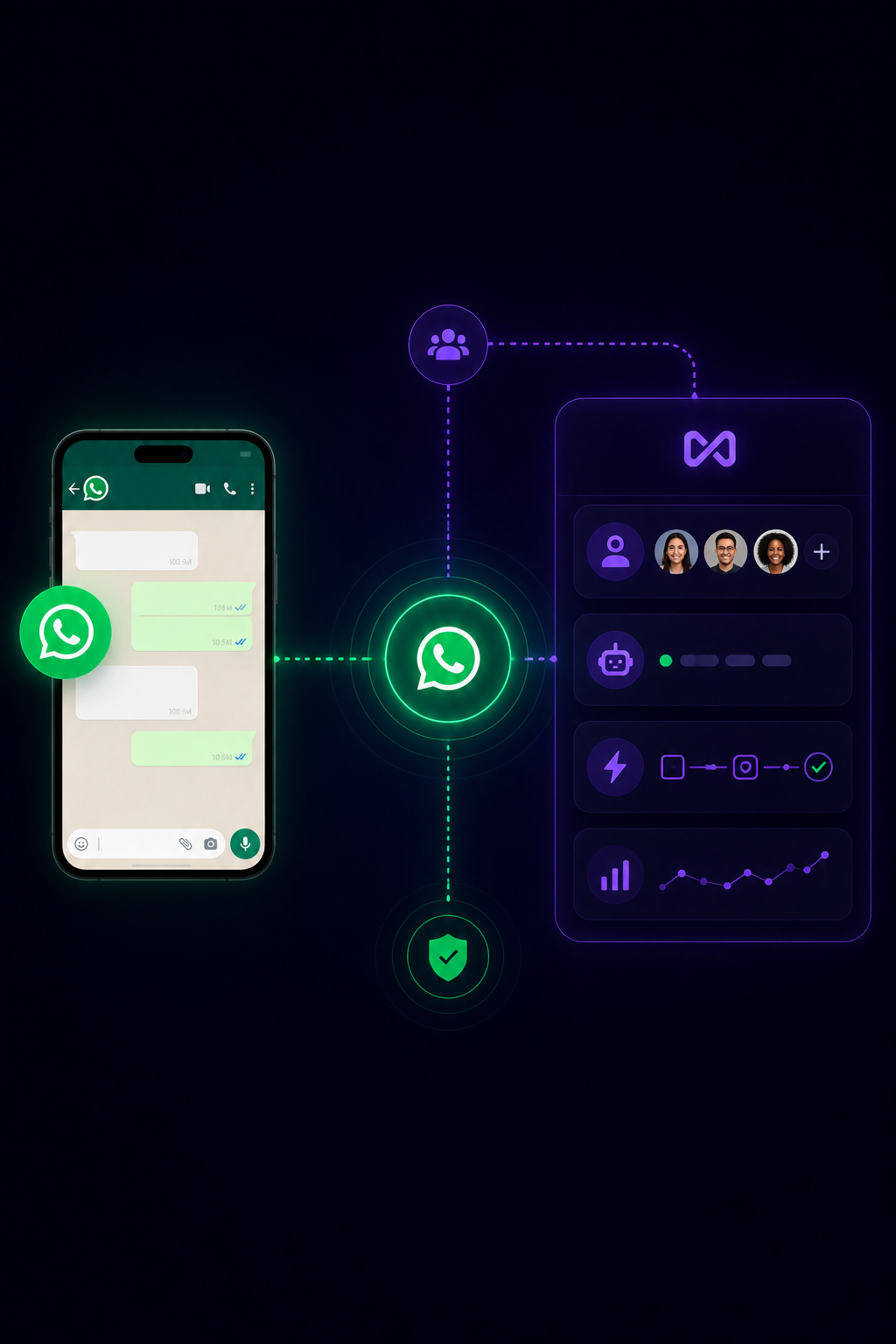
Use the WhatsApp Business App for familiar mobile conversations while your team, AI agents and automations work through MonoChat on the same number.
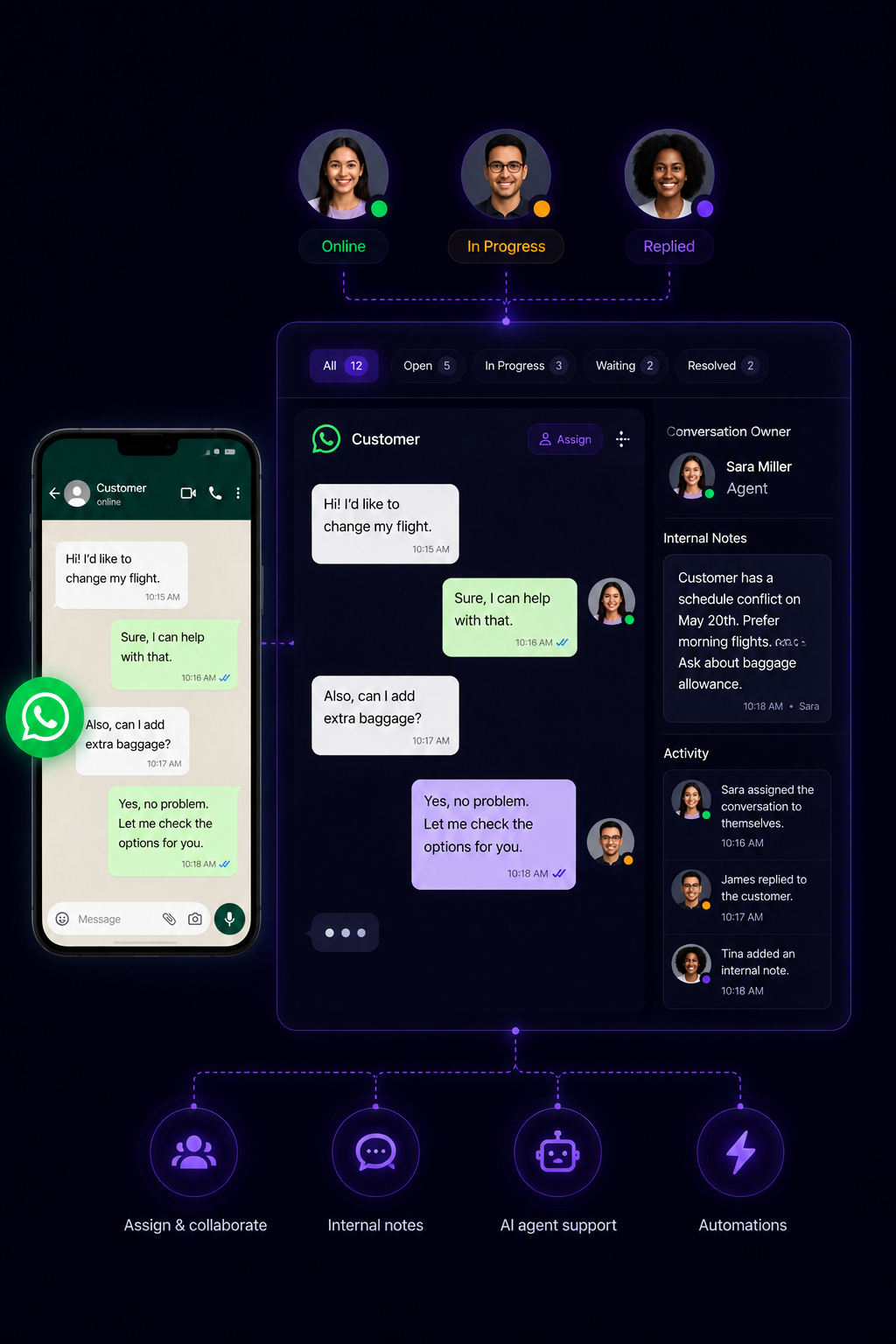
Team Collaboration
Let teams respond without losing the personal touch.
Bring conversations into MonoChat, assign owners, collaborate internally and keep the customer experience consistent across mobile app and API-powered workflows.
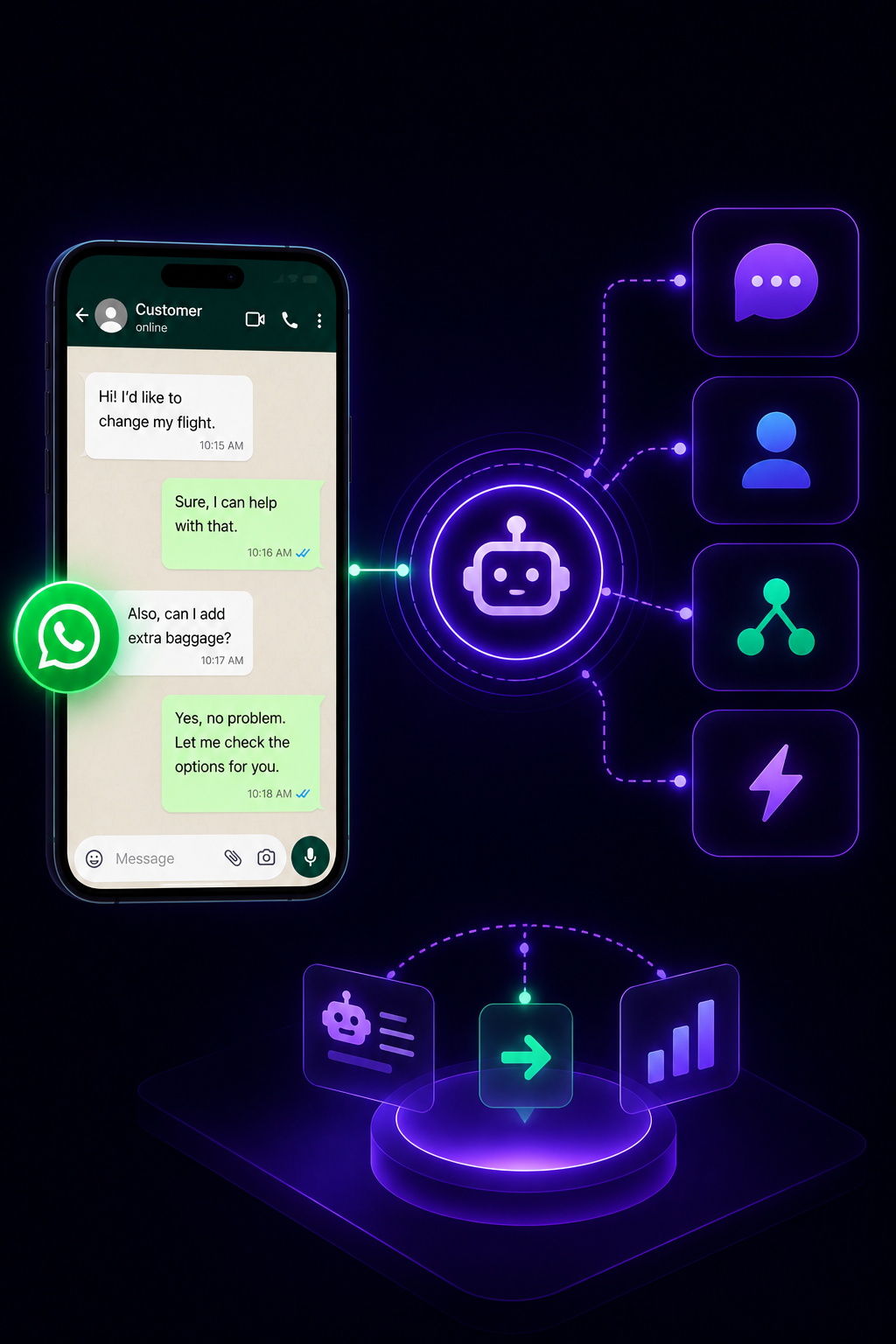
AI + Automation
Add AI workflows without changing your WhatsApp habits.
Automate replies, qualify leads, route conversations and trigger workflows while keeping the familiar WhatsApp Business App experience active.
Coexistence scenarios
Add modern workflows without changing your WhatsApp habits.
Keep WhatsApp Business App usage active while MonoChat brings structure, automation and visibility to every customer journey.
-
Mobile + API Together
- Keep existing number
- Connect API access
- Use app normally
- Run MonoChat workflows
-
Team Inbox Expansion
- Receive conversations
- Assign to team
- Track ownership
- Reply with context
-
AI-Powered Replies
- Detect customer intent
- Suggest or send replies
- Trigger actions
- Handover when needed
-
System Sync
- Capture conversation data
- Create CRM records
- Update tickets
- Trigger follow-ups
Data and integrations
One WhatsApp number connected to your business systems.
MonoChat can connect WhatsApp conversations to AI agents, team inboxes, CRMs, helpdesks and custom APIs while your mobile app usage continues.
-
WhatsApp Business App
Keep using the mobile app experience your team already knows.
-
Team Inbox
Manage conversations with assignment, ownership and visibility.
-
AI Agents
Answer, qualify and route customers automatically.
-
CRM & APIs
Sync customer data, notes, tickets and actions with your systems.
Chat history and contacts
Bring your chat history and contacts
Right after you connect, sync the chats and contacts from your WhatsApp Business app into MonoChat, so your team inbox starts with the context you already have.
-
Sync chats and contacts
Use Sync history messages and Sync history contacts from the channel menu in MonoChat.
- Available in the first 24 hours after connecting
- Chats and contacts synced separately
- Progress shown on the channel
-
Up to about six months
Meta shares up to about six months of your one-to-one chat history. You confirm the sharing in the WhatsApp Business app.
- One-to-one chats
- You approve sharing in the app
- Group chats are not included
-
Replies keep their context
Imported conversations keep quoted replies, so your team can see which message a customer answered.
- Quoted replies kept
- History on the customer profile
- Ready for assignment
-
Phone and inbox stay in step
Messages you send from the WhatsApp Business app on your phone also appear in MonoChat.
- Keep replying from the app
- Your team sees every reply
- One conversation, two places to answer
How to set up WhatsApp Coexistence with MonoChat
Four steps to add the API to the number you already use in the WhatsApp Business app.
-
Check your number
You need a number that is active in the WhatsApp Business app. Eligibility depends on Meta policy, your account and your region.
-
Connect it to MonoChat
Onboard the same number to the API from MonoChat and confirm the connection in your WhatsApp Business app. No number change, no migration.
-
Sync your chat history and contacts
In the first 24 hours after connecting, use Sync history messages and Sync history contacts on the channel and confirm the sharing in the WhatsApp Business app. MonoChat shows the progress on the channel.
-
Add your team, AI and automation
Keep replying from your phone while agents, AI assistants and workflows work on the same conversations in MonoChat.
Common coexistence use cases
No hard switch. No customer confusion.
Keep the number customers already know, preserve familiar app usage and gradually add AI, automation and operational control.
Talk to us- Keep the same WhatsApp number
- Use WhatsApp Business App and API together
- Add AI assistants
- Centralize team conversations
- Route chats to departments
- Sync customer data to CRM
- Automate repetitive replies
- Track conversations and outcomes
FAQ
WhatsApp Coexistence FAQ
What keeps working in the WhatsApp Business app and what the API adds on the same number.
Can I use the WhatsApp Business app and the API on the same number?
Yes. Coexistence lets you use one WhatsApp number in the WhatsApp Business app and on the WhatsApp Business Platform (API) at the same time, so you keep mobile usage while MonoChat adds a team inbox, AI and automation.
What keeps working in the WhatsApp Business app after I connect?
You keep your number, the app on your phone and your existing chats, and you can go on replying to customers from the app. Messages you send from the app also appear in MonoChat, so your team sees the whole conversation. Meta may limit a few app-only features once a number is connected.
Will I lose my chat history?
No. Your chats stay in the WhatsApp Business app, and you can bring them into MonoChat too. In the first 24 hours after connecting, use Sync history messages and Sync history contacts on the channel. Meta shares up to about six months of one-to-one chat history once you confirm the sharing in the WhatsApp Business app. Group chats are not included.
Do I have to change my number or migrate to use the API?
No. With Coexistence you onboard your existing WhatsApp Business app number to the API without changing it, and customers keep writing to the number they already know.
Is WhatsApp Coexistence available in every country?
Not always. Availability depends on Meta policy, account eligibility and region. Share your business details with us and we will confirm the best setup path for your number.
Keep exploring
-
WhatsApp Flows
Create forms, surveys and guided journeys inside WhatsApp. -
Carousel Messages
Show products, offers and options with interactive carousel messages. -
Bulk Messaging
Send campaigns, announcements and segmented WhatsApp broadcasts. -
WhatsApp Calls
Manage WhatsApp calls with conversation context and outcome tracking. -
Template Messages
Send approved templates for notifications, reminders and follow-ups. -
WhatsApp Chatbot
Answer customers on WhatsApp around the clock with an AI chatbot.
First month of Growth on us
Use WhatsApp Business App and API Together
Keep your existing WhatsApp number while adding MonoChat AI agents, team inboxes, automations and CRM-connected workflows.
One code per business • 30 days to redeem • No card needed