Salon Appointment Booking on WhatsApp
WhatsApp Appointment Booking for Hair, Beauty and Barber Salons
Clients already message you on WhatsApp. MonoChat turns that message into a booked appointment: service, stylist, day and time chosen with buttons, confirmed in seconds, at any hour.
Or start with $150 of credit, enough for a first month of Growth
- WhatsApp Business API
- WhatsApp Flows
- Quick replies
Hi, can I book a skin fade and beard trim for tomorrow?
21:42
Of course! Who would you like to see?
21:42
Emre
21:43
Emre is free tomorrow at these times:
21:43
18:15
21:43
Booking confirmed
Skin fade + beard trim · Tue 18:15 · Emre
45 min · $35
You are booked in. We will send a reminder tomorrow morning.
21:43
Salon booking on WhatsApp, step by step
Everything reception asks on the phone, collected in the chat: for hair salons, barbers, nail studios, spas and aesthetic studios.
-
Service menu in chat
Clients choose from your services with prices and durations, grouped as hair, nails, skin or barbering.
-
Choose a stylist
Offer a specific stylist, barber or therapist, or let the client pick the first one available.
-
Free times as buttons
Show available days and times as quick replies, so booking takes a few taps instead of a phone call.
-
WhatsApp Flows booking form
Collect service, staff, date, time, name and notes in one native form inside WhatsApp.
-
Live availability via API
Connect your booking system or calendar with custom functions so the assistant checks and creates real appointments.
-
Instant confirmation
Send the booking summary right away and schedule the reminder with an approved WhatsApp template.
-
Handover to reception
Colour corrections, bridal parties and special requests go to a team member with the full conversation.
-
Branch routing
Ask for the preferred branch first and route each booking to the right location and team.
WhatsApp Flows
A salon booking form inside WhatsApp
For multi-step bookings, a WhatsApp Flows form keeps everything on one screen: the client picks the service, stylist, date and time, adds a note and submits. Nothing to download, no website to open.
- Service, stylist, date and time in one form
- Optional notes such as hair length or allergies
- Confirmation message sent the moment the form is submitted
Booking confirmation
WhatsApp template · sent on booking
Message preview
Hi Daniel, your skin fade + beard trim with Emre is booked for Tuesday 14 October at 18:15 at Atlas Barber Co. Reply here if you need to change it.
Ready-made app in the MonoChat Store
Salon booking
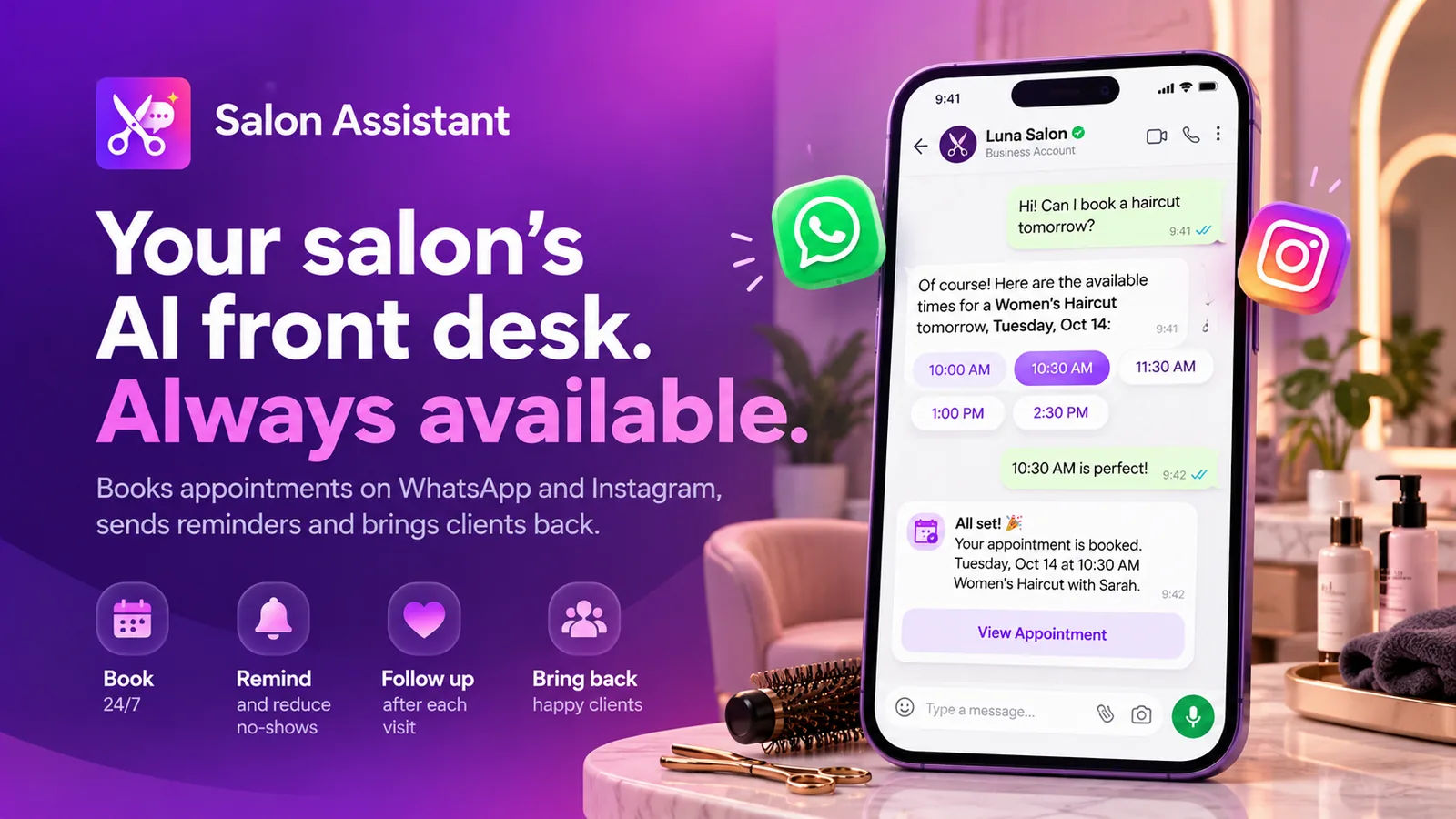
Salon Assistant
An AI front desk for salons that books appointments on WhatsApp and Instagram, sends reminders and brings clients back.
How to set up WhatsApp booking for your salon
Four steps from your service menu to bookings arriving on WhatsApp.
-
Add services and staff
Enter your services, prices, durations, stylists and opening hours, or upload your price list.
-
Build the booking flow
Use the no-code builder or a WhatsApp Flows form to collect the details in the order you prefer.
-
Connect availability
Use the times you define, or connect your booking system or calendar through custom functions and the API.
-
Share your WhatsApp link
Add the link to Instagram, Google and your website, and start taking bookings around the clock.
Example conversations
WhatsApp salon booking examples
Different ways clients book on WhatsApp: with a form, as a group, or for the first free slot today.
-
Booking a hair colour appointment with a WhatsApp form
The client fills in a WhatsApp Flows form with service, hair length and stylist, and gets a confirmed colour appointment with the right duration blocked.
Nova Beauty Studio Business accountHi, I'd like to book highlights.
09:15
Lovely! Tap below to choose your service, hair length, stylist and time in one step.
09:15
Open booking formBooking form sent
Half-head highlights · Long hair
Sara · Wed 22 Oct · 13:00
09:17
Appointment confirmed
Half-head highlights · Wed 13:00 · Sara
About 2.5 hours · from $140
You are booked in. As a first-time colour client, please pop in for a quick patch test 48 hours before.
09:17
Book patch test -
Booking a bridal party on WhatsApp
The assistant collects the date, number of people and services, then hands the request to the bridal coordinator with everything already in the chat.
Nova Beauty Studio Business accountHi! I'm getting married on 14 June and need hair and make-up for me and 4 bridesmaids.
20:40
Congratulations! Will the team come to your venue, or will you come to the salon?
20:40
At the venueAt the salonAt the venue
20:41
Bridal request
14 June · 5 people · Hair + make-up
On location · Trial wanted
Thank you! I am passing this to Elena, our bridal coordinator, with all the details.
20:41
Hi, I'm Elena. June 14 is still open for us. Could you send the venue address and the ceremony time? I will put a quote together tomorrow.
20:52
-
Booking the first free slot today with any stylist
The assistant checks live availability in the salon's booking system and offers the earliest slot with any free stylist.
Lumen Hair Studio Business accountAny chance of a blow-dry today? I have a dinner at 8.
13:05
Let me check today's diary... These stylists have time this afternoon:
13:05
16:45 · Can17:30 · Sara16:45 · Can
13:06
Booked for today
Blow-dry · 16:45 · Can
$30 · 40 min
Perfect timing for your dinner. See you at 16:45!
13:06
FAQ
WhatsApp appointment booking for salons: FAQ
Quick answers to the most common questions.
How do clients book a salon appointment on WhatsApp?
The client sends a message to your WhatsApp number. MonoChat replies with your service menu, then offers stylists and free times as buttons or in a WhatsApp Flows form. The booking is confirmed in the chat and passed to your team or booking system.
Can WhatsApp booking check my stylists' real availability?
Yes. Connect your booking system or calendar with custom functions, webhooks or the API, and the assistant checks free times and creates the appointment during the conversation. Without a connection, it offers the time rules you define and your team confirms.
Can clients choose a specific stylist or barber?
Yes. The flow can ask for a preferred stylist, barber or therapist, show only their free times, or offer the first available team member if the client has no preference.
What happens if the request is too complex for the bot?
Requests such as colour corrections, bridal parties or treatment questions are handed over to a team member in the shared inbox, with the full conversation history, so the client never has to repeat themselves.
Can I keep using the WhatsApp Business app on my phone?
MonoChat connects your number through the official WhatsApp Business API. With WhatsApp Coexistence you can keep the WhatsApp Business app on the same number and add automation and the team inbox on top.
Keep exploring
-
Appointment Reminders & No-Show Reduction
Confirm, remind and reschedule to cut no-shows. -
Instagram DM Booking for Salons
Turn Instagram DMs and story replies into bookings. -
Booking Deposits & Payment Links
Secure appointments with a deposit link in chat. -
Client Rebooking & Retention Campaigns
Bring clients back at the right interval for each service. -
Aftercare Messages & Review Requests
Send care instructions and ask for reviews after the visit.
First month of Growth on us
Take Salon Bookings on WhatsApp, Day and Night
Let clients pick a service, stylist and time in the chat they already use. Start free with MonoChat.
One code per business • 30 days to redeem • No card needed