Aftercare Messages & Review Requests
Salon Aftercare Messages and Review Requests After Every Visit
The visit ends at the door, the client experience does not. MonoChat sends the right aftercare for each treatment, checks in a day later, asks for a rating and invites happy clients to leave a review.
Or start with $150 of credit, enough for a first month of Growth
- Automated follow-up
- CSAT surveys
- Human handover
Lash lift aftercare
Keep dry 24 h · No mascara 48 h
Questions? Just reply here
Hi Sophie, thank you for visiting today! A few tips to keep your lash lift looking great:
16:30
Morning Sophie! How are your lashes looking? How would you rate your visit with Lily?
10:00
Excellent
10:12
So glad to hear it! Would you share a quick review? It helps others find us.
10:12
Done! Thanks Lily
10:15
Aftercare and review request features for salons
Follow-up that protects results and reputation: for hair and nail salons, lash and brow studios, spas and aesthetic and laser studios.
-
Aftercare per treatment
Send different instructions for colour, keratin, lashes, peels or laser, written by your team.
-
Next-day check-in
Ask how the result looks a day or two later, when questions usually come up.
-
Photo questions
Clients can send a photo of redness, irritation or the result, and it goes to the right specialist.
-
Rating in one tap
Ask for a rating with buttons or a short CSAT survey and save the answer on the contact.
-
Review requests
Invite clients to share a review with a link to your review page right after a good rating.
-
Concerns to the manager
A low rating or a worried message is routed to the salon manager with the full conversation.
-
AI answers aftercare questions
The assistant answers routine questions from your aftercare content and hands medical-style questions to your team.
-
Feedback reports
See ratings by service, stylist and branch in analytics.
Workflow automation
Aftercare instructions that go out on their own
When an appointment is marked as finished, the workflow sends the aftercare message for that treatment, schedules the check-in and asks for feedback. Your team only steps in when a client needs them.
- Treatment-specific aftercare templates
- Check-in and rating at the times you choose
- Concerns flagged and assigned automatically
Laser aftercare
Sent 2 hours after the session
Message preview
Hi Ava, after today's laser session avoid sun exposure, hot baths and the gym for 48 hours, and use SPF 50 on the area. If you notice blistering or anything unusual, send us a photo here and our specialist will get back to you.
Ready-made app in the MonoChat Store

Salon booking
Salon Assistant
An AI front desk for salons that books appointments on WhatsApp and Instagram, sends reminders and brings clients back.
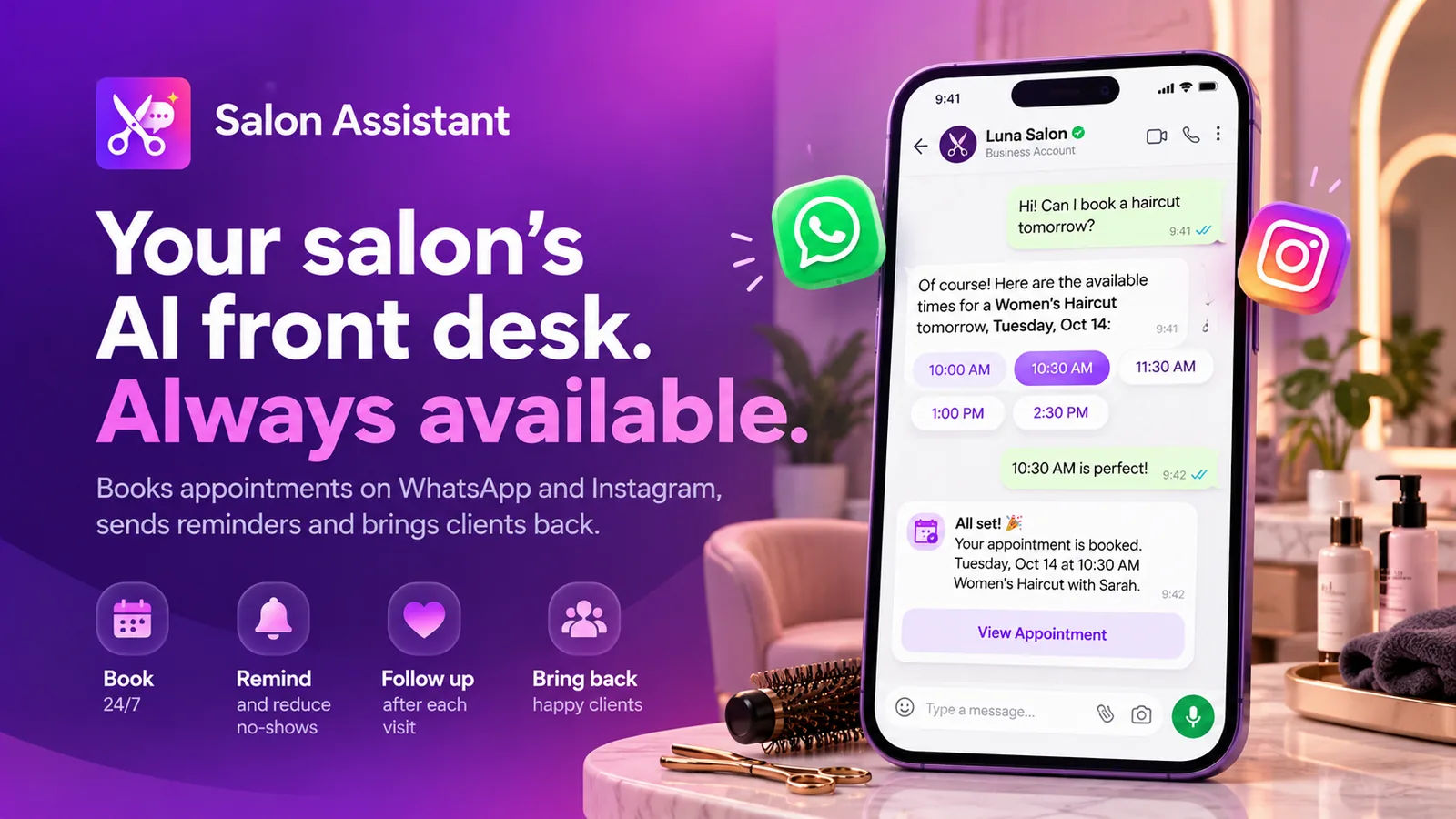
Ready-made app in the MonoChat Store

Marketing
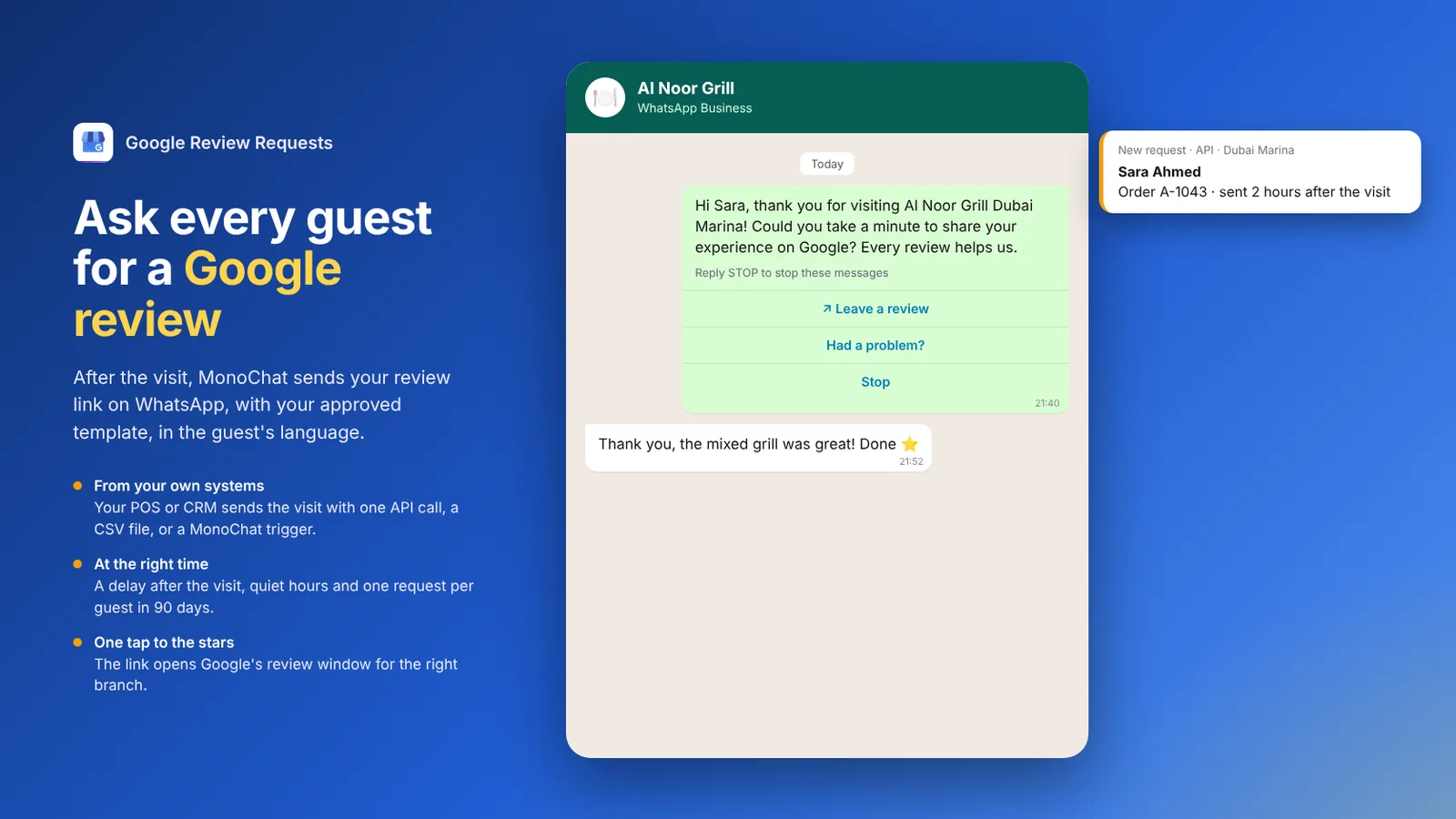
Google Review Requests
Asks your customers for a Google review after their visit, on WhatsApp and your other channels, in their own language, with your review link for each branch. Your CRM, POS or a file sends the customers; MonoChat sends the request at the right time, fairly.
How salon aftercare and review requests work
Three steps from a finished appointment to feedback you can act on.
-
Appointment finishes
Your booking system or team marks the visit as done, and MonoChat receives it through the API, a webhook or a tag.
-
Aftercare and check-in go out
The client gets the aftercare for their treatment, then a check-in and a rating request.
-
Reviews and concerns are handled
Clients are invited to leave a review; concerns and photos go to your team in the shared inbox.
Example conversations
Salon aftercare and review request examples
Aftercare questions, photos and unhappy clients handled in the chat, before they turn into a bad review.
-
Answering a laser aftercare question with a photo
The client sends a photo of redness the day after laser. The assistant reassures with the aftercare guidance and the specialist confirms.
Atlas Aesthetics Business accountHi, it's a bit red after yesterday's laser. Is this normal? 📎 underarm.jpg
08:50
Mild redness for 24 to 48 hours is common after laser. Keep the area cool, avoid deodorant today and use the soothing gel. I am also sharing your photo with our specialist.
08:50
Hi, Dr. Hale's team here. This looks like normal post-laser redness. If it is still red tomorrow evening, send another photo and we will see you.
09:12
Thank you, that's reassuring!
09:14
-
Routing a low salon rating to the manager
A client rates the visit as not happy. The assistant asks what went wrong and the manager follows up personally with a fix.
Nova Beauty Studio Business accountHi Laura, how did you feel about your colour yesterday?
11:00
Love itIt's okayNot happyNot happy
11:20
I am sorry to hear that. What is not right?
11:20
Colour tonePatchy resultSomething elseColour tone. It turned out more orange than in the photo. 📎 colour.jpg
11:22
Hi Laura, I'm Rachel, the salon manager. I'm sorry about this. We will tone it for free. Can you come in on Thursday at 14:00?
11:35
Thu 14:00Another time -
Keratin treatment aftercare and product questions
After a keratin treatment the client asks when to wash and which shampoo to use. The AI answers from the salon's aftercare content.
Lumen Hair Studio Business accountKeratin aftercare
No washing or tying for 72 h
Sulphate-free shampoo only
Hi Chloe, thanks for coming in today! Here is how to keep your keratin smooth for longer.
18:10
Can I go swimming this weekend? And which shampoo should I use?
19:02
Please wait 72 hours before swimming and avoid chlorine where you can. Any sulphate-free shampoo works; we use the Lumen Smooth range in the salon, available at reception.
19:02
Reserve a bottleAsk SaraReserve a bottle
19:03
Done, a bottle is set aside for you at reception.
19:03
FAQ
Salon aftercare and review requests: FAQ
Quick answers to the most common questions.
What should a salon aftercare message include?
The treatment name, the few things the client should do or avoid in the next days, how long the result usually lasts and how to reach you with questions. In MonoChat you write one aftercare message per treatment and it is sent automatically.
When is the best time to ask salon clients for a review?
Shortly after the result has settled, often the next day, when the client has seen the result at home. MonoChat sends the check-in at the time you set, asks for a rating and shares your review link in the same conversation.
What happens when a client is not happy?
A low rating or a worried reply is routed to the salon manager or the right specialist in the shared inbox, with the full conversation and any photos, so the issue can be resolved quickly and personally.
Can clients send photos if they have a reaction after a treatment?
Yes. Clients can send photos in WhatsApp, Instagram or web chat. The conversation is tagged and assigned to a specialist, who sees the photo next to the treatment details.
Can I see feedback results by stylist or service?
Yes. Ratings are saved on each contact and conversation, and analytics show satisfaction by service, team member and branch.
Keep exploring
-
Salon Appointment Booking on WhatsApp
Let clients pick a service, stylist and time in chat. -
Appointment Reminders & No-Show Reduction
Confirm, remind and reschedule to cut no-shows. -
Instagram DM Booking for Salons
Turn Instagram DMs and story replies into bookings. -
Booking Deposits & Payment Links
Secure appointments with a deposit link in chat. -
Client Rebooking & Retention Campaigns
Bring clients back at the right interval for each service.
First month of Growth on us
Follow Up After Every Salon Visit
Send aftercare, check in on results and collect reviews automatically on WhatsApp. Start free with MonoChat.
One code per business • 30 days to redeem • No card needed