Car Rental
WhatsApp for Car Rental Bookings That Close in Chat
Most rental enquiries start with "Is it available and how much?". MonoChat answers on WhatsApp in seconds, collects dates and documents, sends the payment link and hands the booking to your team.
Or start with $150 of credit, enough for a first month of Growth
- WhatsApp Business API
- Instagram DM
- Web chat
Hi, do you have an SUV from Friday to Monday? Pick-up at the airport.
21:04
Yes, we have SUVs available for those dates. Which one would you like?
21:04
Compact SUV. What do you need from me?
21:05
Please send a photo of your driving licence and passport, and I will prepare your booking.
21:05
Booking summary
Compact SUV · Fri 10:00 – Mon 10:00 · Airport
Pay the deposit via secure link
Documents received. Here is your booking and payment link.
21:09
Car rental chatbot features
Everything a rental desk repeats all day, handled inside the conversation.
-
Availability and price answers
The AI assistant answers fleet, price, deposit, mileage and insurance questions from your own information, day and night.
-
Booking flow in chat
Collect dates, pick-up and return location, car class and extras step by step with a no-code flow or a WhatsApp Flows form.
-
Licence and ID collection
Customers send driving licence and passport photos in the chat; the files stay on the conversation for your team to check.
-
Payment and deposit links
Create a payment link with your own payment provider and send it in the conversation; the confirmation follows when it is paid.
-
Pick-up and return reminders
Send booking confirmations, pick-up details and return reminders automatically with approved WhatsApp templates.
-
Reviews after return
Ask for feedback or a review when the car comes back, and route unhappy answers to a manager.
-
Handover to staff
Damage reports, extensions and special requests reach the right agent with the full conversation history.
-
Campaigns to past customers
Send seasonal offers and long-term rental deals to previous renters with WhatsApp bulk messaging.
Car rental WhatsApp use cases
Start with the step that costs your counter the most time, from booking and documents to returns and roadside help.
-
WhatsApp Car Rental Booking
Take car rental bookings end to end in a WhatsApp chat. -
Rental Price & Availability Chatbot
Answer price, availability and deposit questions instantly. -
Driver Licence & ID Collection
Collect licence and ID photos before the car is handed over. -
Vehicle Delivery & Pick-Up Coordination
Coordinate airport, hotel and address deliveries in chat. -
Rental Extension & Return Reminders
Remind renters before return time and offer extensions. -
Roadside Assistance & Damage Reports
Take breakdown and damage reports with photos and location.
Ready-made app in the MonoChat Store
Car rental booking
Rental Desk Assistant
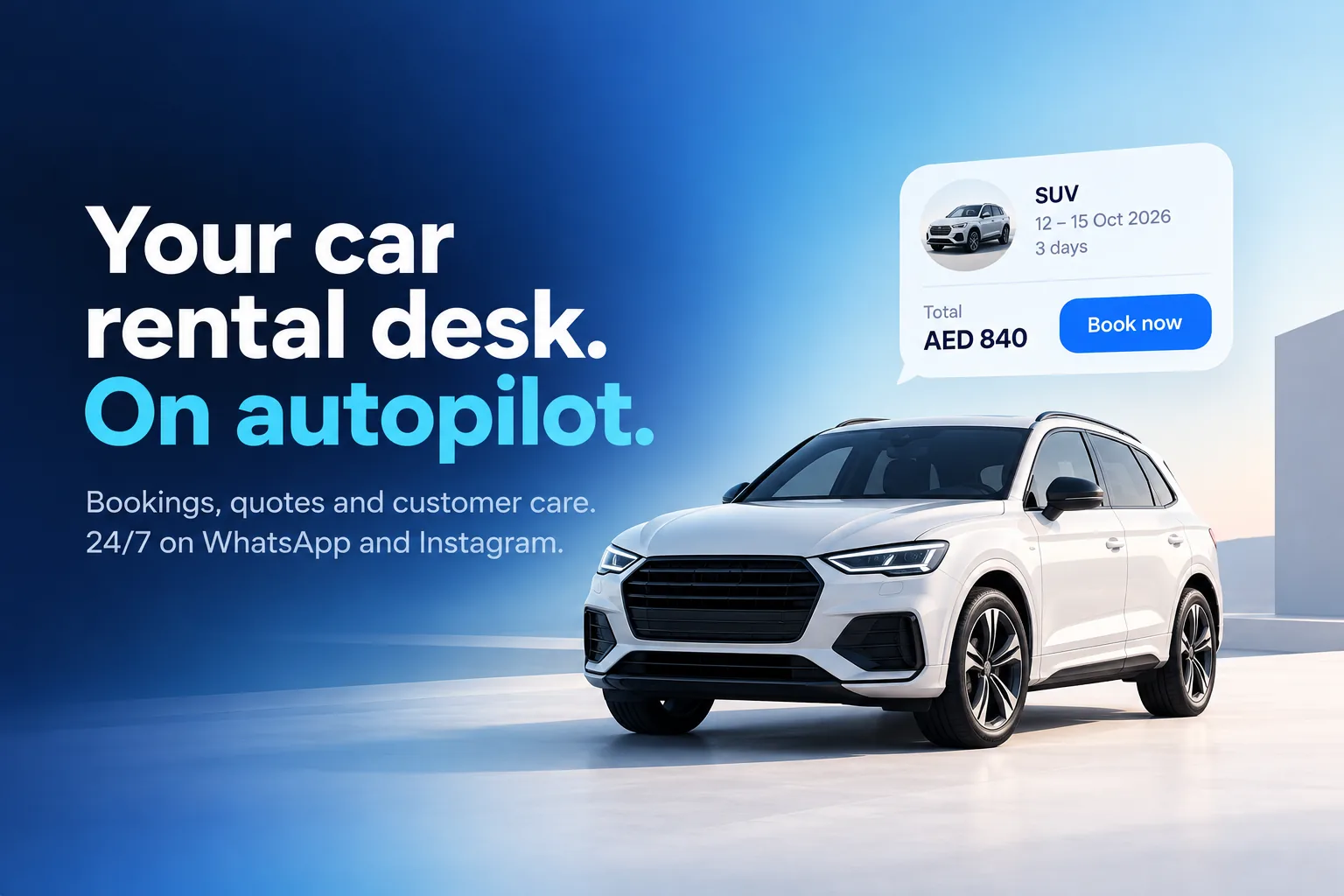
An AI booking desk for car rental companies that quotes real prices for the dates asked on WhatsApp and Instagram, takes bookings, collects licence and ID photos, sends pick-up and return reminders and handles roadside problems.
Booking journey
From "Is it available?" to a confirmed booking
The assistant qualifies the request, offers the matching car classes and collects everything your counter needs before a person gets involved.
- Dates, location and car class collected in order
- Documents received in the same conversation
- Payment link sent as soon as the booking is ready
Booking request
Compact SUV · Airport pick-up
Collected in chat
Fri 10:00 – Mon 10:00 · Driving licence and passport received · Deposit link sent
During the rental
Airport delivery, extensions and returns without phone tag
Customers message when plans change. Routine requests are answered automatically; the rest reach the right branch or agent.
- Delivery and pick-up coordination messages
- Extension requests routed to the branch
- Return reminders before the due time
Return reminder
WhatsApp template · sent automatically
Message preview
Hi Omar, your rental ends tomorrow at 10:00 at the airport office. Need more time? Reply to this message to extend.
Team inbox
One inbox for every branch and channel
WhatsApp, Instagram and web chat enquiries land in one shared inbox, so no customer waits because one phone was busy.
- Assign conversations by branch or agent
- Notes and tags on every customer
- Response times and enquiry volume in reports
Rental inbox
- WhatsApp SUV for the weekend New
- Instagram Monthly rental price Bot handled
- Web chat Extend my booking Assigned
- WhatsApp Airport delivery time Open
How to start with WhatsApp for car rental
Four steps from enquiry to booking in chat.
-
Connect your WhatsApp number
Connect your WhatsApp Business API number, plus Instagram and web chat if you use them.
-
Add your fleet information
Give the assistant your car classes, rental terms, locations and frequently asked questions.
-
Build the booking flow
Use the no-code builder to collect dates, documents and payment, and decide when a person takes over.
-
Go live and follow up
Take enquiries around the clock, then send reminders, review requests and offers to past customers.
Example conversations
WhatsApp car rental chatbot examples
Three everyday rental conversations, automated from the first question and handed to your team when a person is needed.
-
Asking about the deposit and mileage limit on Instagram
A follower asks about a weekend offer in a DM, gets the deposit and kilometre rules straight away and picks the dates in the same chat.
Atlas Car Rental Business accountHi! Saw your weekend offer. Is there a km limit, and how much is the deposit?
20:14
The weekend offer includes 500 km. The deposit is €250, held on a credit card and released when the car is back.
20:14
Book the weekend offerSee car classesBook the weekend offer
20:15
Great! Which weekend would you like?
20:15
18–20 Oct25–27 OctOther dates25–27 Oct
20:16
Weekend offer · Economy
Fri 25 Oct 17:00 – Sun 27 Oct 20:00
€29/day · 500 km included
Available! Tap below to pay and secure the car.
20:16
Pay €58 -
Getting a monthly car rental quote on WhatsApp
A customer who needs a car for three months gets a monthly price in the chat, then a long-term rental advisor takes over with the full context.
Nova Car Rental Business accountHello, I need a car for 3 months for a work project. Do you do monthly rentals?
09:40
Yes, we do. Which car class suits you?
09:40
EconomyCompactSUVCompact
09:41
Monthly rental · Compact
3 months · 2,500 km per month
€690/month · maintenance included
Here is our standard monthly price. Do you need an invoice for your company?
09:41
Yes, company invoiceNo, personalYes, company invoice
09:42
Hi, I am Laura from long-term rentals. I can see your request for a compact from November. Could you send your company name and tax number? I will prepare the contract today.
09:48
-
Changing the return office in a web chat
A renter decides to drop the car at the airport instead of the city office and confirms the one-way fee without calling.
Lumen Drive Typically replies instantlyCan I return the car at the airport instead of the city office? Booking LD-5530.
16:05
Yes. Returning to the airport office adds a €30 drop-off fee. Your return time stays Sunday 18:00.
16:05
Accept €30 feeKeep city officeAccept €30 fee
16:06
Booking LD-5530 updated
Return: Airport office · Sun 18:00
€30 drop-off fee added
Done. Park in the rental car area, level -1, and leave the key in the drop box.
16:06
FAQ
Car rental on WhatsApp: common questions
Quick answers to the most common questions.
Can a chatbot take car rental bookings on WhatsApp?
Yes. MonoChat collects dates, pick-up and return location, car class and customer details in the conversation, then passes the booking to your team or to your reservation system through the API, webhooks or custom functions.
Can it show real-time availability and prices?
The assistant answers from the information you give it. For live availability and pricing, connect your reservation or fleet system with custom functions or the API so the assistant can look them up during the conversation.
How are driving licence and ID documents collected?
Customers send photos or PDFs in the chat. The files are kept with the conversation in the shared inbox, where your staff can review them before confirming the booking.
Can customers pay the deposit or rental fee in the chat?
Yes. MonoChat creates a payment link with your own payment provider account and sends it in the conversation. Payment events can trigger an automatic confirmation message.
Does it work in Arabic, English and Turkish?
Yes. The AI assistant can reply in the language the customer writes in, which matters at airports and tourist destinations with international renters.
How much does it cost to start?
You can start on the free plan, which includes 1,000 outgoing messages a month, and upgrade when your volume grows. See the pricing page for current plans.
Keep exploring
-
Retail
Sell more with chat-to-cart journeys and campaigns. -
E-Commerce
Convert chats into checkout with product flows. -
Fitness & Wellness
Automate bookings, memberships and customer journeys. -
Tourism & Hospitality
Turn inquiries into bookings with guided flows. -
Automotive
Capture leads and automate test drive & service. -
Healthcare
Book appointments and support patients securely.
First month of Growth on us
Turn Rental Enquiries Into Bookings on WhatsApp
Answer faster, collect documents and payments in chat, and keep every branch in one inbox with MonoChat.
One code per business • 30 days to redeem • No card needed