WhatsApp Template Messages
Send approved templates for notifications, reminders and follow-ups.
Use WhatsApp-approved message templates to trigger reliable customer updates — then continue every reply with automation, AI assistance, CRM actions or agent handover.
Or start with $150 of credit, enough for a first month of Growth
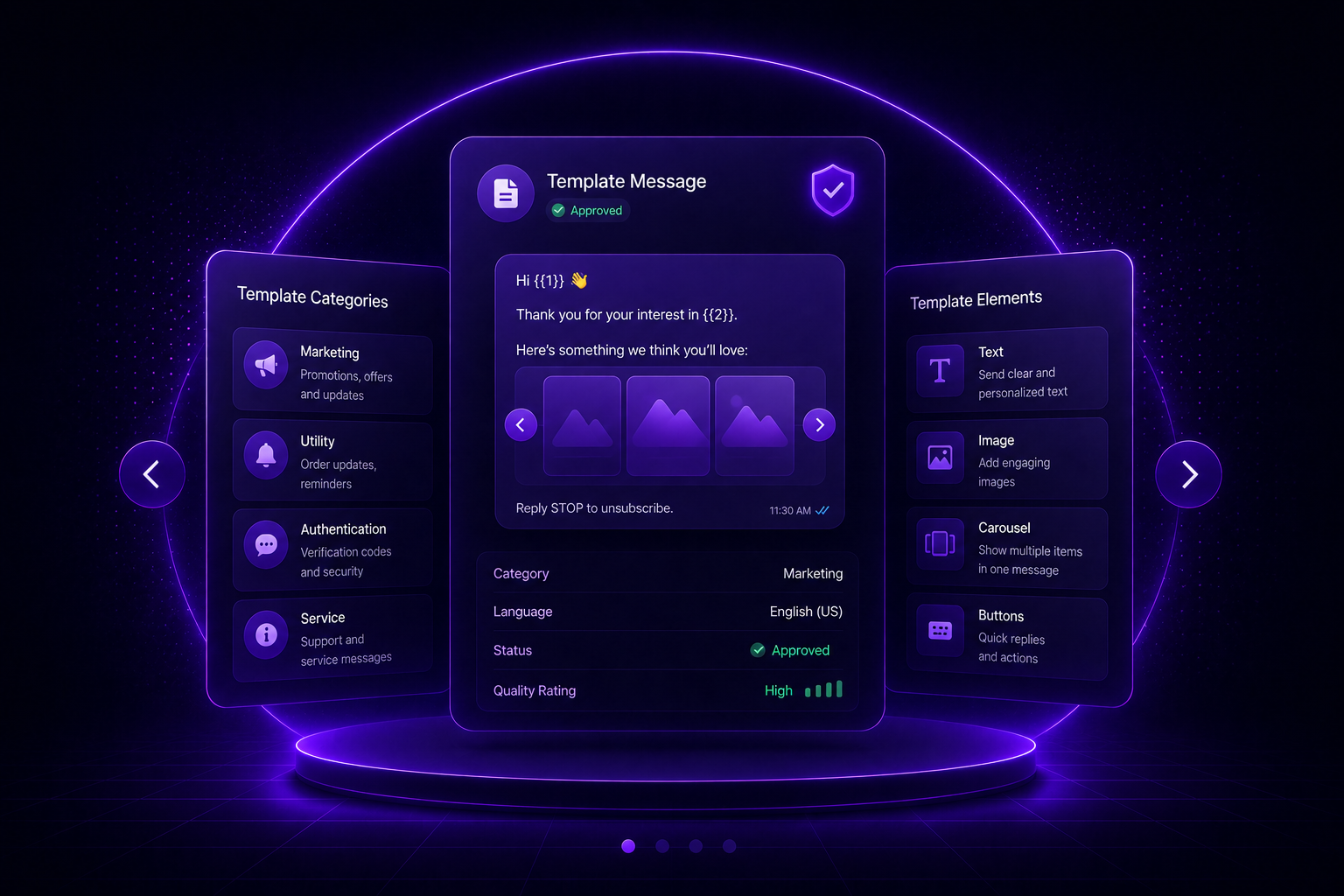
What you can automate
Approved. Personalized. Actionable.
Use template messages to send reliable customer updates and convert every response into a next step.
-
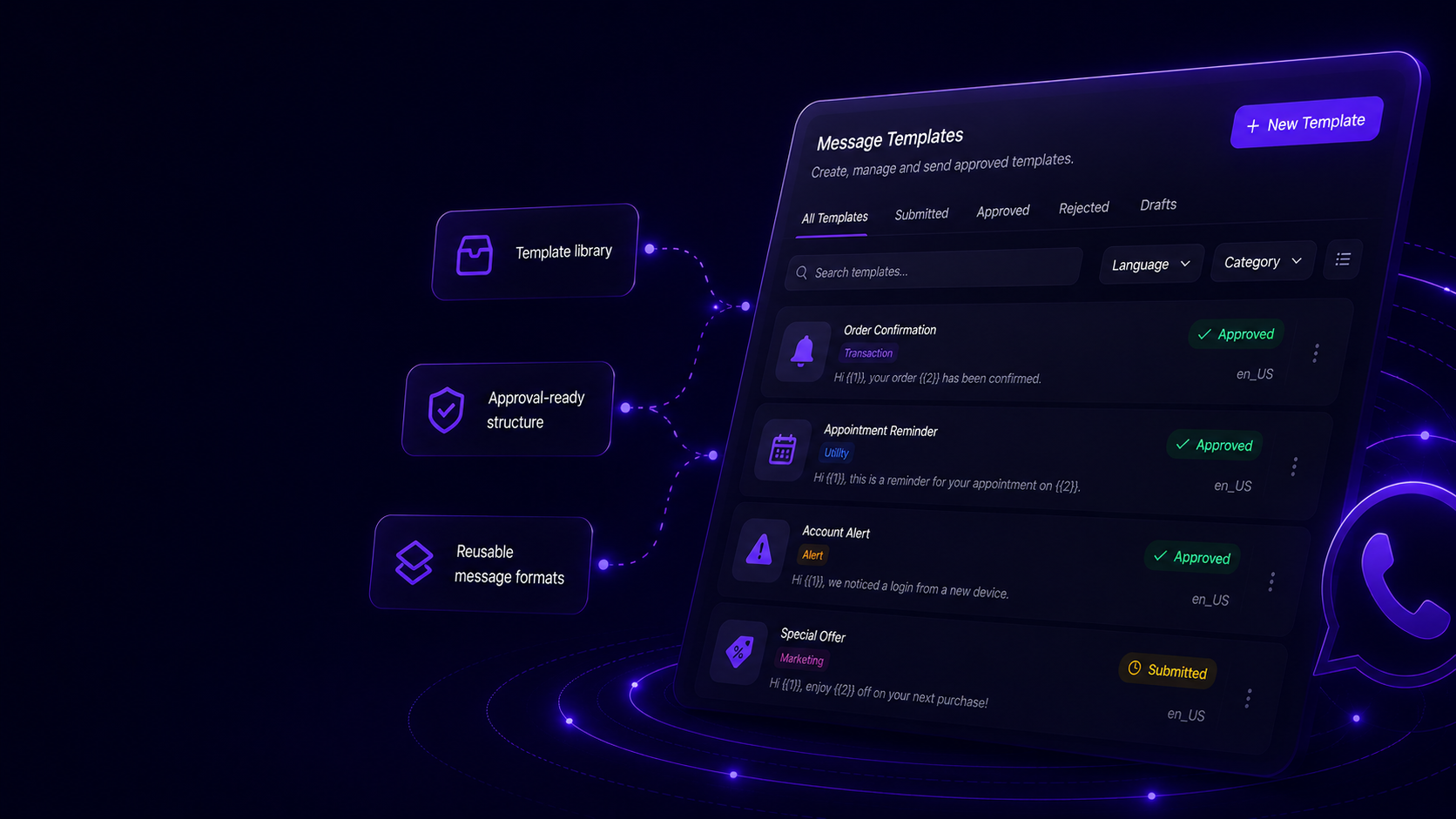
Approved Message Templates
Create and manage WhatsApp-approved templates for notifications, reminders, alerts and customer follow-ups.
- Template library
- Approval-ready structure
- Reusable message formats
-
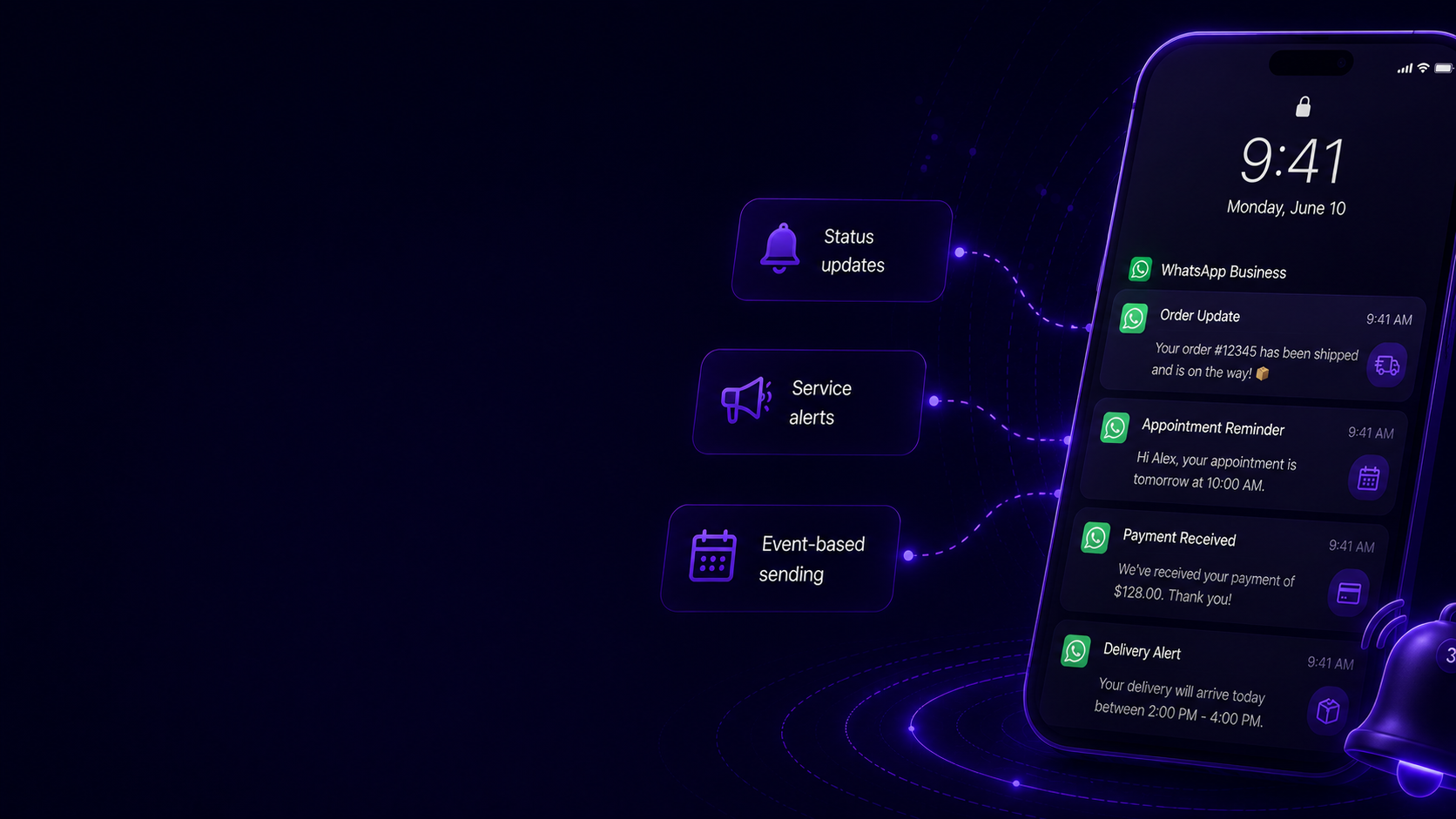
Notifications & Alerts
Send transactional updates such as order status, appointment changes, delivery alerts, payment updates and account notices.
- Status updates
- Service alerts
- Event-based sending
-
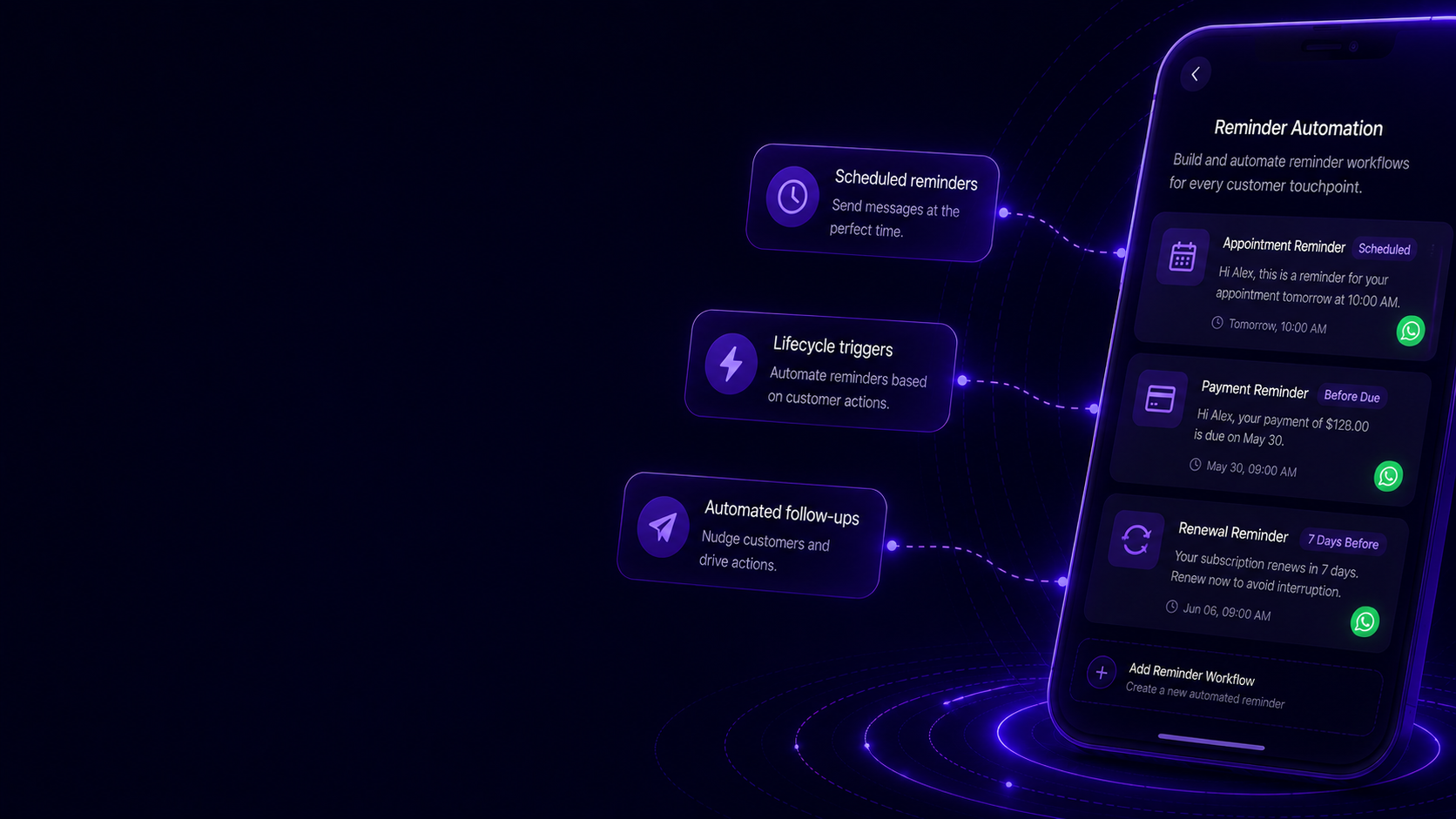
Reminder Automation
Trigger approved reminders for appointments, payments, renewals, abandoned journeys or pending customer actions.
- Scheduled reminders
- Lifecycle triggers
- Automated follow-ups
-
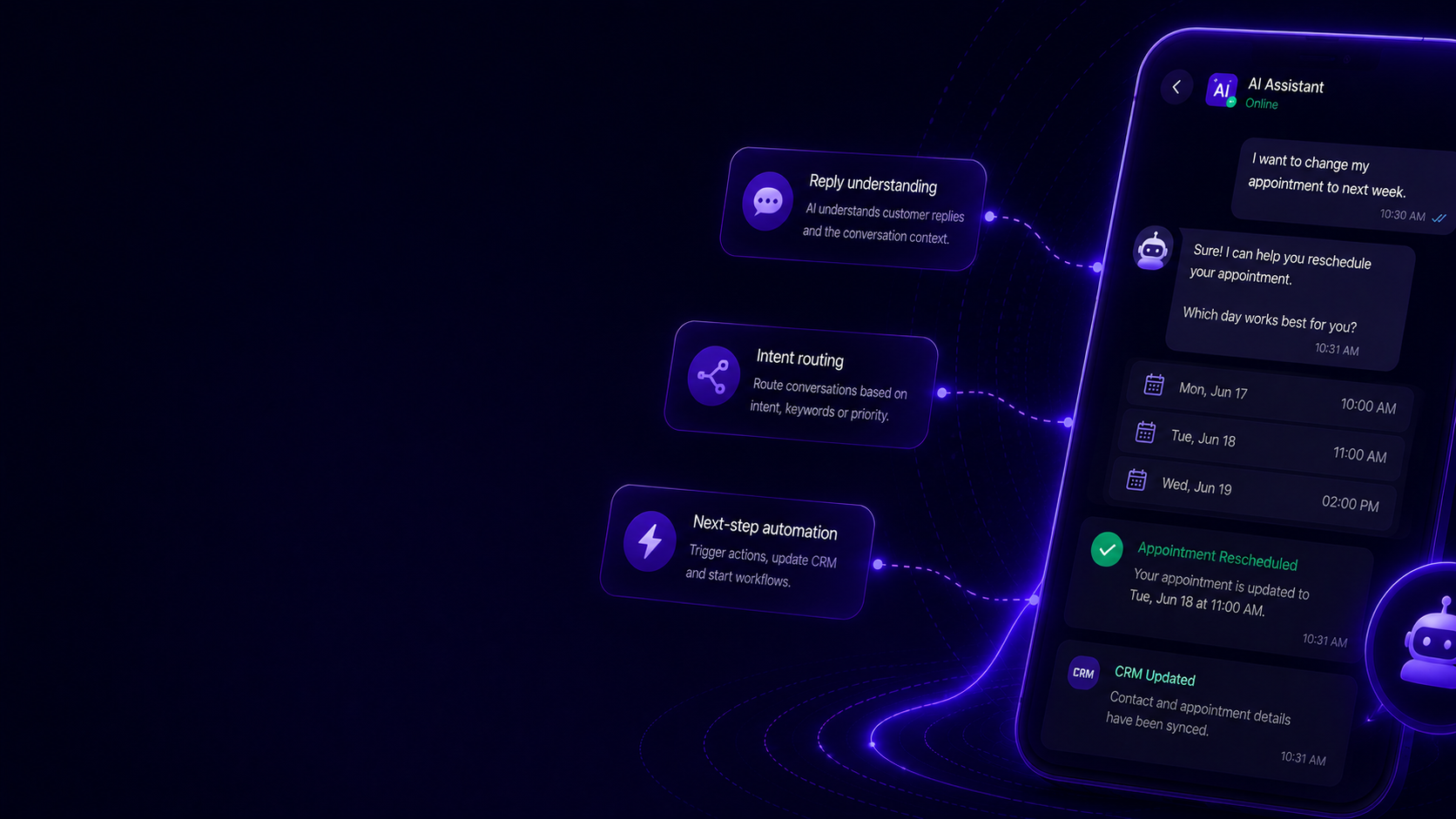
AI-Assisted Follow-Ups
Continue template replies with AI qualification, contextual answers, agent handover, CRM updates or next-step workflows.
- Reply understanding
- Intent routing
- Next-step automation
Approved WhatsApp Templates
Send structured messages customers can trust.
Manage approved WhatsApp templates for notifications, reminders and lifecycle communication with reusable content blocks and dynamic variables.
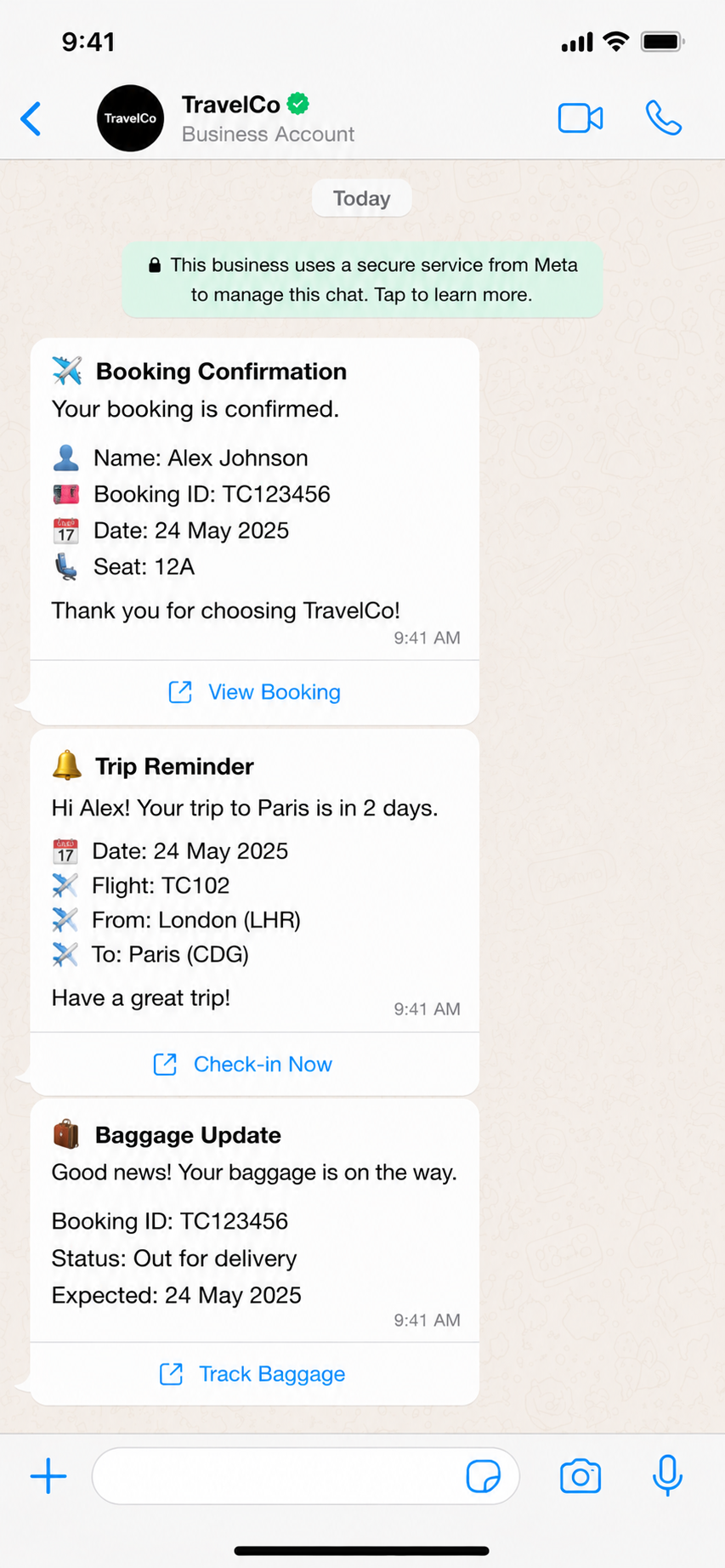
Transactional Notifications
Trigger updates from real business events.
Send order updates, delivery notifications, booking changes, account alerts and service messages automatically from your CRM, store or custom systems.
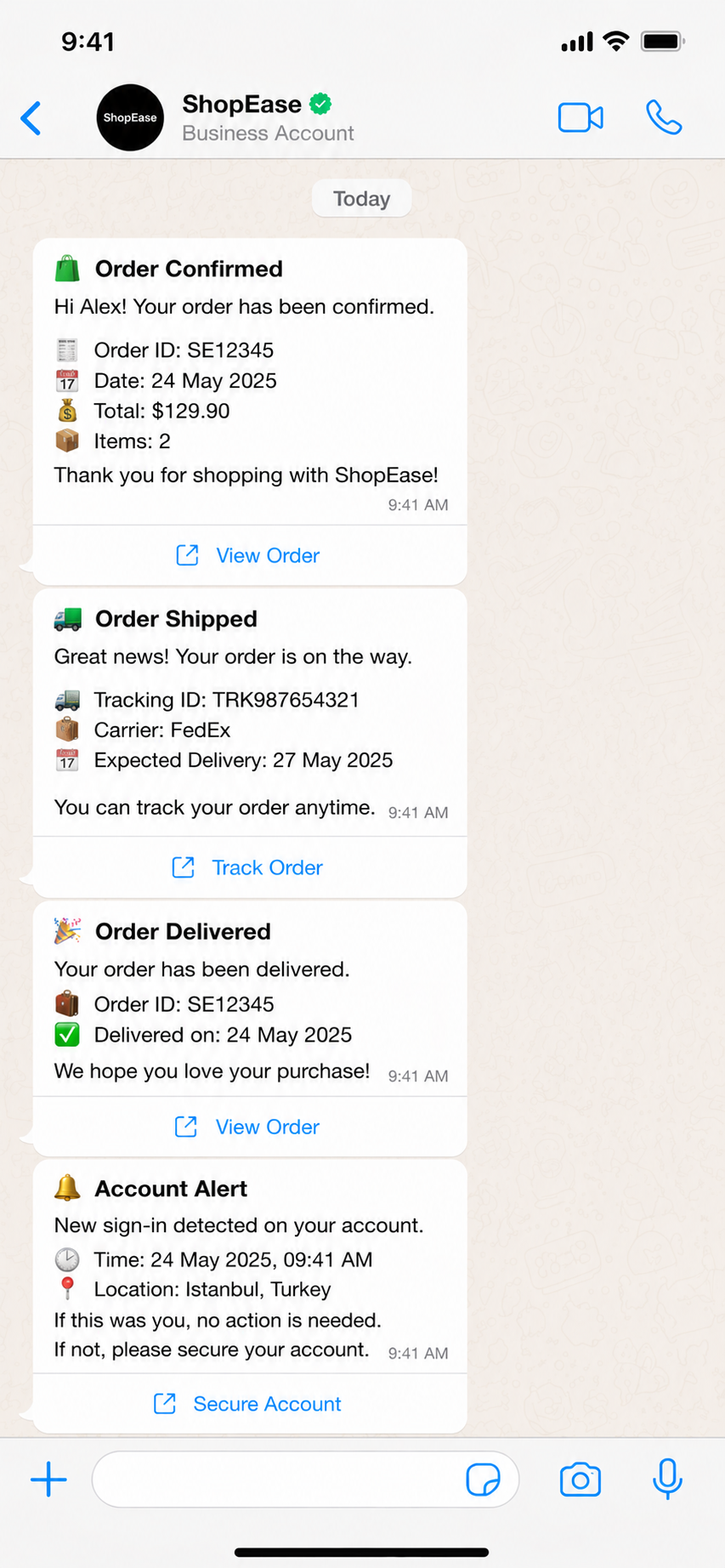
Reminder & Follow-Up Flows
Automate reminders before customers forget.
Use template messages for appointments, payments, renewals, forms, quotes and abandoned journeys — then continue based on the customer response.
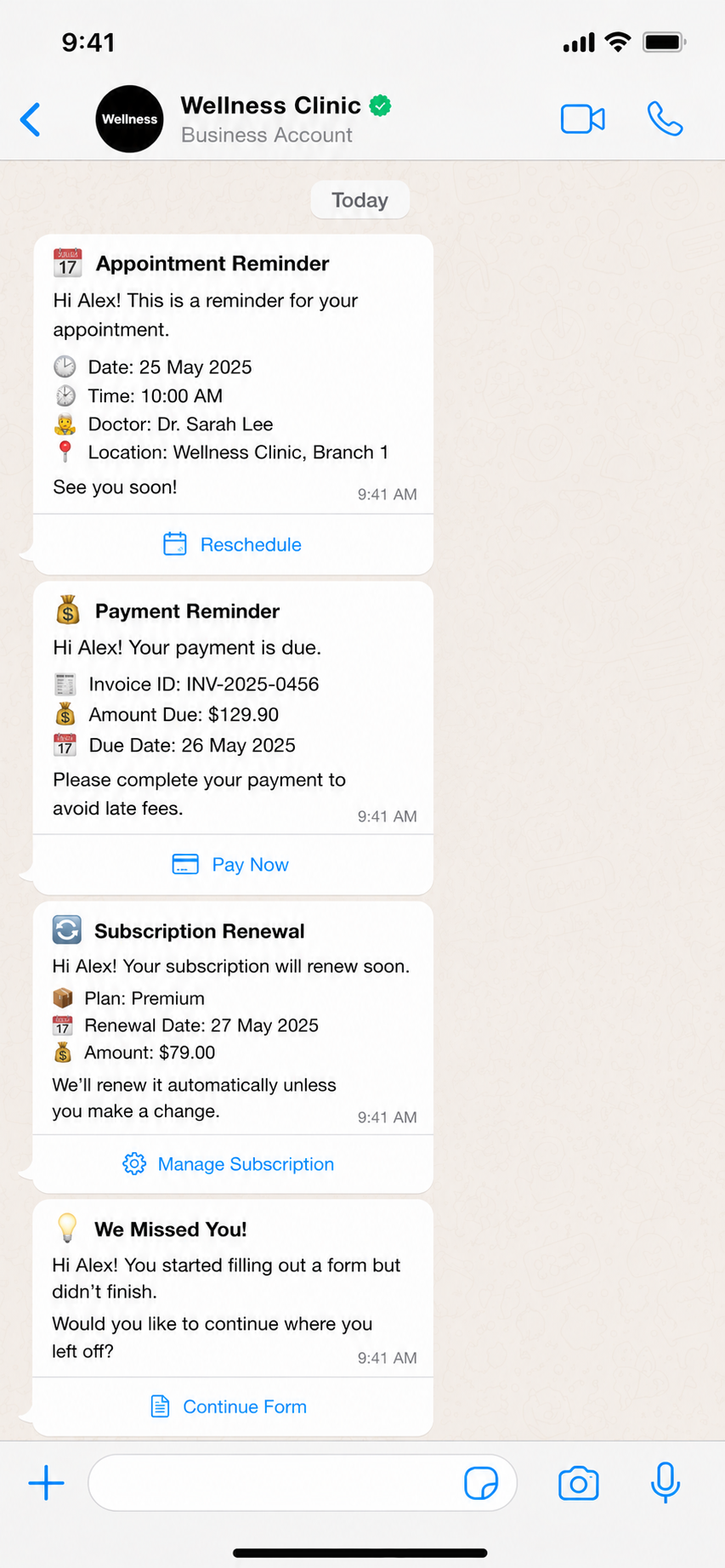
Reply Handling & Automation
Turn template replies into next actions.
When customers respond, MonoChat can understand intent, update records, assign agents, trigger workflows or continue the conversation with AI.
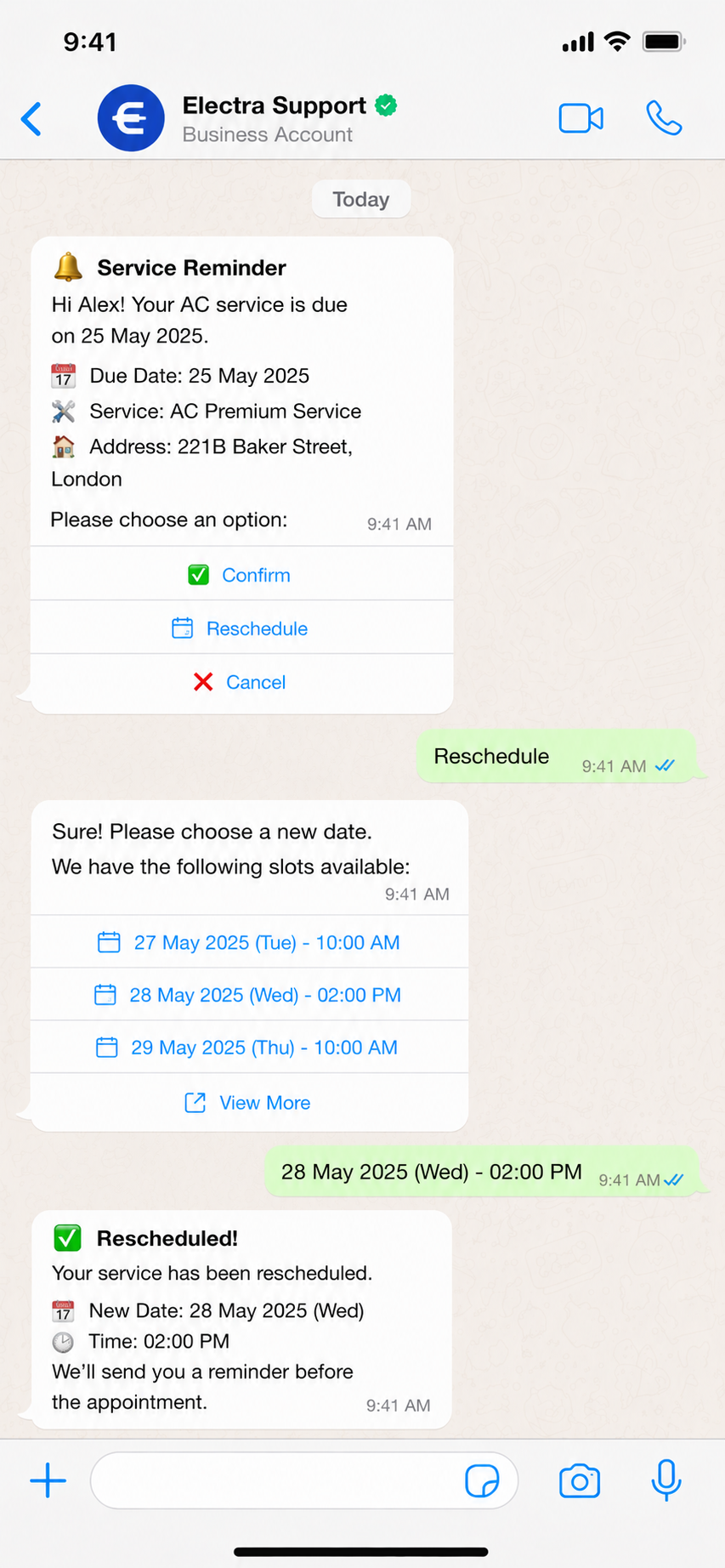
Template message scenarios
Build reliable WhatsApp workflows around approved templates.
From transactional updates to reminders and follow-ups, each template can trigger a measurable customer journey.
-
Order & Delivery Updates
- Receive order event
- Select approved template
- Personalize variables
- Send status update
-
Appointment Reminders
- Detect upcoming booking
- Send reminder template
- Collect confirmation
- Update calendar or CRM
-
Payment Follow-Ups
- Identify pending payment
- Send payment reminder
- Share secure link
- Sync payment status
-
Lead & Customer Nurturing
- Segment customer stage
- Send follow-up template
- Qualify response
- Route or automate next action
Data and integrations
Dynamic templates powered by your business systems.
MonoChat can trigger approved WhatsApp templates from CRM, e-commerce, calendar, payment and custom system events, then automate the response path.
-
CRM
Personalize templates with customer data and sync replies back to each profile.
-
E-Commerce
Send order, delivery, cart, payment and stock-related template messages.
-
Automation Flows
Trigger templates from customer events and continue replies with workflows.
-
Approval Controls
Keep template usage structured with approved formats, variables and sending rules.
How WhatsApp template messages work with MonoChat
Three steps from a draft to an approved template you can reuse.
-
Create the template
Write the message with variables, media and buttons, then choose its category and language.
-
Submit it for approval
Send the template to Meta for review from MonoChat. Once it is approved, it is ready to reuse.
-
Send and automate
Send it manually, in a broadcast or from an event such as an order, booking or payment, then automate the reply path.
Common template message use cases
Reusable templates when simple. Event-driven journeys when needed.
Send a standard approved template or trigger personalized messages automatically when orders, bookings, payments, renewals or customer lifecycle events happen.
Talk to us- Order confirmations
- Delivery status updates
- Appointment reminders
- Payment reminders
- Renewal notifications
- Lead follow-ups
- Service alerts
- Customer reactivation
FAQ
WhatsApp template messages FAQ
When you need a template, how approval works and why templates get rejected.
What is a WhatsApp template message?
A template message is a pre-approved message format that businesses use to start a WhatsApp conversation or to reach a customer after the 24-hour service window has closed. Templates can include variables, media and buttons.
When do I need to use a template?
Whenever you write to a customer first, or more than 24 hours after their last message. Inside that 24-hour window you can reply with free-form messages, so templates are mostly used for notifications, reminders, follow-ups and campaigns.
How long does WhatsApp template approval take?
Meta reviews every template. Many reviews finish within minutes, but some take longer, so submit templates before you need them. Clear wording, the right category and sample values for each variable help a template pass the first time.
Which template categories are there?
WhatsApp has three template categories: marketing for offers and promotions, utility for updates about an existing order, booking or account, and authentication for one-time passcodes. Meta decides the category from the content of the template.
Why was my WhatsApp template rejected?
The most common reasons are a category that does not match the content, variables without clear context or sample values, formatting mistakes, and content that breaks WhatsApp’s business or commerce policies. You can edit the template and submit it again.
Keep exploring
-
WhatsApp Flows
Create forms, surveys and guided journeys inside WhatsApp. -
Carousel Messages
Show products, offers and options with interactive carousel messages. -
Bulk Messaging
Send campaigns, announcements and segmented WhatsApp broadcasts. -
WhatsApp Calls
Manage WhatsApp calls with conversation context and outcome tracking. -
WhatsApp Coexistence
Use WhatsApp Business App and API together on the same number. -
WhatsApp Chatbot
Answer customers on WhatsApp around the clock with an AI chatbot.
First month of Growth on us
Automate Customer Updates With WhatsApp Template Messages
Send approved notifications, reminders and follow-ups through WhatsApp Business API with MonoChat.
One code per business • 30 days to redeem • No card needed