MonoChat Start
Build your AI assistant from your website
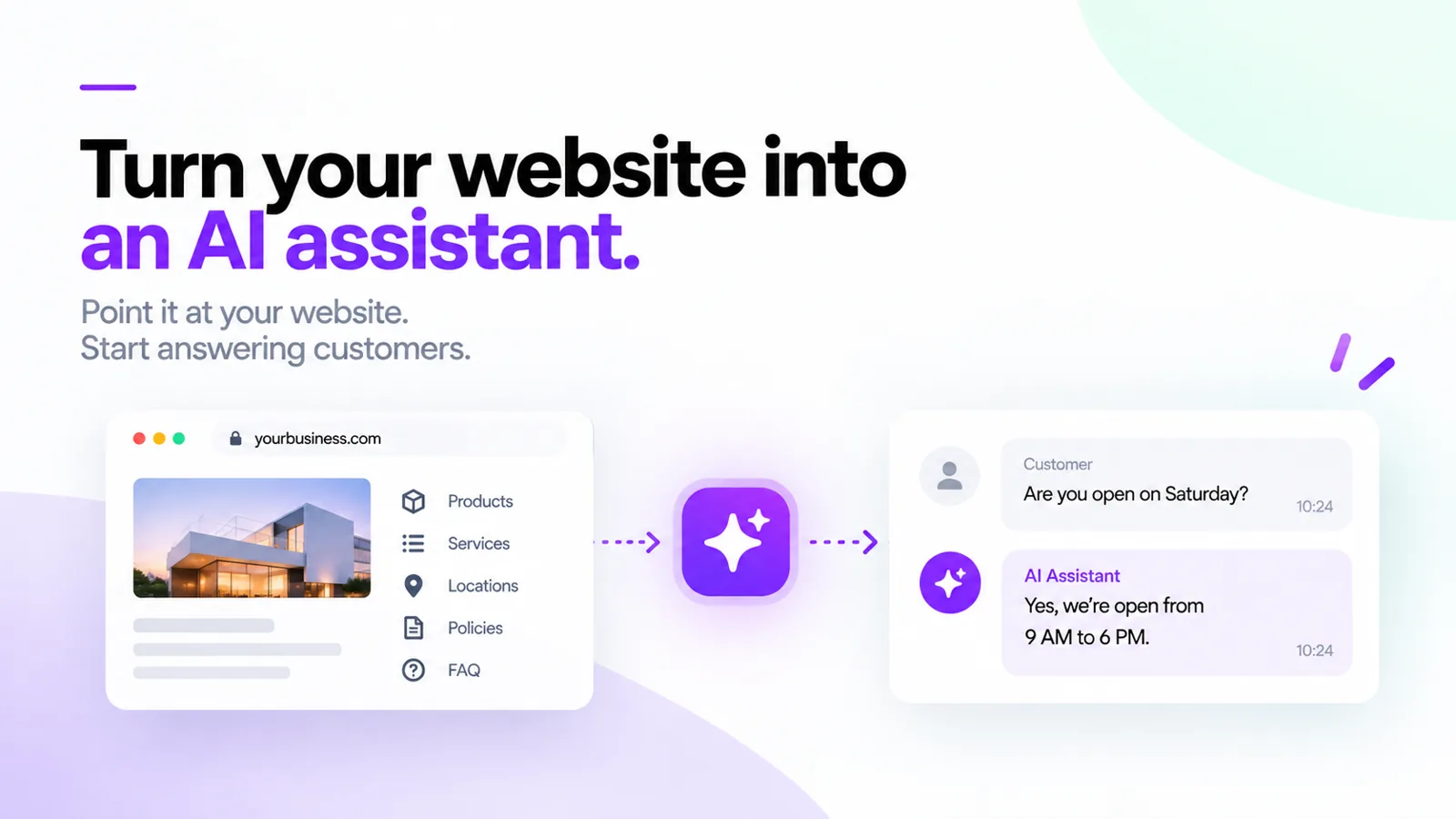
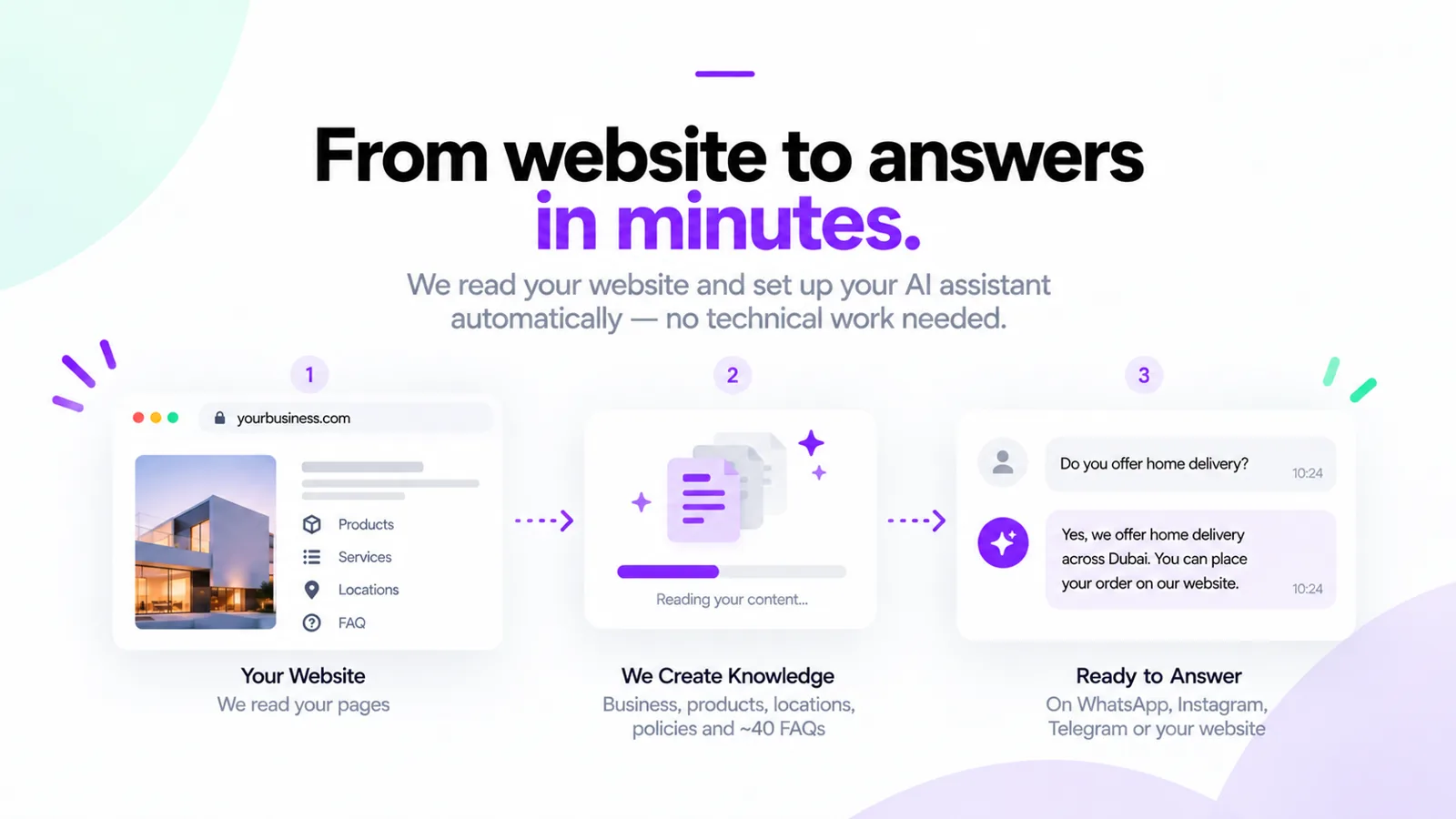
Install MonoChat Start and give it your website address. It reads your pages, writes your assistant’s knowledge base and then answers your customers on WhatsApp, Instagram, Telegram or your website chat.
Free sign-up. New to MonoChat? The install button creates your account and workspace and installs MonoChat Start. You enter your website inside MonoChat, in the first setup step.
- Telegram
- Website chat

MonoChat Start
By MonoChat, an official Meta Business Partner
Free to install
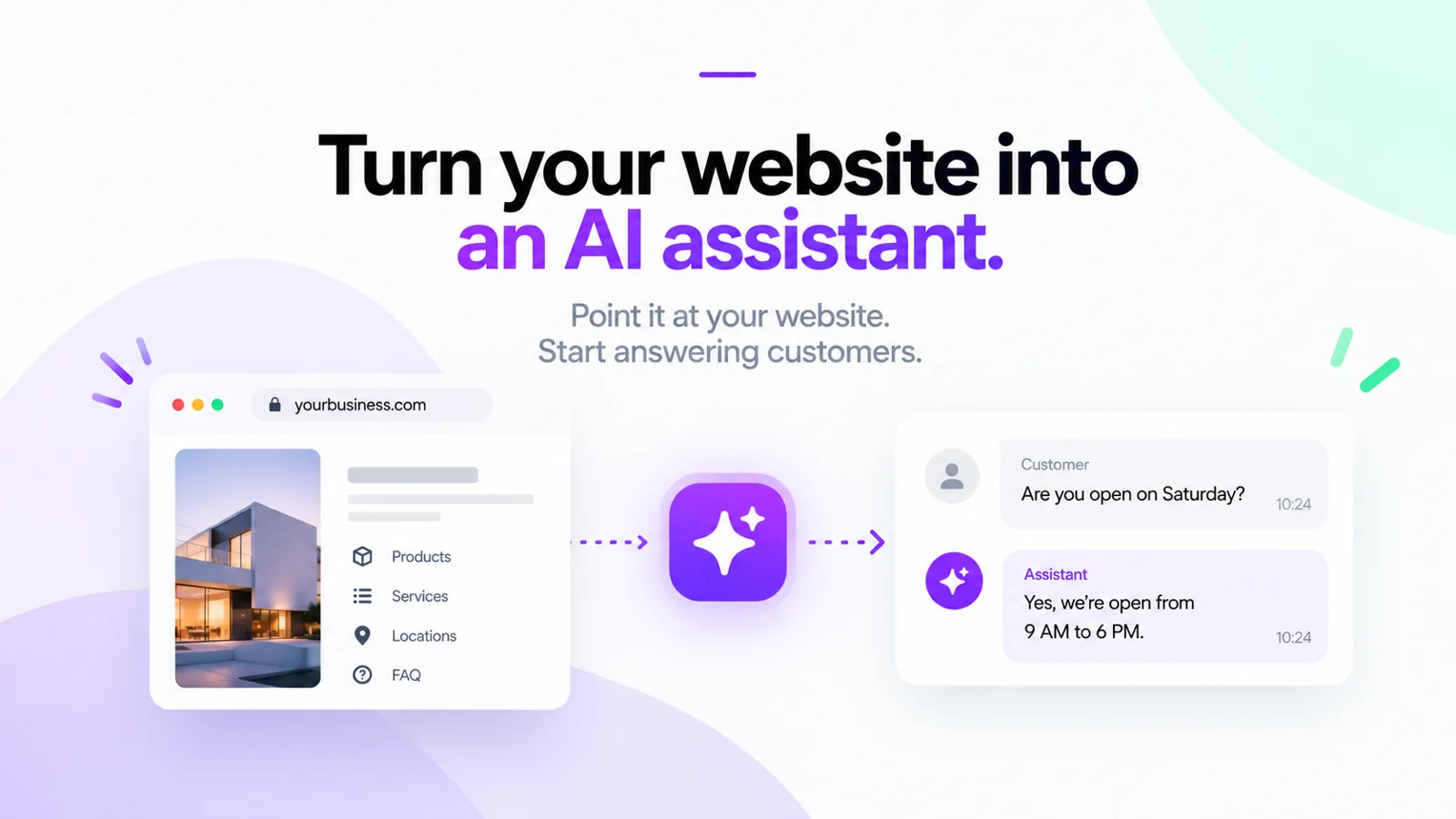
From your website to answered customers
Once MonoChat Start is installed, setup is four steps inside MonoChat.
-
Read my website
Give your website address and pick the language. No website? Answer five questions instead.
-
Review the questions
Read the questions it wrote and turn on the “Check this” ones you agree with.
-
Choose the handover
Pick the team or the person who takes over when a customer needs a human.
-
Connect a channel
WhatsApp, Instagram, Telegram or the chat widget on your website.
No website, or one that gives it nothing to read? Answer five questions instead and it writes the same knowledge base from your answers.
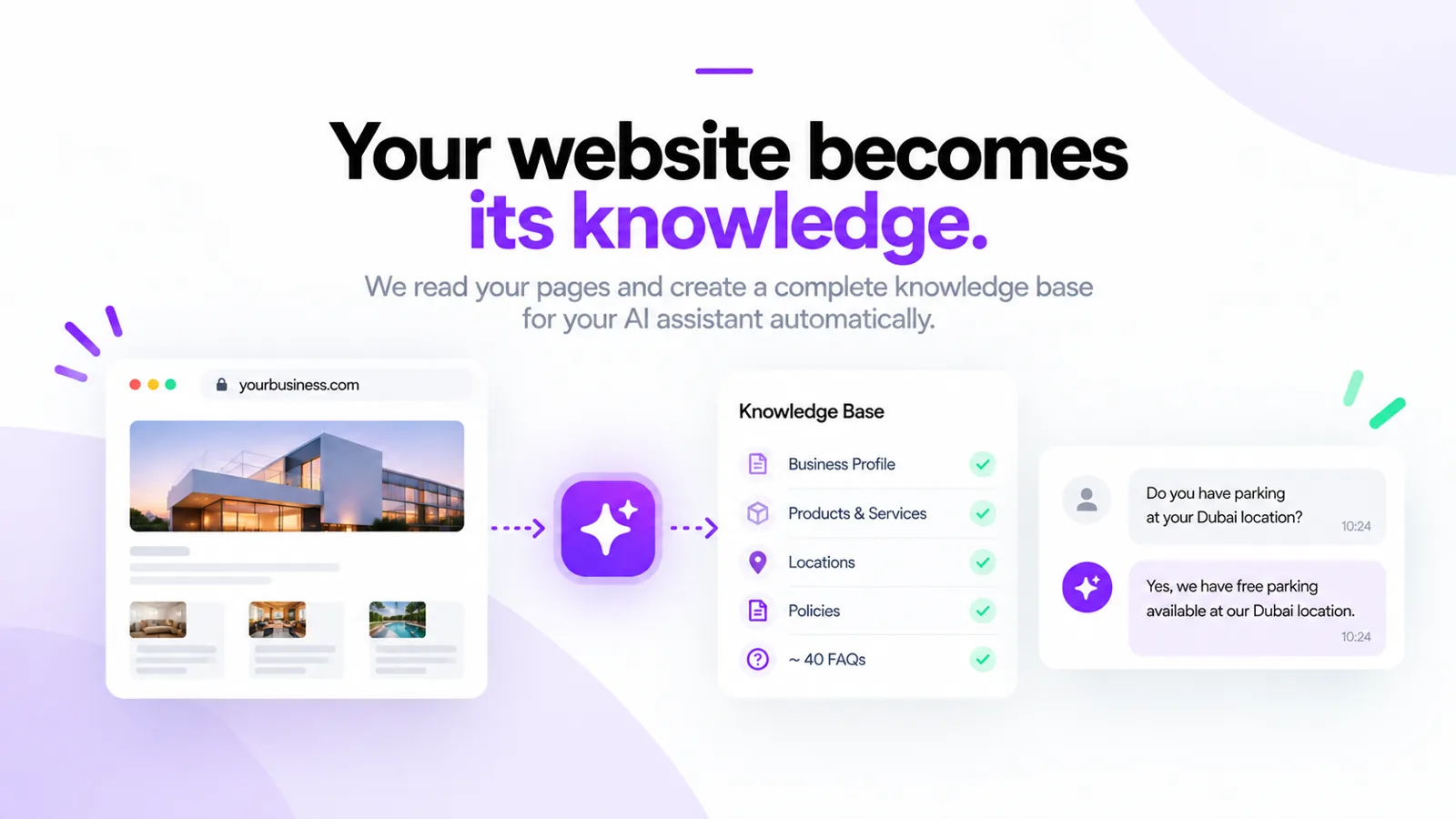
It writes the knowledge base for you
MonoChat Start reads what you do, what you sell, where you are and when you open. From those pages it writes:
- A business profile
- Your products and services
- Your locations
- Your policies
- Around forty questions your customers actually ask
Answers it wrote from general knowledge about your sector, rather than from your site, arrive switched off with a “Check this” badge until you approve them.
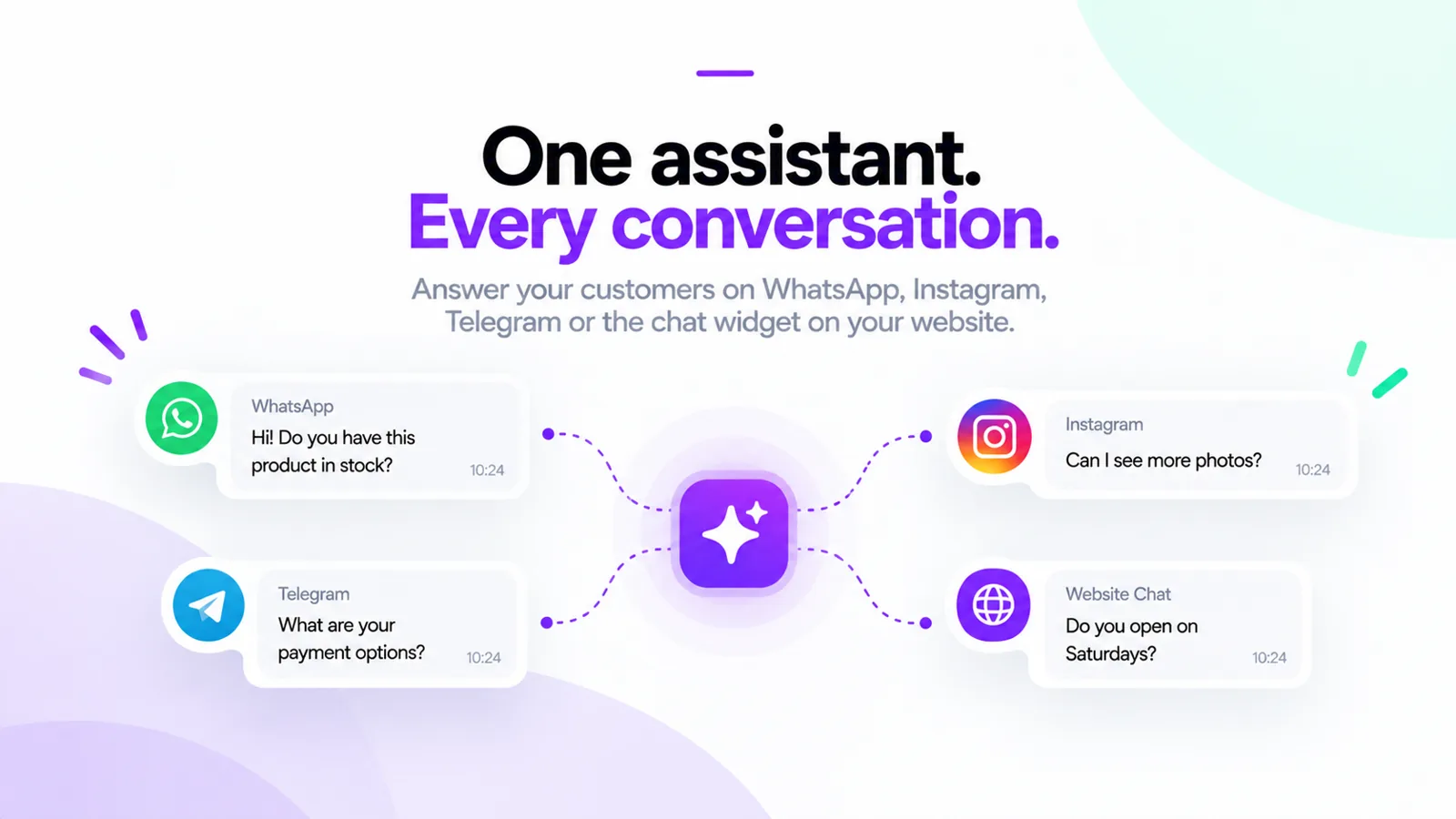
Switch it on where your customers write
Connect WhatsApp, Instagram, Telegram or the chat widget on your website in the last setup step. One assistant answers on all of them.
- Customers write in their own language and get the answer in that language
- Every question, product, location and policy stays editable, and can be switched on or off or exported
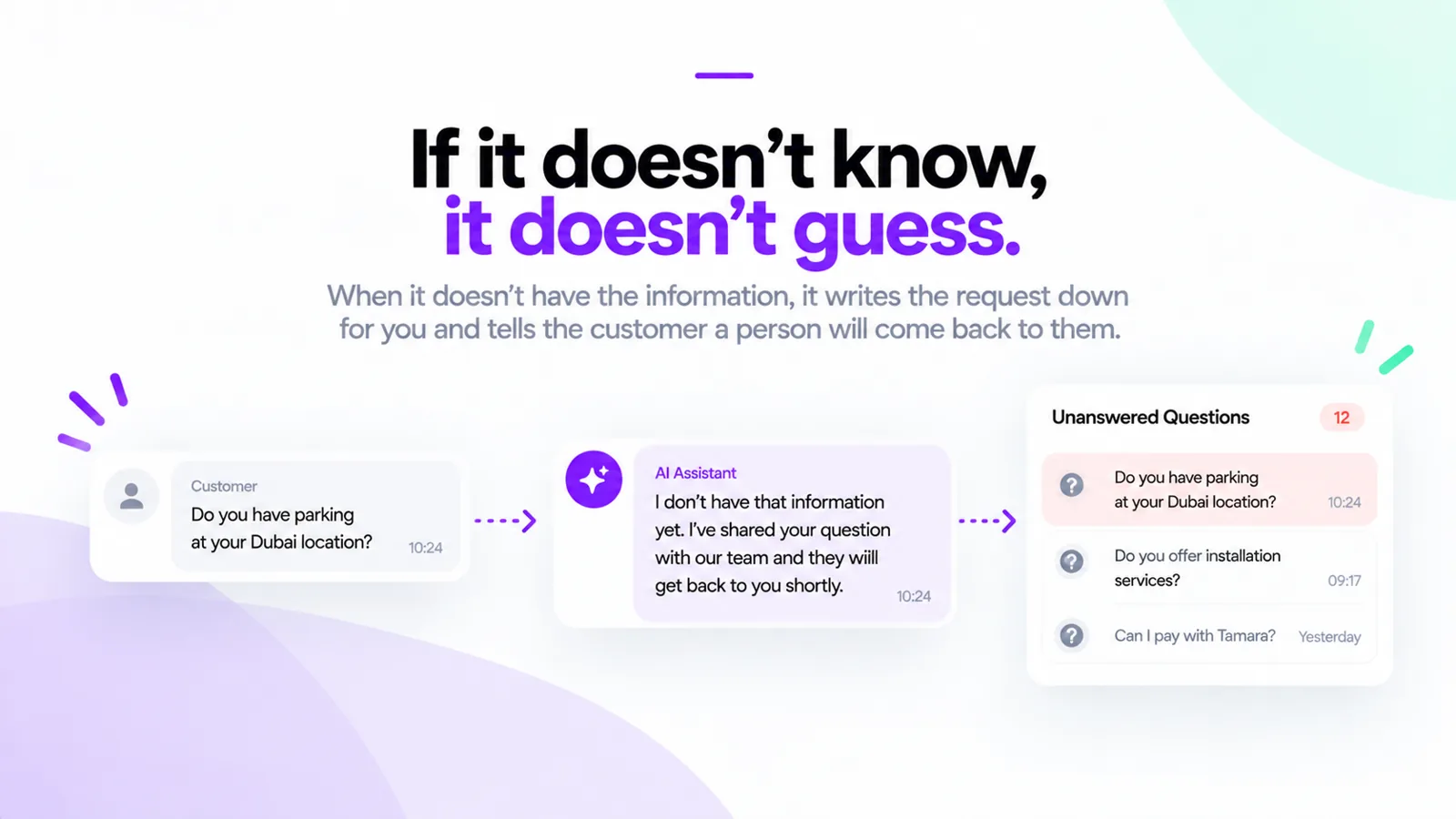
When it has no answer, a person gets the message
It does not improvise. It writes the request down for you under Messages taken and tells the customer a person will come back to them.
- Hands over to your team when the customer asks for a person, is unhappy or it has no answer
- Choose a team or one person to take over
- Outside working hours it says when you are back and takes a message
An assistant that sticks to what you wrote
It answers from its knowledge base, and only from there.
-
It only says what is written down
Everything the assistant is allowed to say sits on four tabs of its own screen. It never states a price, a delivery time or a guarantee that is not written there.
-
It takes a message instead of improvising
When it has no answer, it writes the request down for you and tells the customer a person will come back to them.
-
“Check this” before it goes live
Answers it wrote from general knowledge about your sector, rather than from your site, arrive switched off with a “Check this” badge until you approve them.
-
It answers in the customer’s language
Customers can write in their own language and get the answer in that language.
FAQ
Building your AI assistant: FAQ
Straight answers before you sign up.
Can I try it without signing up?
No. MonoChat Start runs inside a MonoChat workspace, so you need an account. Sign-up is free: the install button creates your account and workspace and installs MonoChat Start, and you enter your website in its first setup step.
What if I do not have a website?
Answer five questions about your business instead. MonoChat Start writes the same knowledge base from your answers: business profile, products and services, locations, policies and common questions.
Will the assistant make up prices or promises?
No. It only says what is written on its four knowledge tabs. It never states a price, a delivery time or a guarantee that is not written there, and answers it wrote from general knowledge about your sector arrive switched off with a “Check this” badge.
What happens when it cannot answer?
It does not improvise. It writes the request down for you under Messages taken and tells the customer a person will come back to them. It also hands over to your team when the customer asks for a person or is unhappy. Outside working hours it says when you are back and takes a message.
Which channels does it answer on?
WhatsApp, Instagram, Telegram and the chat widget on your website. You connect the channel in the last step of setup.
Can I change what it knows?
Yes. Every question, product, location and policy is editable, can be switched on or off and can be exported.
Does sentiment reading cost extra AI usage?
Sentiment reading is off until you switch it on, and then uses one AI call per finished conversation. Following topics is free and on from the start.
Start automating today
Turn your website into an AI assistant
Install MonoChat Start free. New to MonoChat? Your account and workspace are created for you.
No credit card required • Cancel anytime