Now Live
Agent Harness is live: run Claude Agent SDK, OpenAI Agents SDK, Pi or your own agent on WhatsApp
Starting this week, MonoChat customers can choose the agent framework behind its AI. Add an AI Harness, drop an AI Agent node into a flow, and your agent answers on WhatsApp and every other channel, with your team one handover away.
Or start with $150 of credit, enough for a first month of Growth
Published:
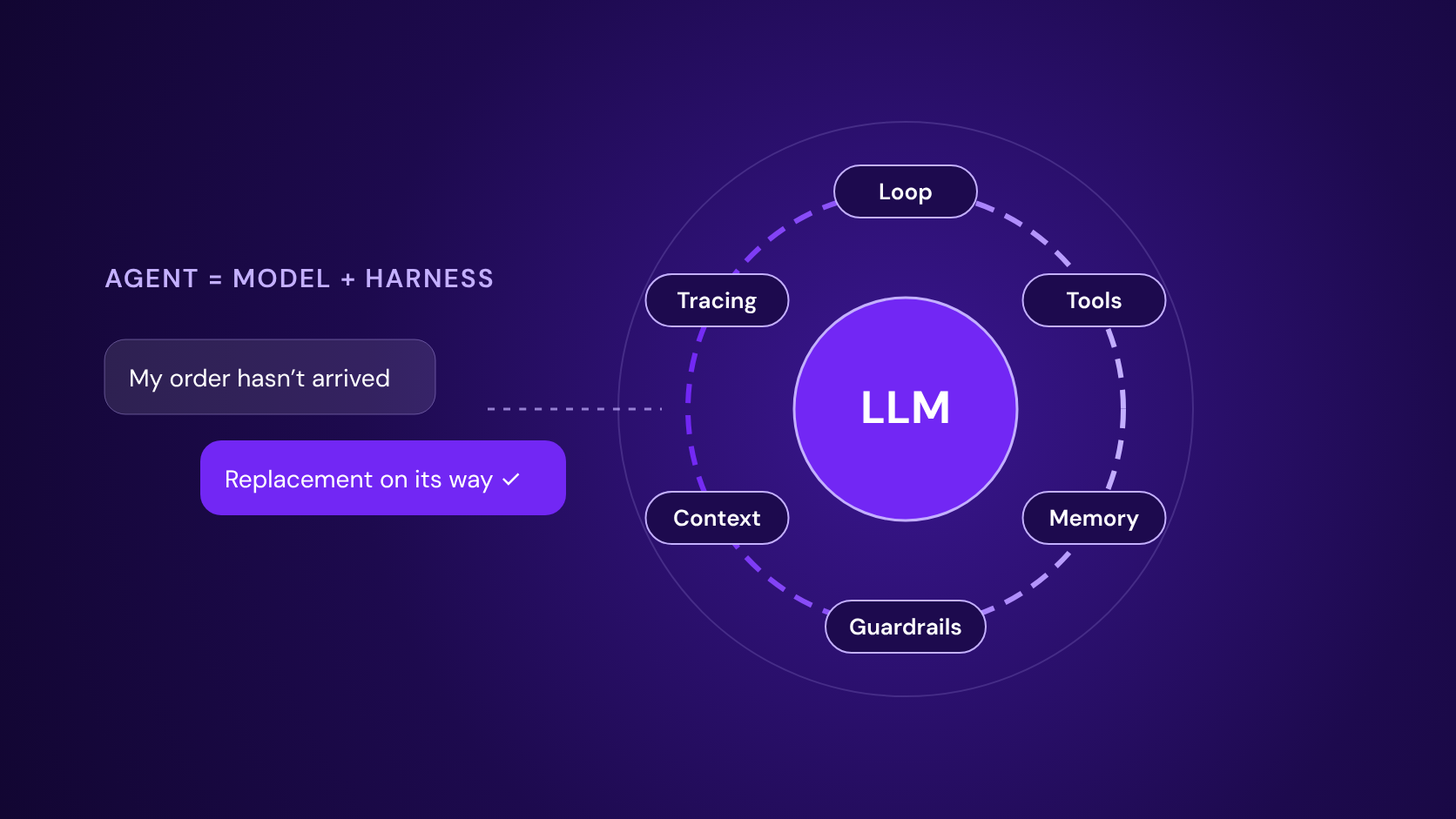
Most customer messaging platforms sell one AI agent: theirs. That works until you want a different model, a framework your developers already use, or an agent you have built and tested yourself.
Agent Harness changes that in MonoChat. Bring your own agent framework, or use ours, and run it on every channel MonoChat connects, with the same tools, the same inbox and the same handover to your team.
What is new
An AI Harness is a service definition you add once in MonoChat. It tells MonoChat which agent framework should do the work and where it runs. The new AI Agent node in a flow uses it, and so does the agent-run API, so your own applications can start an agent run too.
Because the agent runs inside a MonoChat flow, it works wherever the flow works: WhatsApp, Instagram, Messenger, TikTok, Telegram, web chat, SMS and voice.
Choose your harness
Seven providers are available from day one:
| Provider | Where it runs | What you need |
|---|---|---|
| MonoChat (built-in harness) | Inside MonoChat | Nothing; uses your MonoChat AI models |
| OpenAI Agents SDK | Inside MonoChat | Nothing extra; uses your AI models |
| Claude Agent SDK | MonoChat’s agent runner, each run as an isolated Claude Code-style agent process | Nothing extra; uses your AI models through MonoChat’s gateway |
| Pi (pi coding agent harness) | MonoChat’s agent runner | Nothing extra; models through MonoChat’s gateway |
| OpenAI Agents API (hosted by OpenAI) | OpenAI cloud | Your OpenAI API key |
| Claude Managed Agents (hosted by Anthropic) | Anthropic cloud | Your Anthropic API key |
| Custom | Your own server, any framework (LangGraph, Google ADK, CrewAI, your own code) | An endpoint URL and a shared secret |
Product names belong to their owners.
Main, fallback and fast models
Every AI Agent node has three model roles and a budget:
- Main model reasons, decides and writes the replies.
- Fallback model takes over after a soft limit or a failure, so the customer is not left waiting.
- Fast model handles background work.
- Budget limits cap what a single run may spend.
Your tools, your inbox, your team
The agent uses the MonoChat tools you already have: AI function tools, MCP servers, the knowledge base and custom functions. When a conversation needs a person, it moves to your shared team inbox with the full history, so nobody asks the customer to repeat themselves.
With your own AI provider keys, you pay the provider directly. MonoChat adds no AI markup.
How to get started
- Add an AI Harness and choose the provider.
- Add an AI Agent node to a flow and pick the harness.
- Choose the main, fallback and fast models and set a budget per run.
- Connect your channel, such as your WhatsApp number.
- Test the flow, then go live.
Read more
- Agent Harness: providers, model roles and FAQ
- What is an agent harness, and why WhatsApp support needs one
- How to run a Claude Agent SDK agent on WhatsApp
- How to build a WhatsApp agent with the OpenAI Agents SDK
- Bring your own AI agent to WhatsApp with a webhook endpoint
- Why your customer-facing AI agent needs a fallback model