Click-to-Messenger Ads
Click-to-Messenger ads that get an answer in seconds
Every tap on your Facebook ad opens a Messenger chat. MonoChat answers it instantly with a no-code flow or an AI chatbot, qualifies the lead and hands it to the right person in your team inbox.
Or start with $150 of credit, enough for a first month of Growth
- Instant first reply
- Lead qualification
- AI chatbot
- Shared inbox
Hello! Can I get more info on this?
14:05
Oslo 3-seat sofa
4 fabrics · In stock
Free fabric samples
Hi! Thanks for tapping our ad. What would you like to know first?
14:05
Fabric samples
14:06
Great choice. Share your postcode and we will send four samples this week.
14:06
What are Click-to-Messenger ads?
Ads that start a conversation instead of a page visit
A Click-to-Messenger ad runs on Facebook or Instagram and opens a Messenger chat with your Page when someone taps it. The ad brings the chat; MonoChat makes sure it gets a fast, useful answer and does not sit unread.
- Every ad conversation lands in the shared MonoChat inbox
- No-code flows reply in seconds, day and night
- Leads are tagged and assigned to the right agent
- Agents reply from the same Facebook Page
Team inbox
All channels-
 Omar H. · Messenger Please reserve the black pair.
 -
 Sara A. · WhatsApp Is the linen shirt available in medium?
 -
 Deniz K. · Instagram Can I book for Friday at 6pm?
 - Website visitor · WebChat Which plan fits a team of five?
-
 Lina M. · TikTok Do you deliver tomorrow?
What MonoChat adds
Turn ad clicks into qualified Messenger leads
Everything that happens after the tap: the first reply, the questions, the handover and the follow-up.
-
Instant first reply
A flow answers the first message from an ad right away, so the person gets a reply while they are still interested.
Workflow automation -
Replies that match your ad questions
Keyword replies react to the questions you set in the ad, so each tap starts the right path.
-
Lead qualification flows
Ask about budget, timing or needs with buttons, save the answers and route hot leads first.
-
AI chatbot for open questions
An AI chatbot answers free-text questions about prices, delivery or opening hours from your own content.
Messenger chatbot -
Tags and assignment
Tag each conversation by campaign or interest and assign it to a sales agent or team automatically.
Unified team inbox -
Results you can measure
Follow response times, agent workload and conversations by tag in MonoChat analytics.
Analytics
Example: real estate leads
Qualify buyers before an agent picks up
A property ad invites people to ask about new flats. The flow asks two quick questions, saves the answers and passes a ready lead to an agent.
- Budget and timing collected with buttons
- Conversation tagged by project
- Hot leads assigned to an agent
Hi, I saw the ad for the two-bedroom flats.
19:12
Welcome! To show you the right flats, what is your budget?
19:12
250k–400k
19:13
Thanks! When would you like to move?
19:13
Within 3 months
19:13
Perfect. Elif from our sales team will message you here shortly with available flats.
19:14
Example: bookings with a human touch
AI answers, your team confirms
A salon ad promotes a first-visit offer. The AI chatbot answers questions about the offer, and when the customer wants a time slot, the chat goes to the front desk with the full history.
- AI replies from your own content
- Handover to a person when needed
- Agents see the whole conversation
Is the first-visit offer valid on Saturdays?
10:41
Yes, the offer is valid every day, including Saturday. It covers a haircut and styling.
10:41
Great, can I book this Saturday morning?
10:42
I am passing you to our front desk to confirm a time.
10:42
Hi, this is Mia. We have 10:00 or 11:30 free on Saturday. Which suits you?
10:44
Messenger rules
What to know before your ads go live
Meta’s messaging rules apply to every conversation an ad starts. MonoChat helps you work inside them.
-
Reply within 24 hours
A conversation from a Click-to-Messenger ad opens Meta’s 24-hour window. Each new message from the person restarts it.
Read the 24-hour rule guide -
Human agent tag: 7 days, manual only
A team member can still reply manually up to 7 days after the person’s last message. It is not for bots or promotions.
-
Disclose automation where required
Where the law requires it, tell people they are talking to an automated assistant and offer a way to reach a person.
-
Follow up later with consent
To send promotions after the window closes, use Messenger marketing messages to people who opted in.
Messenger marketing messages
How to set up Click-to-Messenger ads with MonoChat
Four steps from your Facebook Page to ads that get answered automatically.
-
Connect your Facebook Page
Connect the Page your ads run from, so its Messenger chats arrive in the MonoChat inbox.
-
Build the entry flow
Create a no-code flow with a welcome reply, buttons and keyword replies for the questions in your ad.
-
Create the ad in Ads Manager
In Meta Ads Manager, choose Messenger as the message destination and set the greeting and questions to match your flow.
-
Go live and improve
Turn the flow on, let agents take over qualified leads and use analytics to refine replies.
Click-to-Messenger ad use cases by industry
The same building blocks, set up for how your sector sells.
-
E-commerce
Product questions, sizes and checkout links straight from the ad. -
Real estate
Qualify buyers and renters, then book viewings with an agent. -
Automotive
Test drive requests and trade-in questions from vehicle ads. -
Education
Course questions and enrolment leads from campaign ads. -
Beauty salons
Offer questions and booking requests passed to the front desk. -
Tourism & hospitality
Package questions and reservation requests from travel ads.
Ready-made app in the MonoChat Store
Marketing
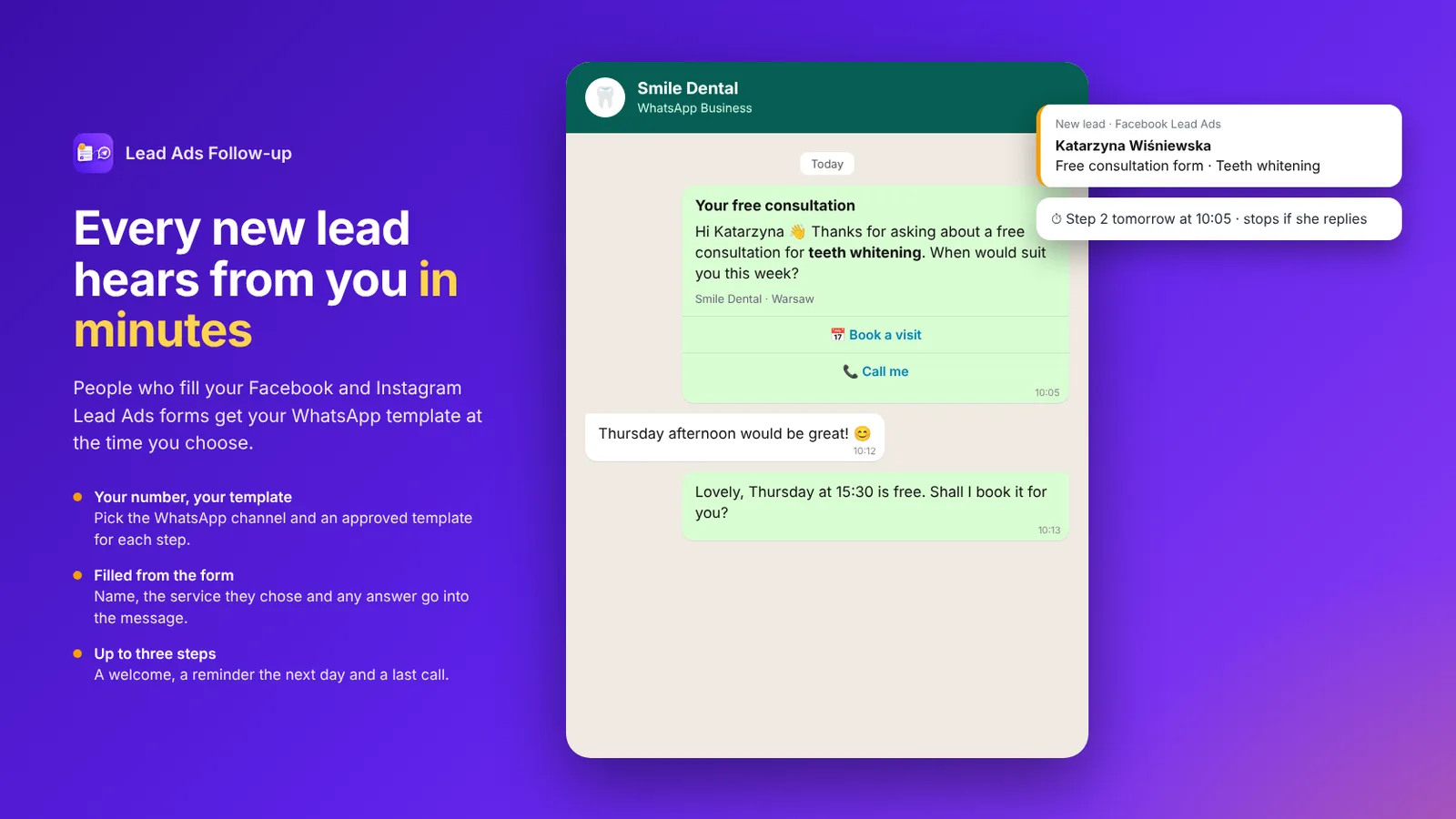
Lead Ads Follow-up
Sends WhatsApp template messages to people who fill your Facebook and Instagram Lead Ads forms, after the delay you choose, from the channel and template you pick, and stops when someone on your team or the customer has already taken over.
FAQ
Click-to-Messenger ads FAQ
How ad conversations work in Messenger and what MonoChat does with them.
What is a Click-to-Messenger ad?
It is a Facebook or Instagram ad whose button opens a Messenger conversation with your Page instead of a website. The person can send a message or tap one of the questions you set in the ad, and your business replies in Messenger.
Does MonoChat create the ads?
No. You create and pay for the ads in Meta Ads Manager. MonoChat handles the conversations the ads start: it replies with flows or an AI chatbot, tags and assigns leads, and lets your team answer from one inbox.
How long do I have to reply to someone who messaged from an ad?
Meta gives businesses 24 hours after the person’s last message. A team member can still reply manually for up to 7 days with the human agent tag, but that tag is not allowed for automated or promotional messages.
Can a chatbot answer ad conversations automatically?
Yes. A no-code flow or an AI chatbot can send the first reply, answer common questions and collect lead details. Where the law requires it, disclose that the replies are automated, and let the bot hand over to a person when needed.
Can different ads start different conversations?
Yes. Give each ad its own greeting and questions in Ads Manager, then use keyword replies in MonoChat to start the matching flow and tag the conversation, so you can compare campaigns in your analytics.
Can I send promotions to ad leads later?
After the 24-hour window, promotions need Messenger marketing messages, which only go to people who opted in. Meta bills them per message, and they cannot be delivered to users in the EU, UK, Japan, South Korea or Australia.
Keep exploring
-
Facebook Messenger Chatbot
Build a Facebook Messenger chatbot that answers from your own content 24/7, qualifies leads, shares products and hands chats to your team. -
Facebook Comment Auto-Reply
Auto-reply to Facebook comments with a public reply and a private Messenger message, triggered by keywords, then tag, assign and qualify every lead. -
Lead Ads to WhatsApp
Follow up every Facebook and Instagram Lead Ads lead on WhatsApp within minutes, with approved templates that stop when they reply. -
Messenger Marketing Messages
Send Messenger marketing messages to opted-in subscribers with MonoChat: campaigns outside the 24-hour window, automated reply flows and one shared team inbox.
First month of Growth on us
Answer every Messenger ad conversation with MonoChat
Connect your Facebook Page, build the first reply in minutes and let your team focus on the leads that are ready to buy.
One code per business • 30 days to redeem • No card needed