WhatsApp Car Rental Booking
WhatsApp Car Rental Booking From First Message to Paid Reservation
Let customers book a rental car without leaving WhatsApp. MonoChat asks for dates, location and car class, offers extras, collects documents and sends the deposit link, then confirms the reservation automatically.
Or start with $150 of credit, enough for a first month of Growth
- WhatsApp Flows
- Payment links
- Reservation API
Hi, I want to book a car for 14–18 November.
19:42
Happy to help! Where would you like to pick it up?
19:42
Airport office
19:43
Economy · Automatic
14 Nov 10:00 – 18 Nov 10:00 · Airport
4 days · €152 · €200 deposit
This is the best match for your dates. Add anything?
19:43
No, continue
19:44
Great. Pay the €200 deposit to lock the car; I will send your confirmation right after.
19:44
What a WhatsApp car rental booking flow handles
Every step your counter repeats on the phone, done in the chat in the right order.
-
Guided date and location capture
Pick-up and return dates, times and offices are asked one by one with buttons, so nothing is missing.
-
Car class selection
Show economy, compact, SUV or van options as buttons or a carousel with the price for the chosen dates.
-
Extras and insurance options
Offer child seats, an extra driver, full cover or unlimited mileage as one-tap add-ons.
-
Live price and availability
Connect your reservation system with the API or custom functions so the flow quotes real rates.
-
Documents in the same chat
Ask for driving licence and ID photos before the booking is confirmed.
-
Deposit and prepayment links
Send a payment link from your own payment provider and confirm automatically when it is paid.
-
Confirmation and pick-up details
An approved template sends the booking number, office address and what to bring.
-
Handover for special requests
One-way rentals, long-term quotes and corporate bookings go to your team with the full chat.
WhatsApp Flows
A booking form that opens inside WhatsApp
For customers who prefer a form to a chat, a WhatsApp Flow collects dates, location, car class and driver details on one screen. The answers land on the contact and can be sent to your reservation system.
- Date pickers and drop-downs instead of free text
- Answers saved to contact fields
- Passed to your reservation system through webhooks
- Confirmation template sent after payment
Booking confirmation
WhatsApp template · sent after payment
Message preview
Hi Emma, booking NR-2418 is confirmed: Economy automatic, 14 Nov 10:00 – 18 Nov 10:00, Airport office. Please bring your driving licence and the card used for the deposit.
Ready-made app in the MonoChat Store
Car rental booking
Rental Desk Assistant
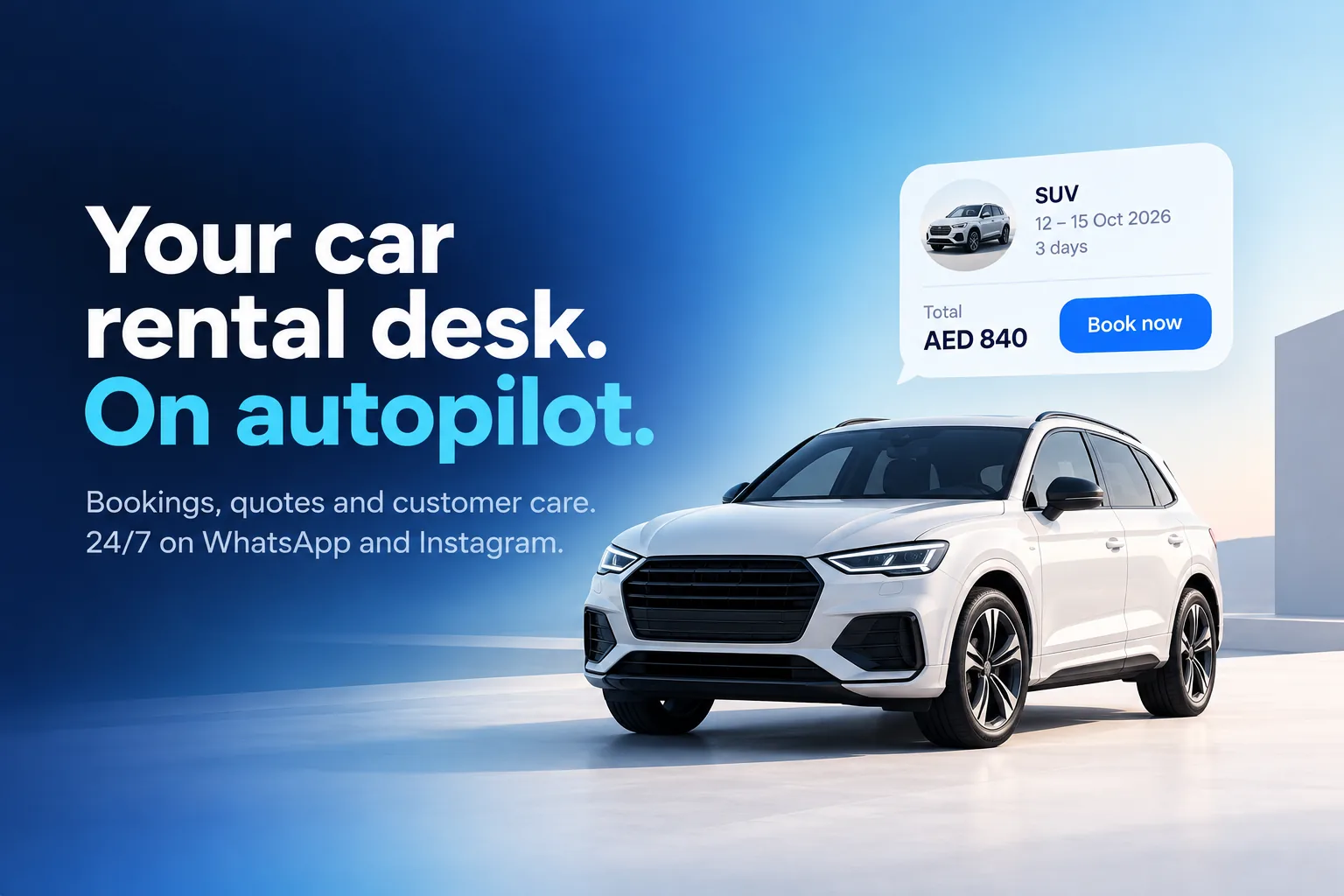
An AI booking desk for car rental companies that quotes real prices for the dates asked on WhatsApp and Instagram, takes bookings, collects licence and ID photos, sends pick-up and return reminders and handles roadside problems.
How WhatsApp car rental booking works
Set it up once, then take reservations around the clock.
-
Open the entry points
Add a WhatsApp button to your website, Click-to-WhatsApp ads and QR codes at your offices.
-
Build the booking flow
Design the questions, car classes, extras and document step in the no-code workflow builder.
-
Connect prices and payment
Link your reservation system for live rates and your payment provider for deposit links.
-
Confirm and follow up
Send the confirmation template, pick-up details and a reminder the day before.
Example conversations
WhatsApp car rental booking examples
Different customers, different bookings, the same flow: details collected, payment taken and the reservation confirmed in the chat.
-
Booking a weekend car from an Instagram ad
A shopper replies to an ad, chooses the office and pays in the DM, so the offer turns into a paid booking before they scroll away.
Atlas Car Rental Business accountIs the €29/day city car offer valid this weekend?
13:22
Yes, Saturday to Sunday is available. Where would you like to collect it?
13:22
Central stationAirportCentral station
13:23
City car · Manual
Sat 09:00 – Sun 21:00 · Central station
2 days · €58
Here is your booking. Pay now to confirm it.
13:23
Pay €58Payment received, you are booked! Booking AT-3391. Bring your driving licence and ID on Saturday.
13:26
-
Booking a 7-seater with a child seat for a family trip
A parent picks a larger car, adds two child seats with buttons and fills in driver details in a WhatsApp Flows form.
Nova Car Rental Business accountWe are 5 people plus 2 kids. Need a big car 2–9 August from the airport.
21:10
For 7 people I recommend one of these:
21:10
7-seater van €74/day7-seater SUV €89/day7-seater van €74/day
21:11
Good choice. How many child seats do you need?
21:11
1 seat2 seatsNone2 seats
21:12
Driver details form
7-seater van · 2 child seats · 2–9 Aug
Takes about 1 minute
Last step: please fill in the main driver details and I will send the total and payment link.
21:12
Open form -
Requesting a one-way rental between two cities
The assistant collects the route and dates, then a reservations agent prices the one-way fee and closes the booking.
Lumen Drive Typically replies in minutesCan I pick up a car in Lisbon on 3 June and drop it in Porto on 6 June?
11:02
One-way rentals are possible. I have noted Lisbon Airport → Porto city office, 3–6 June. Let me pass you to our reservations team for the one-way fee.
11:02
Hi, Marco from reservations here. A compact automatic is €46/day plus a €65 one-way fee, so €203 in total.
11:07
Book itSee other carsBook it
11:08
One-way rental confirmed
Lisbon Airport → Porto · 3–6 June
€203 · Booking LD-2047
All set. The payment link and pick-up details are on their way.
11:09
FAQ
WhatsApp car rental booking: questions answered
Quick answers to the most common questions.
How do I take car rental bookings on WhatsApp?
Connect your number to the WhatsApp Business API through MonoChat, then build a booking flow that asks for dates, pick-up and return office, car class and extras. The customer answers with buttons or a WhatsApp Flows form, sends documents, pays the deposit through a link and receives an automatic confirmation.
Can WhatsApp bookings go straight into my reservation system?
Yes. With the API, webhooks or custom functions, MonoChat can check availability, read rates and create the reservation in your own system during the conversation. Without an integration, the completed booking is passed to your team in the shared inbox to enter and confirm.
Can customers pay the rental deposit in the chat?
Yes. MonoChat sends a payment link created with your own payment provider. When the payment event comes back, the flow can send the confirmation message and tag the booking as paid.
What happens if a customer stops halfway through a booking?
The answers already given stay on the contact, so nothing is lost. You can send an automatic follow-up while the conversation window is open, or let an agent pick it up from the inbox with the dates and car class already filled in.
Can one WhatsApp number handle bookings for several branches?
Yes. The flow asks for the pick-up office first and routing rules assign the conversation to that branch’s team, so airport and city offices each see their own bookings in one shared inbox.
Keep exploring
-
Rental Price & Availability Chatbot
Answer price, availability and deposit questions instantly. -
Driver Licence & ID Collection
Collect licence and ID photos before the car is handed over. -
Vehicle Delivery & Pick-Up Coordination
Coordinate airport, hotel and address deliveries in chat. -
Rental Extension & Return Reminders
Remind renters before return time and offer extensions. -
Roadside Assistance & Damage Reports
Take breakdown and damage reports with photos and location.
First month of Growth on us
Take Car Rental Bookings on WhatsApp
Collect dates, documents and deposits in one chat and confirm reservations automatically with MonoChat.
One code per business • 30 days to redeem • No card needed