WhatsApp Bulk Messaging
Send campaigns, announcements and broadcasts on WhatsApp.
Reach segmented audiences with WhatsApp broadcasts, approved templates and automated follow-ups — then track every reply, conversion and customer action in MonoChat.
Or start with $150 of credit, enough for a first month of Growth
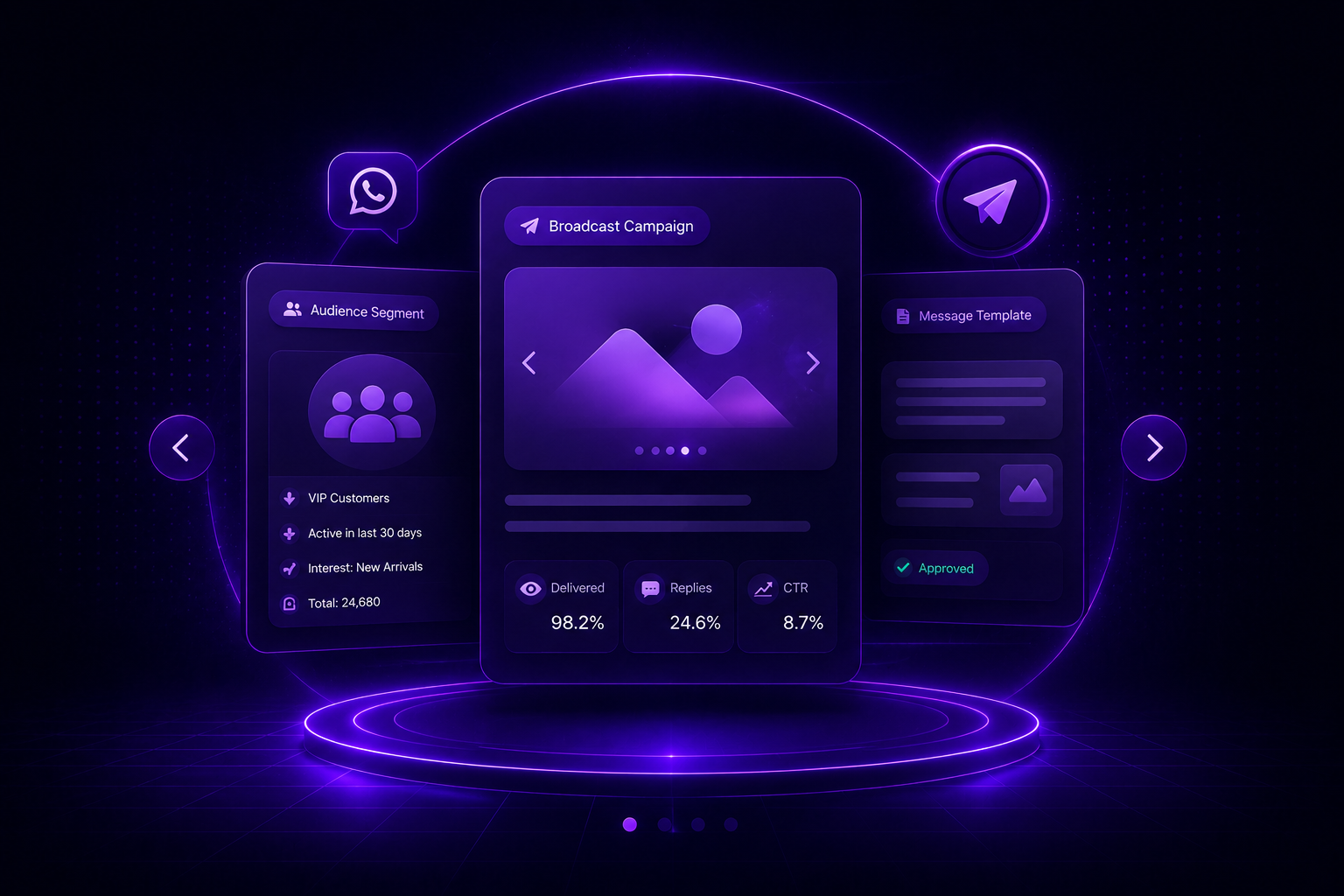
What you can send
Targeted. Automated. Measurable.
Use WhatsApp bulk messaging to reach selected customers, start conversations and continue every response with automation.
-
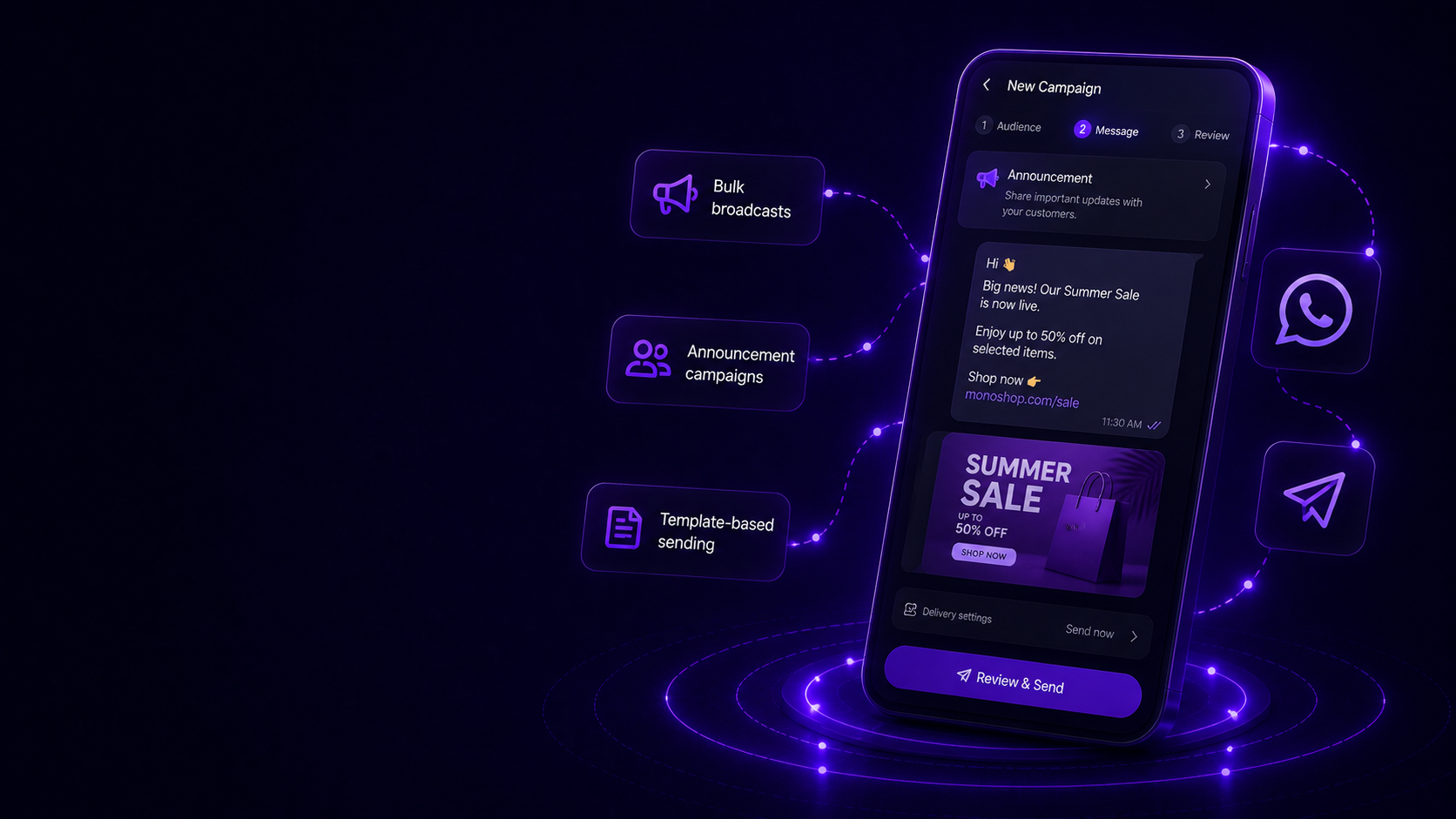
Campaign Broadcasts
Send announcements, promotions, updates and reminders to large WhatsApp audiences with structured campaign control.
- Bulk broadcasts
- Announcement campaigns
- Template-based sending
-
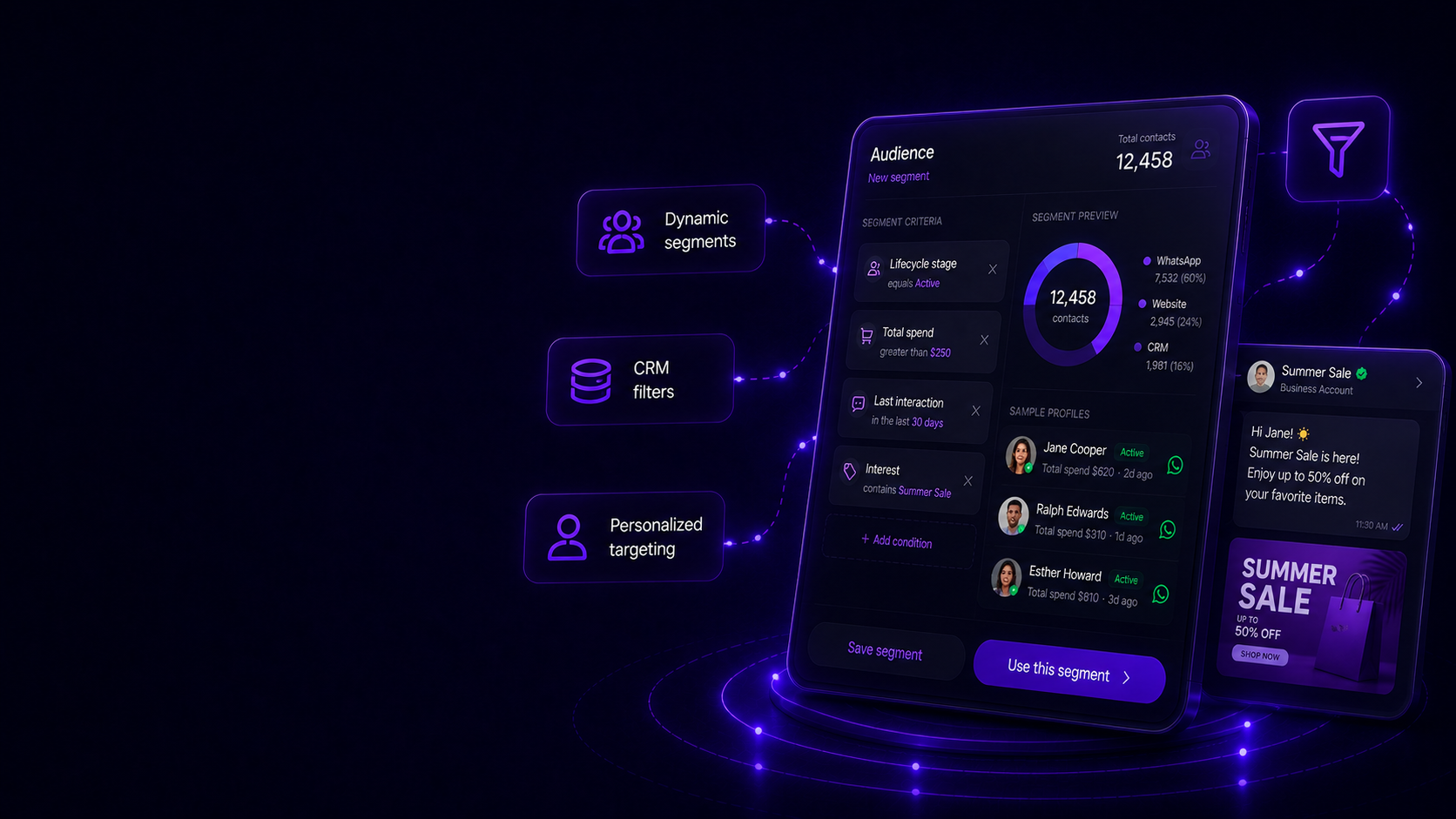
Segmented Audiences
Target customers by tags, lifecycle stage, interests, previous conversations, purchase history or custom CRM attributes.
- Dynamic segments
- CRM filters
- Personalized targeting
-
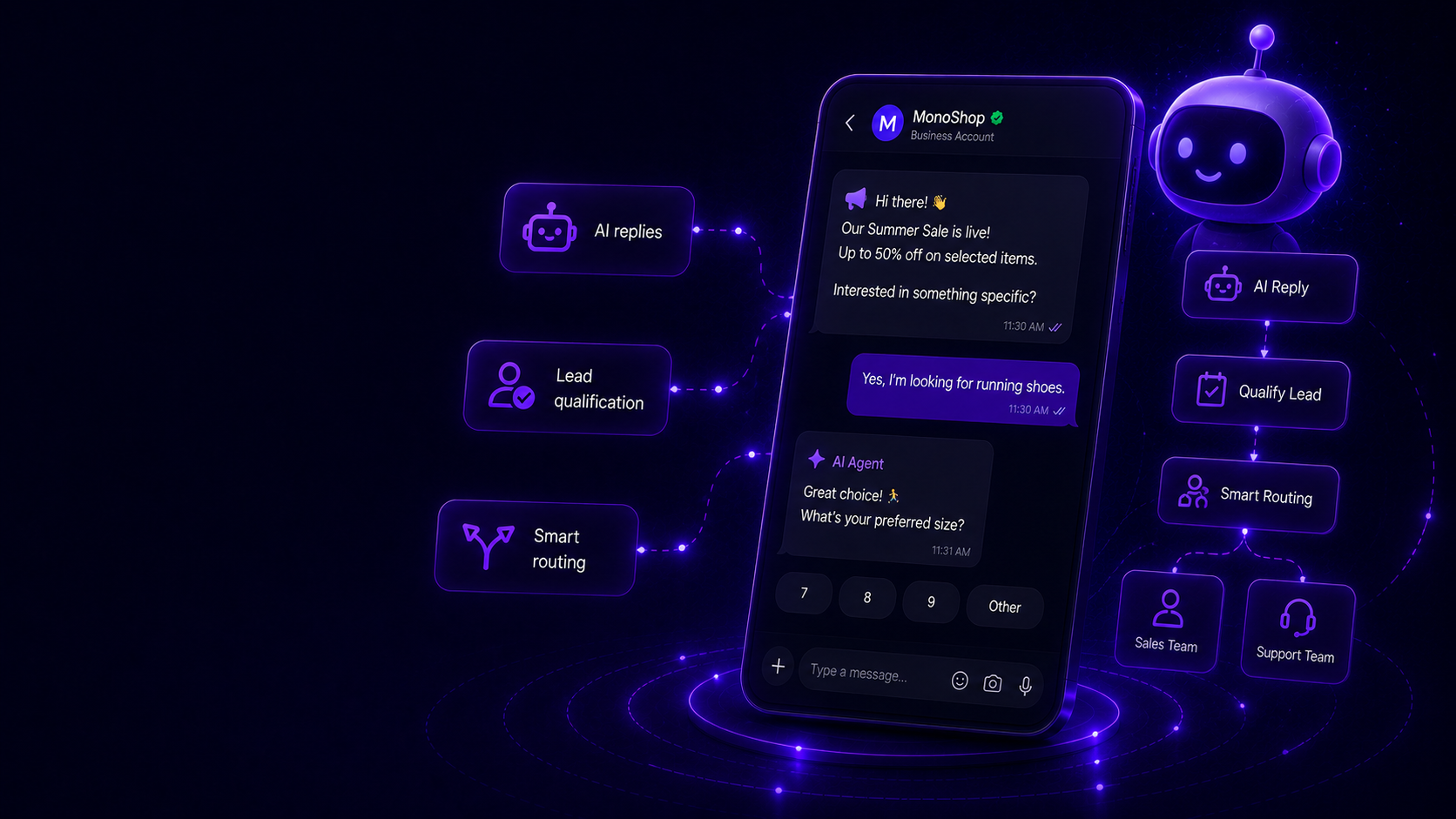
AI-Assisted Follow-Ups
Turn one-way broadcasts into conversational journeys with AI replies, qualification flows, smart routing and automated next steps.
- AI replies
- Lead qualification
- Smart routing
-
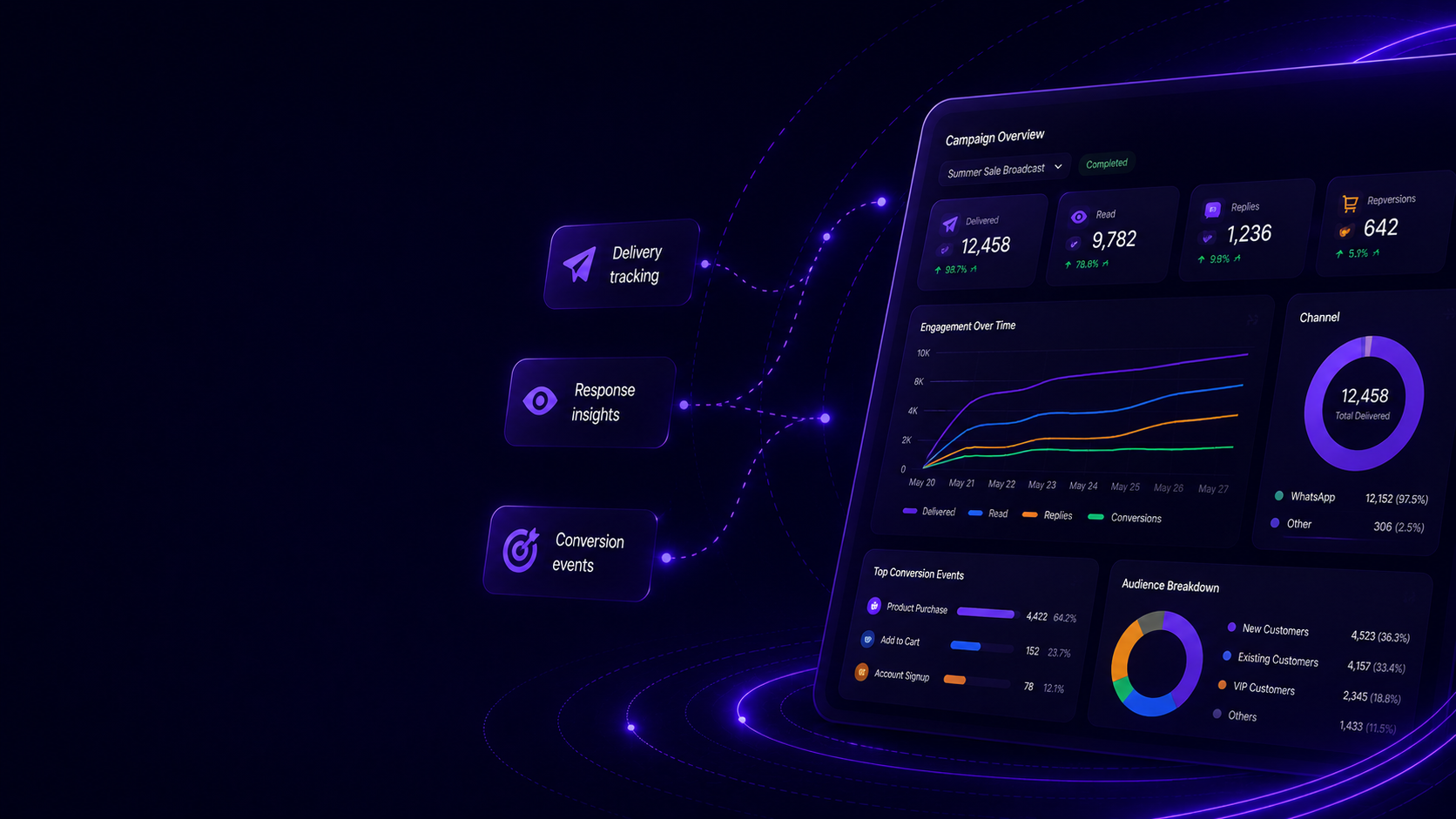
Campaign Tracking
Monitor delivery, engagement, responses and conversion actions so every WhatsApp campaign becomes measurable and actionable.
- Delivery tracking
- Response insights
- Conversion events
WhatsApp Campaign Broadcasts
Send campaigns to the right audience at scale.
Launch WhatsApp broadcasts for promotions, product updates, service announcements or reminders while keeping message delivery structured and trackable.
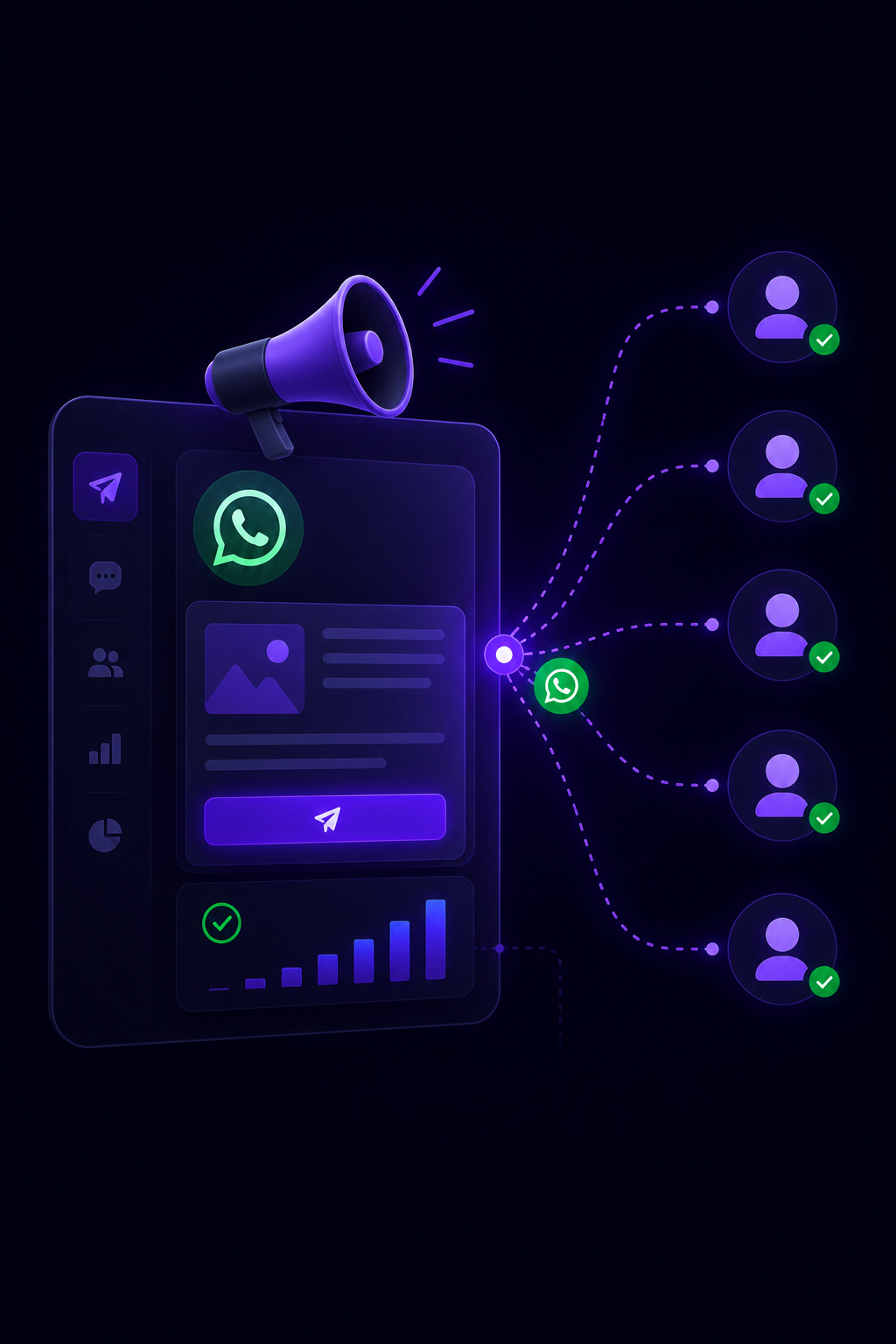
Audience Segmentation
Target customers by data, behavior and intent.
Create focused recipient groups using tags, CRM attributes, lifecycle stages, conversation history or previous campaign engagement.
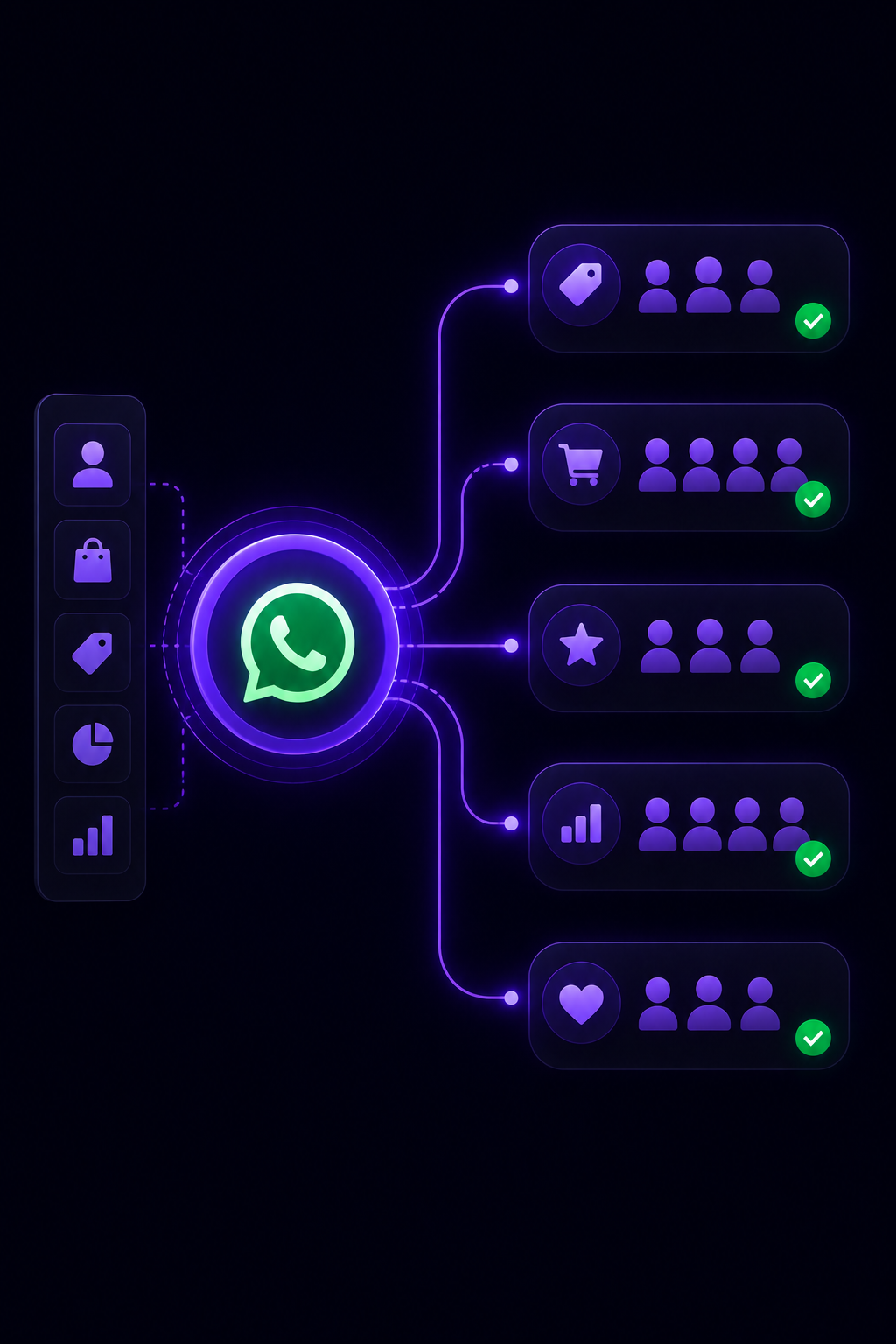
AI Follow-Up Automation
Continue every response automatically.
When customers reply to a broadcast, MonoChat can qualify intent, answer questions, assign conversations, trigger workflows or hand over to the right agent.
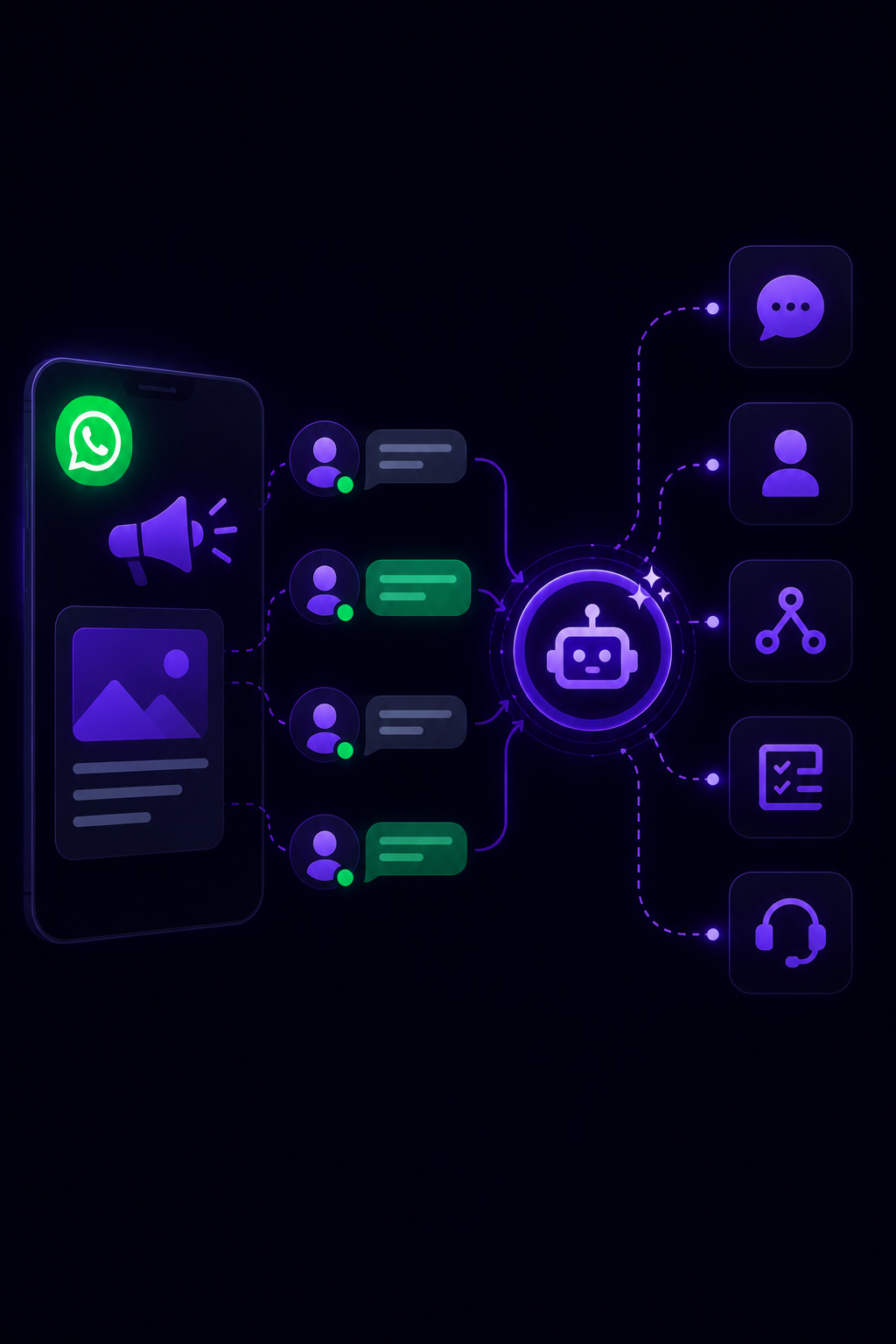
Campaign Performance
Measure delivery, replies and business outcomes.
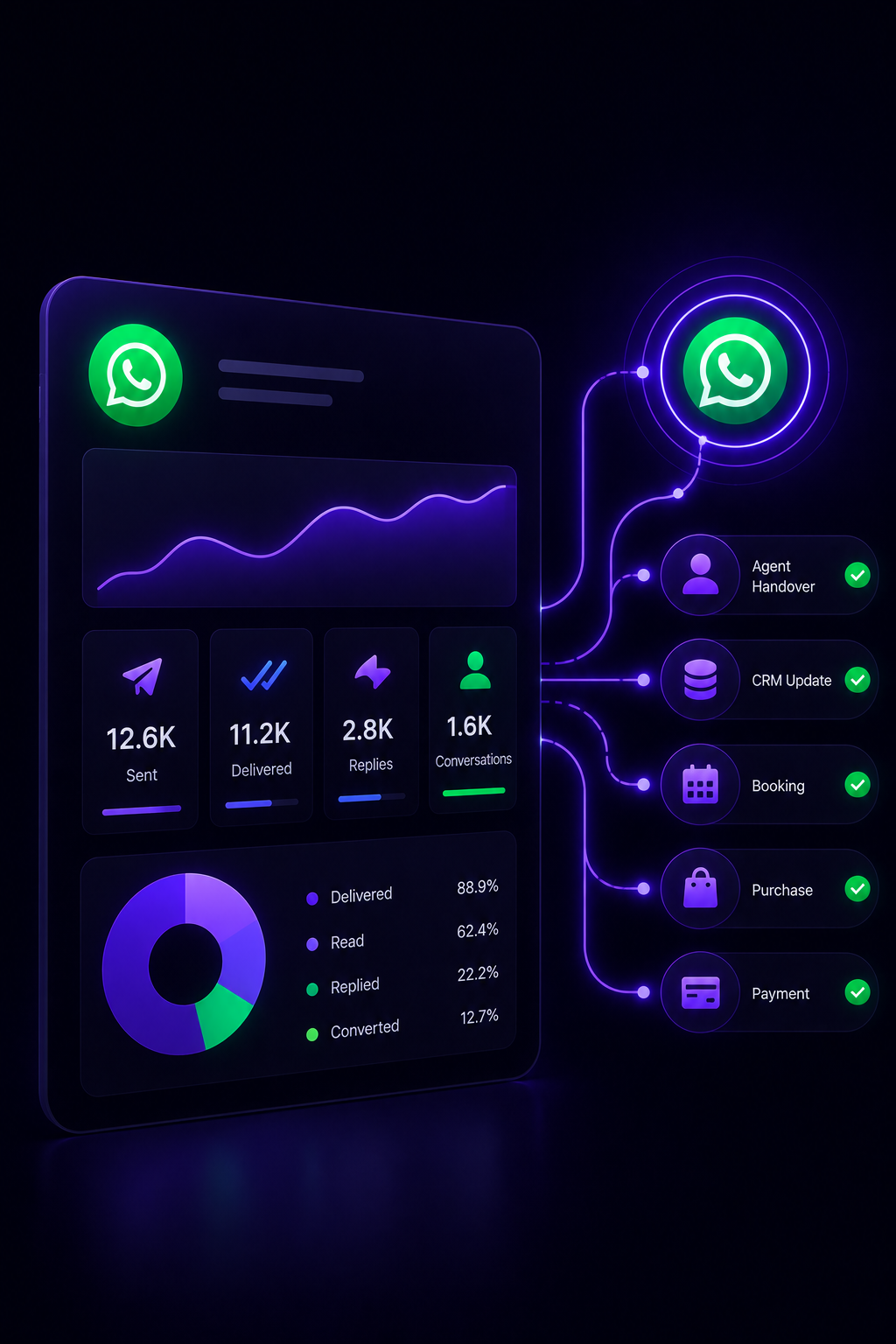
Track campaign activity from message delivery to customer response, agent handover, CRM update, booking, purchase or payment action.
Bulk messaging scenarios
Build WhatsApp campaigns for every customer journey.
From marketing announcements to operational reminders, every broadcast can start a measurable conversational workflow.
-
Promotional Campaigns
- Choose a segment
- Select approved message template
- Send campaign
- Track replies and conversions
-
Customer Announcements
- Import or filter contacts
- Prepare update message
- Broadcast safely
- Route incoming questions
-
Lead Nurturing
- Group leads by intent
- Send personalized follow-up
- Qualify responses
- Create CRM tasks
-
Operational Reminders
- Detect customer state
- Send reminder template
- Collect confirmation
- Sync result to systems
Data and integrations
Campaign audiences from your real customer data.
MonoChat can build audience segments from CRM, e-commerce, conversation and workflow data, then continue every response with automation.
-
CRM
Build segments from customer attributes and sync campaign responses back to each profile.
-
E-Commerce
Trigger broadcasts for offers, abandoned carts, product launches and stock updates.
-
Automation Flows
Continue each reply with qualification, routing, task creation or custom workflows.
-
Compliance Controls
Use approved templates, opt-out logic and structured sending rules for safer campaigns.
How WhatsApp bulk messaging works with MonoChat
Three steps from a contact list to a tracked WhatsApp campaign.
-
Build your audience
Import contacts or filter opted-in customers by tags, lifecycle stage, purchase history or CRM attributes.
-
Pick an approved template
Choose an approved message template, personalize its variables and send now or schedule the broadcast.
-
Follow up on replies
Replies land in the shared inbox, where AI, workflows and agents answer, qualify and track the outcome.
Common bulk messaging use cases
One-time broadcasts when simple. Automated campaigns when needed.
Send a single announcement or connect campaigns to customer events such as lead creation, product interest, cart activity, appointments, payments and renewals.
Talk to us- Promotional broadcasts
- Product launch announcements
- Back-in-stock alerts
- Event and webinar invitations
- Payment and renewal reminders
- Appointment confirmations
- Customer lifecycle campaigns
- Lead nurturing sequences
FAQ
WhatsApp bulk messaging FAQ
Opt-in, templates, sending limits and how API broadcasts differ from the WhatsApp Business app.
Is bulk messaging on WhatsApp allowed?
Yes, when it is done through the official WhatsApp Business API, with approved message templates, to customers who agreed to hear from you. Unofficial bulk-sender tools break WhatsApp’s terms and put your number at risk of being banned.
Do recipients need to opt in to WhatsApp broadcasts?
Yes. WhatsApp requires customers to opt in before a business starts messaging them. You can collect consent on your website, at checkout, in a form or in chat, and you should always give people an easy way to opt out.
How many WhatsApp messages can I send per day?
Meta sets a messaging limit for each business: the number of customers you can start a conversation with in a rolling 24-hour period. New accounts start with a lower limit, and it rises in tiers as you send messages that customers engage with and keep a good quality rating.
Do bulk messages need an approved template?
Yes. A broadcast is a business-initiated message, so it must use a template that Meta has approved. Templates can include variables, media and buttons, which lets you personalize one template for every recipient.
How is this different from broadcast lists in the WhatsApp Business app?
Broadcast lists in the app are built for small lists of contacts who have saved your number. With the WhatsApp Business API in MonoChat you can segment larger audiences, schedule campaigns, track delivery and replies, and continue each response with AI or your team.
Keep exploring
-
WhatsApp Flows
Create forms, surveys and guided journeys inside WhatsApp. -
Carousel Messages
Show products, offers and options with interactive carousel messages. -
WhatsApp Calls
Manage WhatsApp calls with conversation context and outcome tracking. -
Template Messages
Send approved templates for notifications, reminders and follow-ups. -
WhatsApp Coexistence
Use WhatsApp Business App and API together on the same number. -
WhatsApp Chatbot
Answer customers on WhatsApp around the clock with an AI chatbot.
First month of Growth on us
Launch Targeted WhatsApp Campaigns With Bulk Messaging
Send segmented broadcasts, announcements and automated follow-ups with MonoChat WhatsApp Business API.
One code per business • 30 days to redeem • No card needed