WhatsApp Carousel Messages
Show products, offers and options inside WhatsApp.
Send swipeable carousel cards with images, buttons and personalized options — then continue every selection with checkout, payment, booking or automation.
Or start with $150 of credit, enough for a first month of Growth
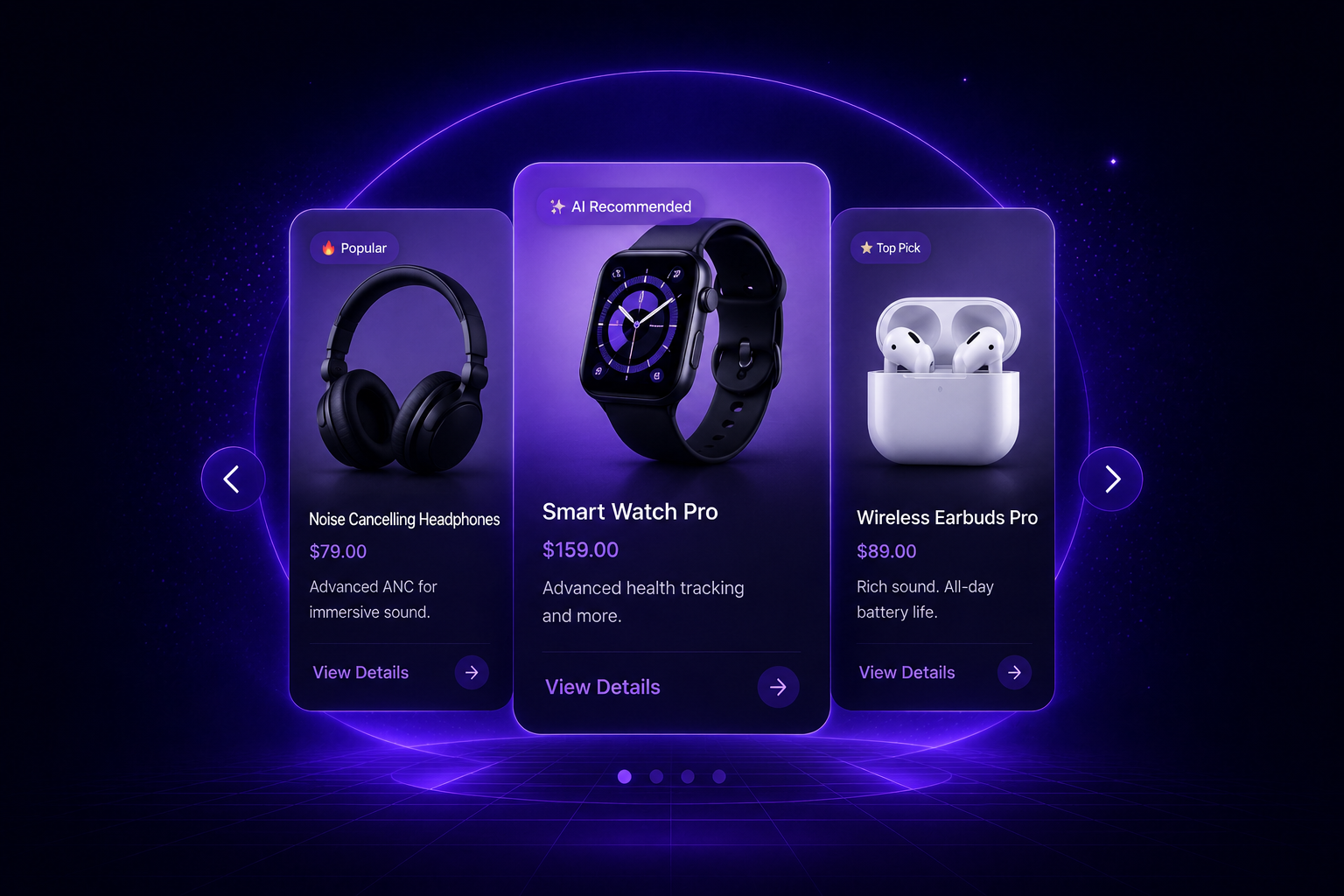
What you can show
More visual. More clickable. More conversational.
Use carousel messages to help customers browse, compare, select and continue the journey without leaving WhatsApp.
-
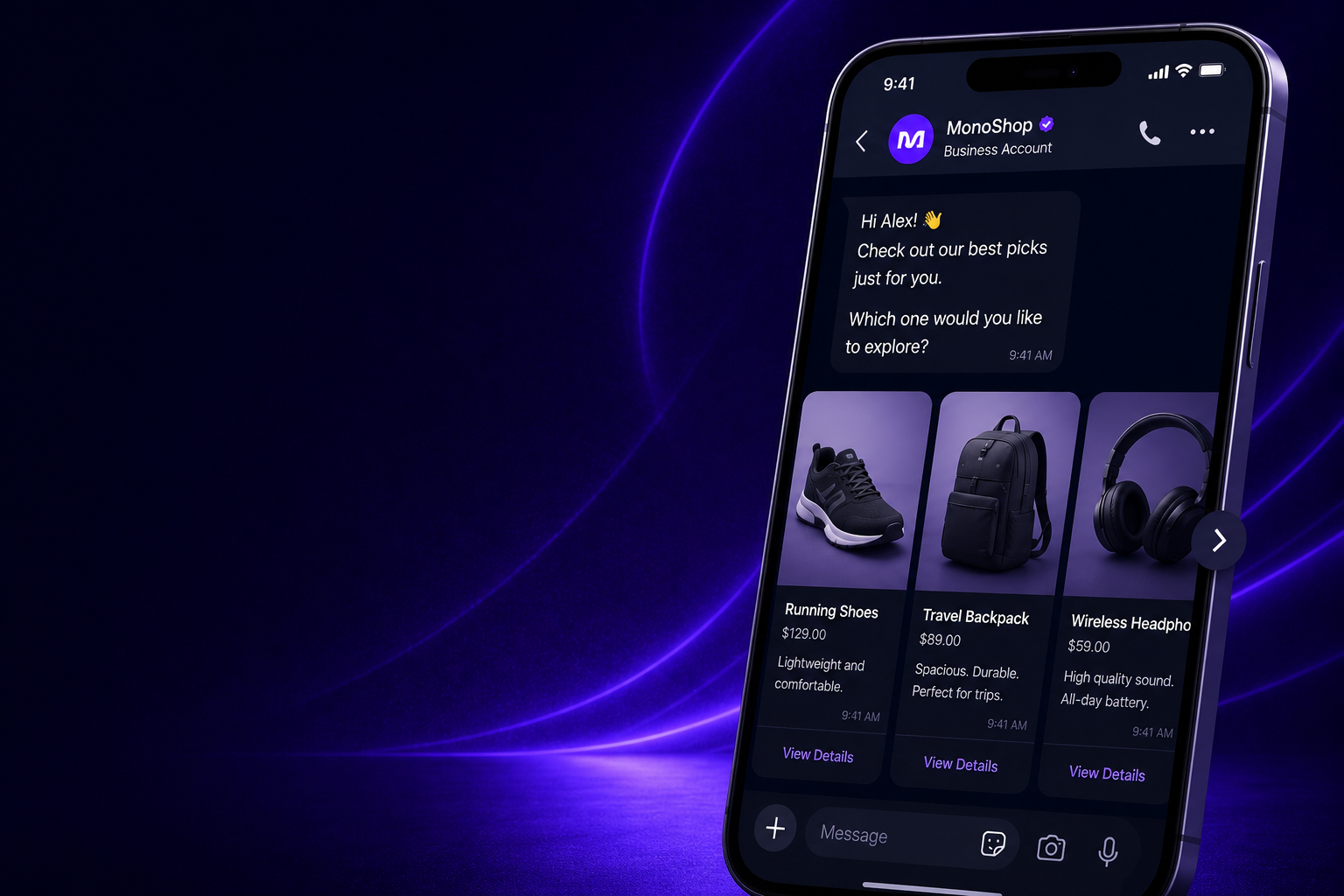
Product Carousels
Show multiple products in a swipeable WhatsApp carousel with images, prices, descriptions and action buttons.
- Product cards
- Image-based browsing
- Chat-to-checkout actions
-
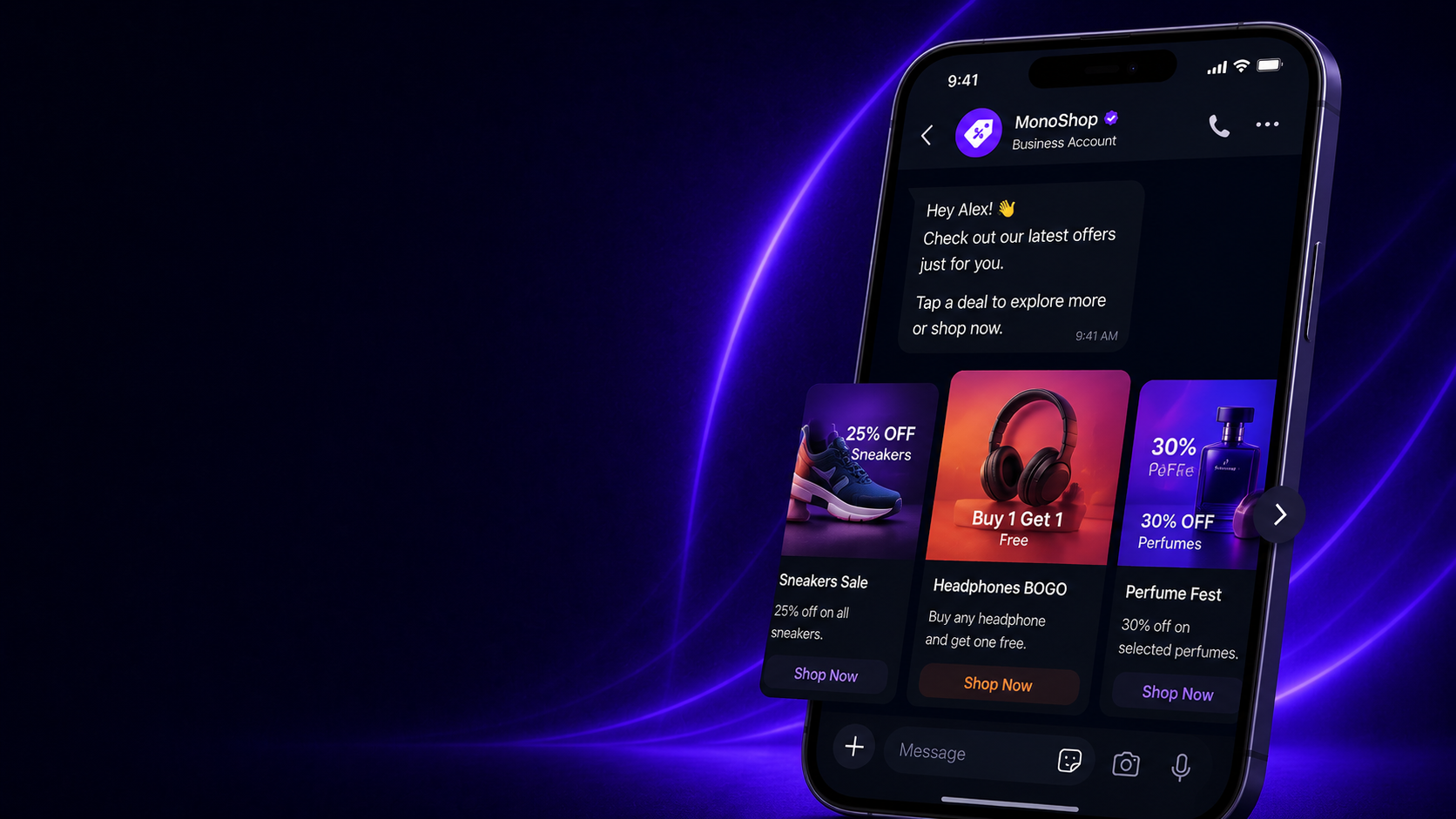
Campaign & Offer Cards
Promote seasonal offers, limited-time deals, bundles and segmented campaigns directly inside customer conversations.
- Offer discovery
- Segmented promotions
- Campaign CTA buttons
-
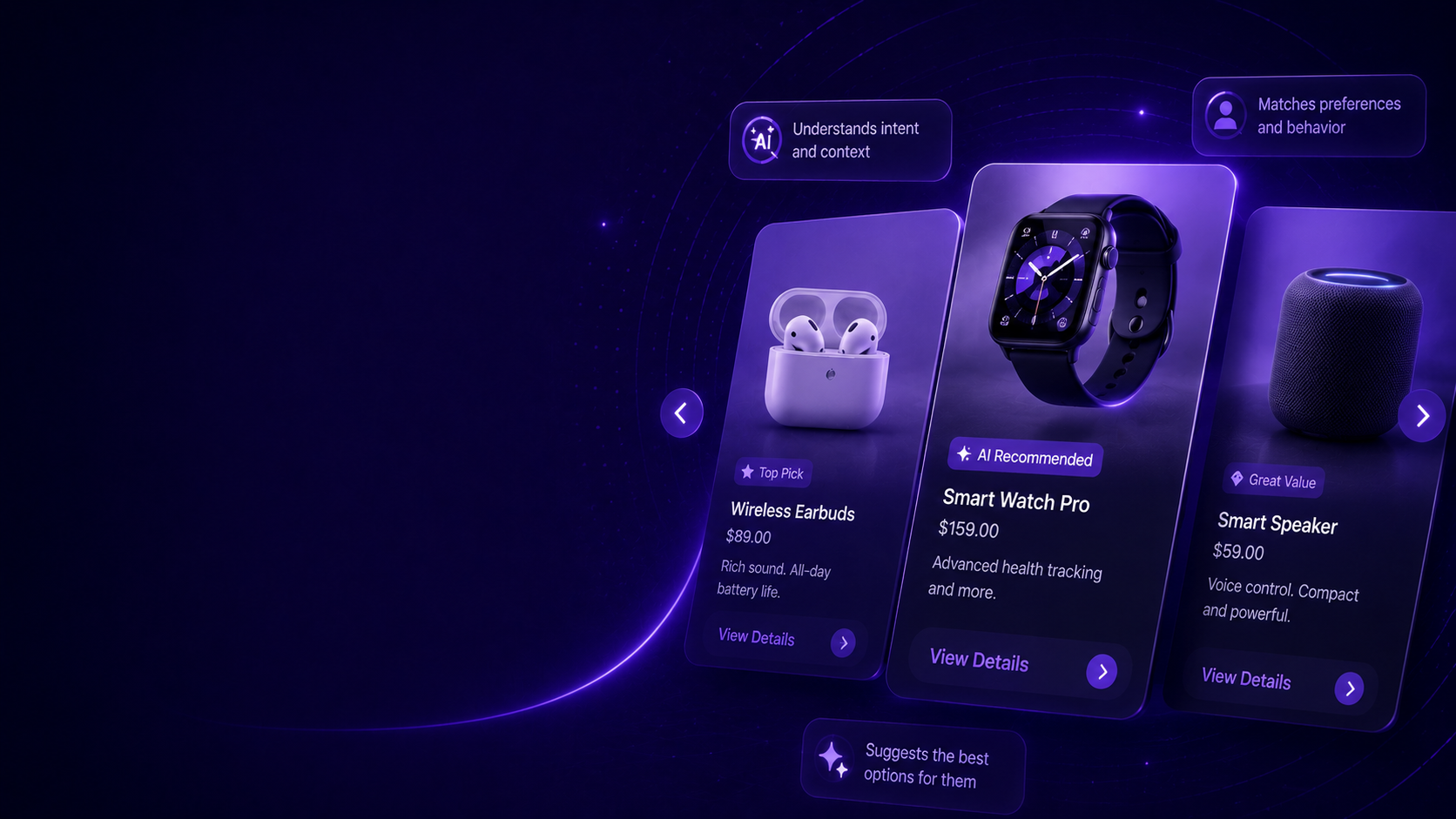
AI-Guided Recommendations
Let AI understand customer intent and present the right carousel options based on preferences, budget or previous answers.
- Intent-based suggestions
- Personalized options
- Smart follow-ups
-
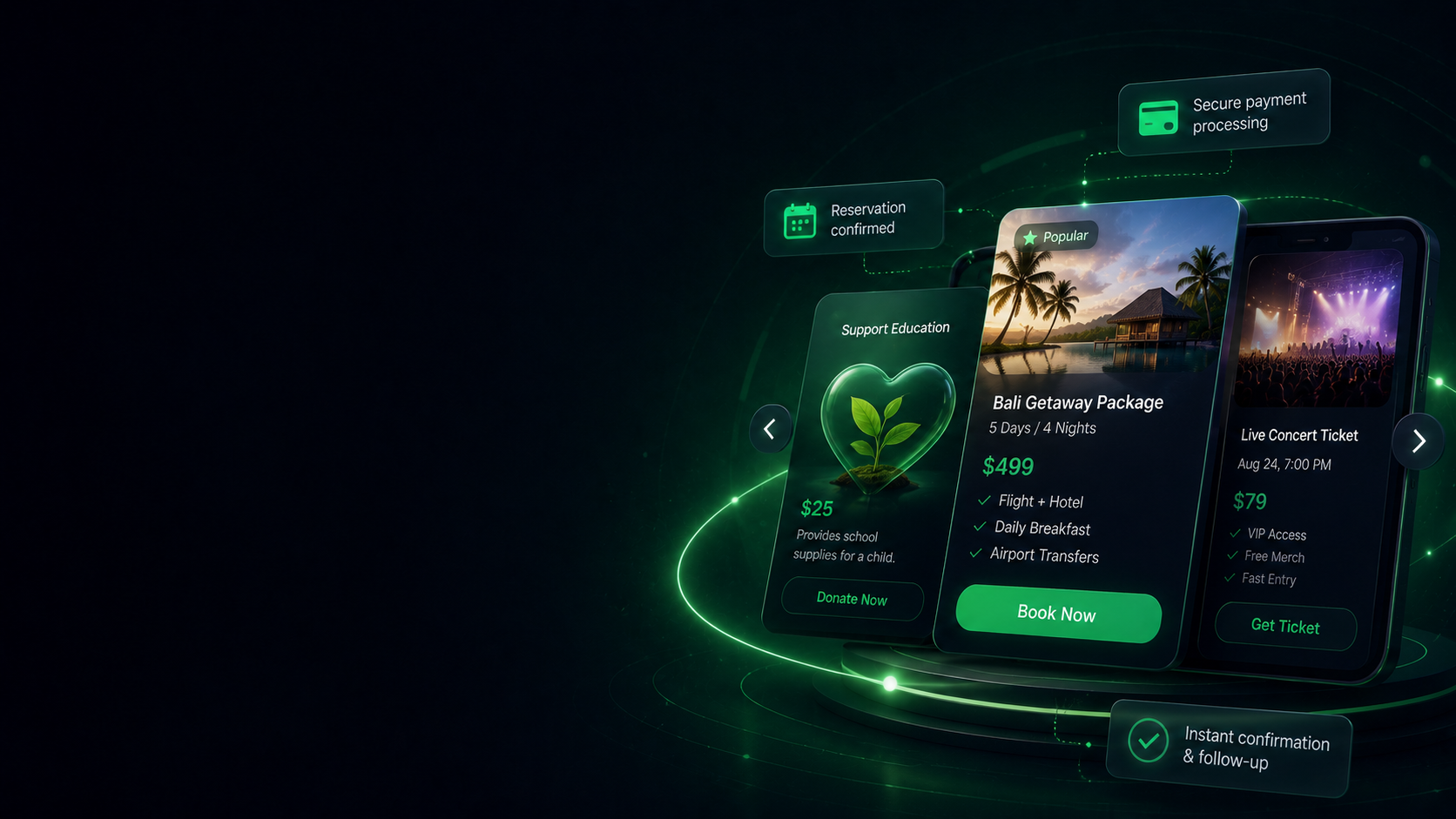
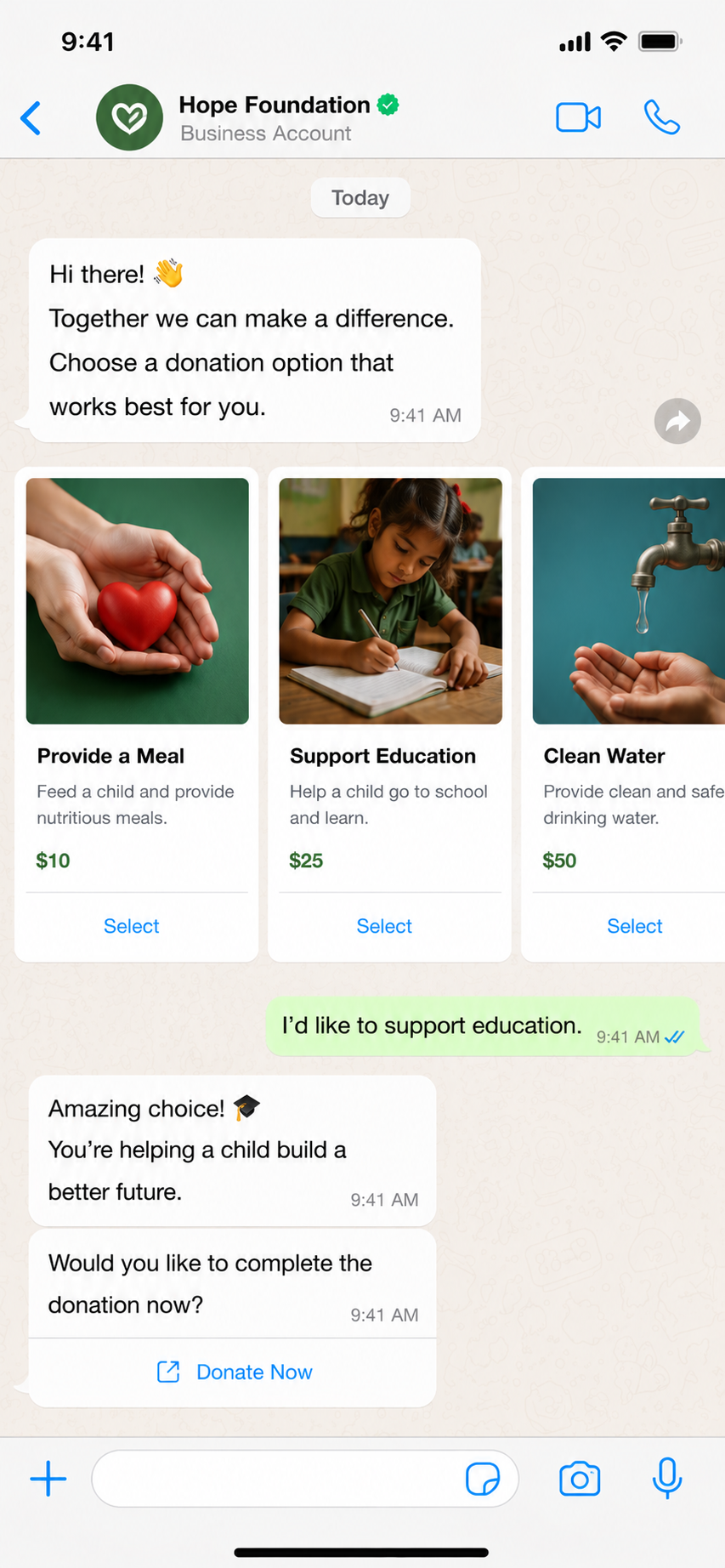
Booking, Donation & Payment Flows
Use carousel cards for packages, tickets, donation options or reservations — then continue with payment links or confirmation flows.
- Package selection
- Donation options
- Payment continuation
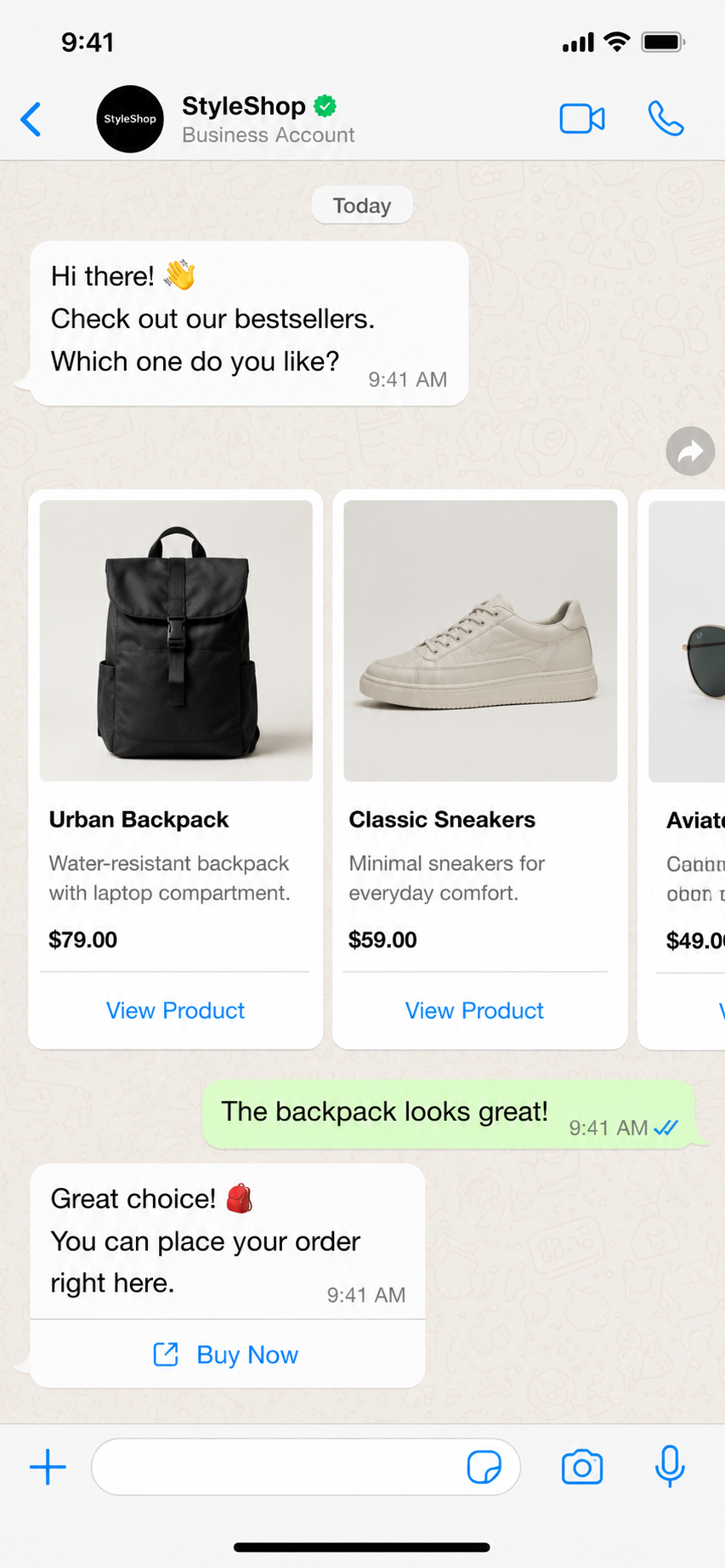
WhatsApp Product Carousels
Show products directly inside WhatsApp.
Present multiple products with images, descriptions and action buttons. Help customers compare options and move from conversation to checkout faster.
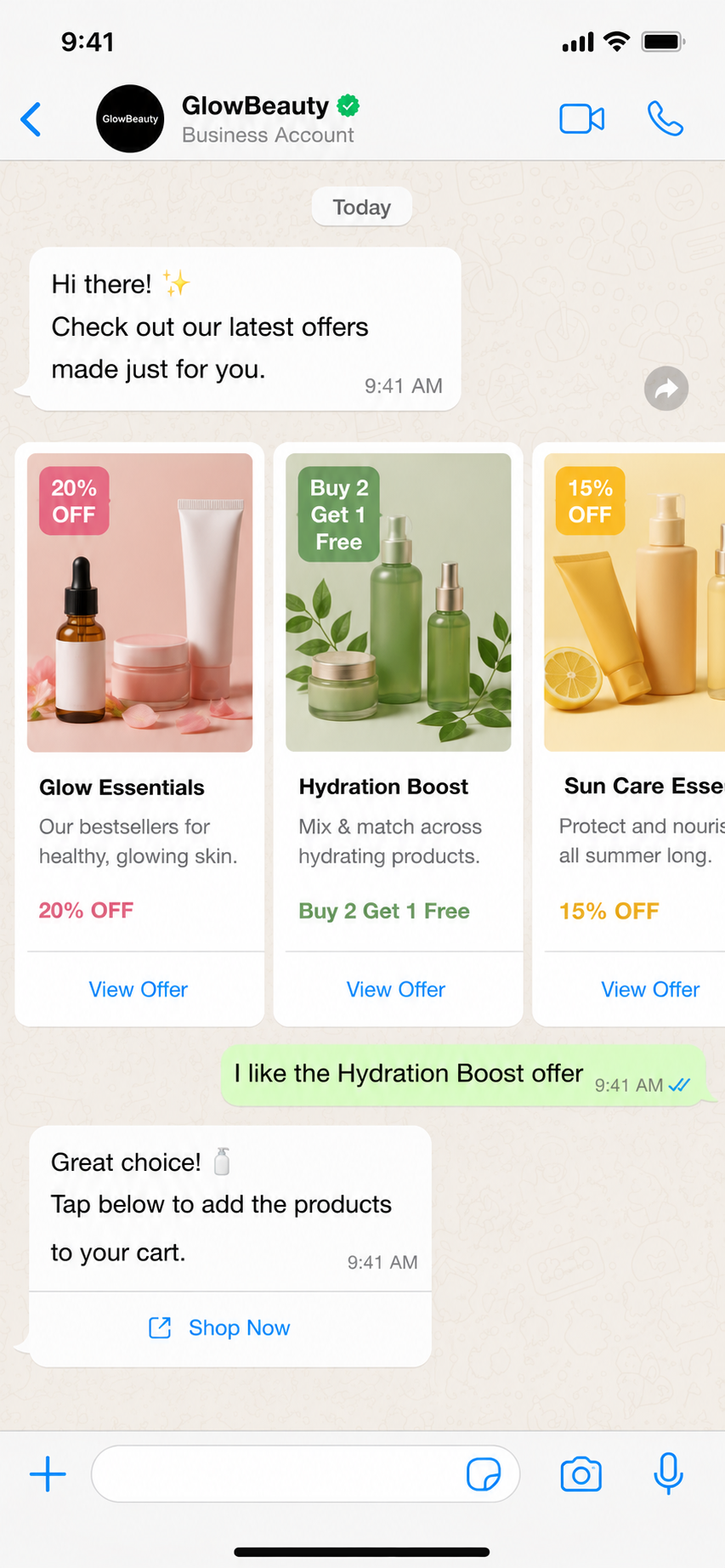
Offer & Campaign Carousels
Turn campaigns into swipeable offers.
Send promotional campaigns, bundles and seasonal offers as interactive carousel cards. Let customers choose the offer they want and continue the journey automatically.
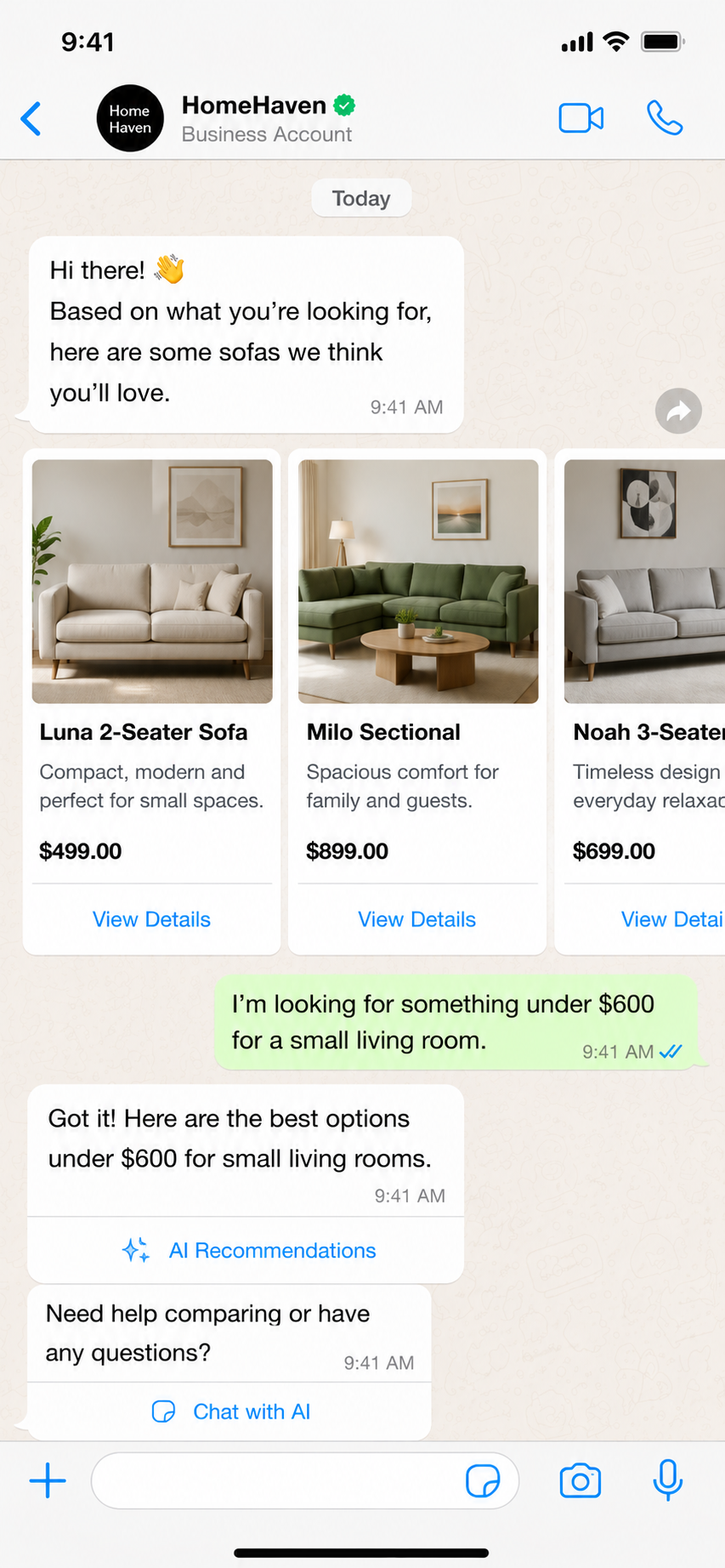
AI Recommendation Carousels
Let AI recommend the right options.
MonoChat AI can understand customer needs, filter available options and send personalized carousel cards based on intent, budget, category or previous answers.
Donation & Package Selection
Guide choices with visual cards.
Use carousel messages for donation options, service packages, event tickets or booking selections — then continue with payment, confirmation or CRM sync.
Carousel scenarios
Build visual WhatsApp journeys for every use case.
From product browsing to donation options, each carousel can guide customers to a clear next action.
-
Product Discovery
- Customer asks for a product
- AI finds matching items
- Carousel is sent
- Customer selects and checks out
-
Campaign Offers
- Segment audience
- Send offer carousel
- Track clicks
- Trigger follow-up automation
-
Ticket & Package Sales
- Show available options
- Customer selects package
- Collect details
- Send payment link
-
Donation Options
- Present donation causes
- Donor selects amount/campaign
- Send secure link
- Confirm donation
Data and integrations
Dynamic carousel content from your real systems.
MonoChat can load products, offers, packages, tickets or donation options from your systems and continue every selection with automation.
-
E-Commerce
Pull products, prices, stock and checkout links from your store.
-
CRM
Track selected carousel options and customer intent in your CRM.
-
Payments
Continue selected cards with secure payment links or checkout flows.
-
Custom APIs
Load carousel content dynamically from your own systems.
How WhatsApp carousel messages work with MonoChat
From your catalog to a swipeable message in three steps.
-
Prepare the cards
Create fixed cards for a campaign, or load products, packages, prices and availability from your store or API.
-
Send the carousel
Send it as a campaign or from a workflow, or let the AI assistant pick the cards that match what the customer asked for.
-
Continue the selection
Each button tap moves on to checkout, a payment link, a booking or an agent, and the choice is saved to your CRM.
Common carousel use cases
Static cards when simple. Dynamic cards when needed.
Create fixed carousel cards for campaigns or load live options such as products, packages, stock, prices and availability.
Talk to us- Product recommendations
- E-commerce product browsing
- Campaign and offer promotion
- Donation package selection
- Event ticket options
- Fitness and membership packages
- Restaurant menus and bundles
- Tour, hotel and experience options
FAQ
WhatsApp carousel messages FAQ
How carousel messages work on the WhatsApp Business API and what you can put in them.
What is a WhatsApp carousel message?
A carousel message is a single WhatsApp message with a row of cards the customer swipes through. Each card has its own image or video, text and buttons, so customers can compare products, offers or packages and act on the one they want.
How many cards can a WhatsApp carousel have?
WhatsApp allows up to 10 cards in one carousel. Every card carries its own media, text and buttons, and the cards share the same layout so the message stays easy to scan.
Do carousel messages need template approval?
Carousels that you send as a campaign, or to a customer who has not written to you recently, are sent as a carousel template that Meta reviews before the first send. You can prepare the template in MonoChat and reuse it once it is approved.
Can carousel cards show live products and prices?
Yes. MonoChat can load products, offers, packages, tickets or donation options from your store or your own API, so the cards reflect current prices, stock and availability. The AI assistant can also choose cards based on the customer’s intent, budget or earlier answers.
Keep exploring
-
WhatsApp Flows
Create forms, surveys and guided journeys inside WhatsApp. -
Bulk Messaging
Send campaigns, announcements and segmented WhatsApp broadcasts. -
WhatsApp Calls
Manage WhatsApp calls with conversation context and outcome tracking. -
Template Messages
Send approved templates for notifications, reminders and follow-ups. -
WhatsApp Coexistence
Use WhatsApp Business App and API together on the same number. -
WhatsApp Chatbot
Answer customers on WhatsApp around the clock with an AI chatbot.
First month of Growth on us
Create Visual WhatsApp Journeys With Carousel Messages
Show products, offers, packages, donation options and booking choices directly inside WhatsApp with MonoChat.
One code per business • 30 days to redeem • No card needed